

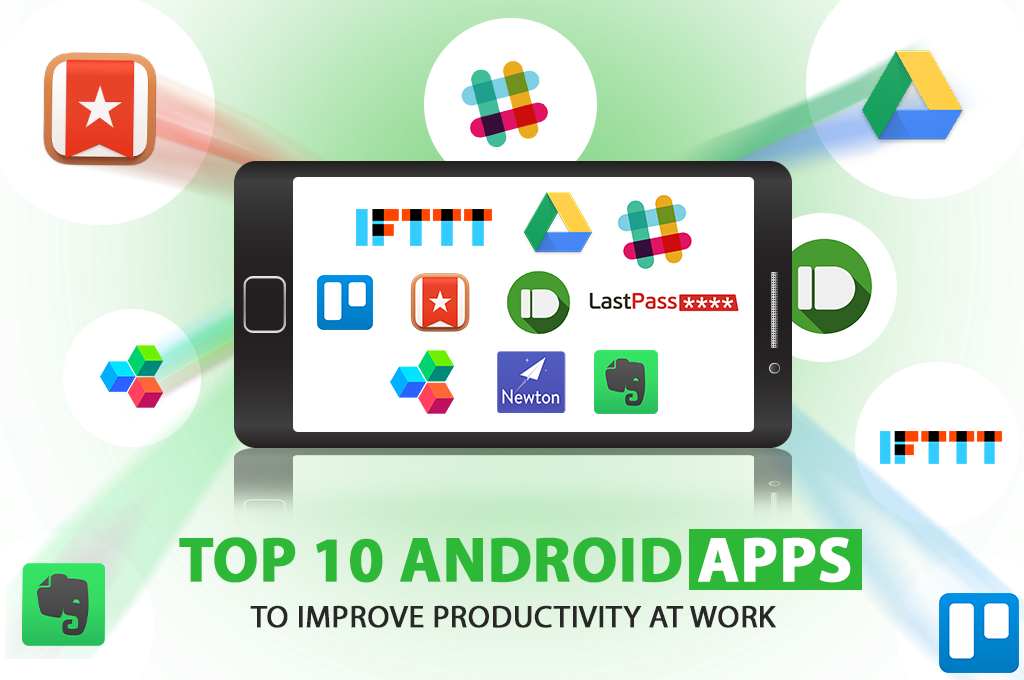
Android productivity apps are most useful when they solve a specific work problem. Instead of maintaining a long list of tools, choose a small set that covers the workflows you use most often, such as communication, documents, task management, notes, automation and security.
Choose apps by job to be done
- Documents and files: choose a trusted cloud workspace that supports the formats and collaboration your team needs.
- Communication: use messaging and meeting tools that keep work conversations searchable and connected to the right teams.
- Tasks: prioritize ownership, deadlines, recurring work and visibility rather than decorative features.
- Notes: consider search, synchronization, offline access and easy capture.
- Automation: automate repetitive handoffs only when the resulting workflow is reliable and understandable.
- Security: use reputable password-management and authentication tools and review permissions before granting access.
Why old app lists become misleading
Product names, pricing, ownership, availability and features change frequently. Apps that were strong choices years ago may be discontinued, renamed or replaced. A durable recommendation should therefore explain selection criteria rather than depend entirely on a fixed ranking.
A practical evaluation checklist
- Does the app solve a real bottleneck?
- Does it work with your devices and existing accounts?
- Are privacy, permissions and data handling appropriate?
- Does it integrate with the systems your team already uses?
- Will employees actually adopt it without extensive training?
The best productivity stack is usually the smallest stack that reliably removes friction from important work.
