

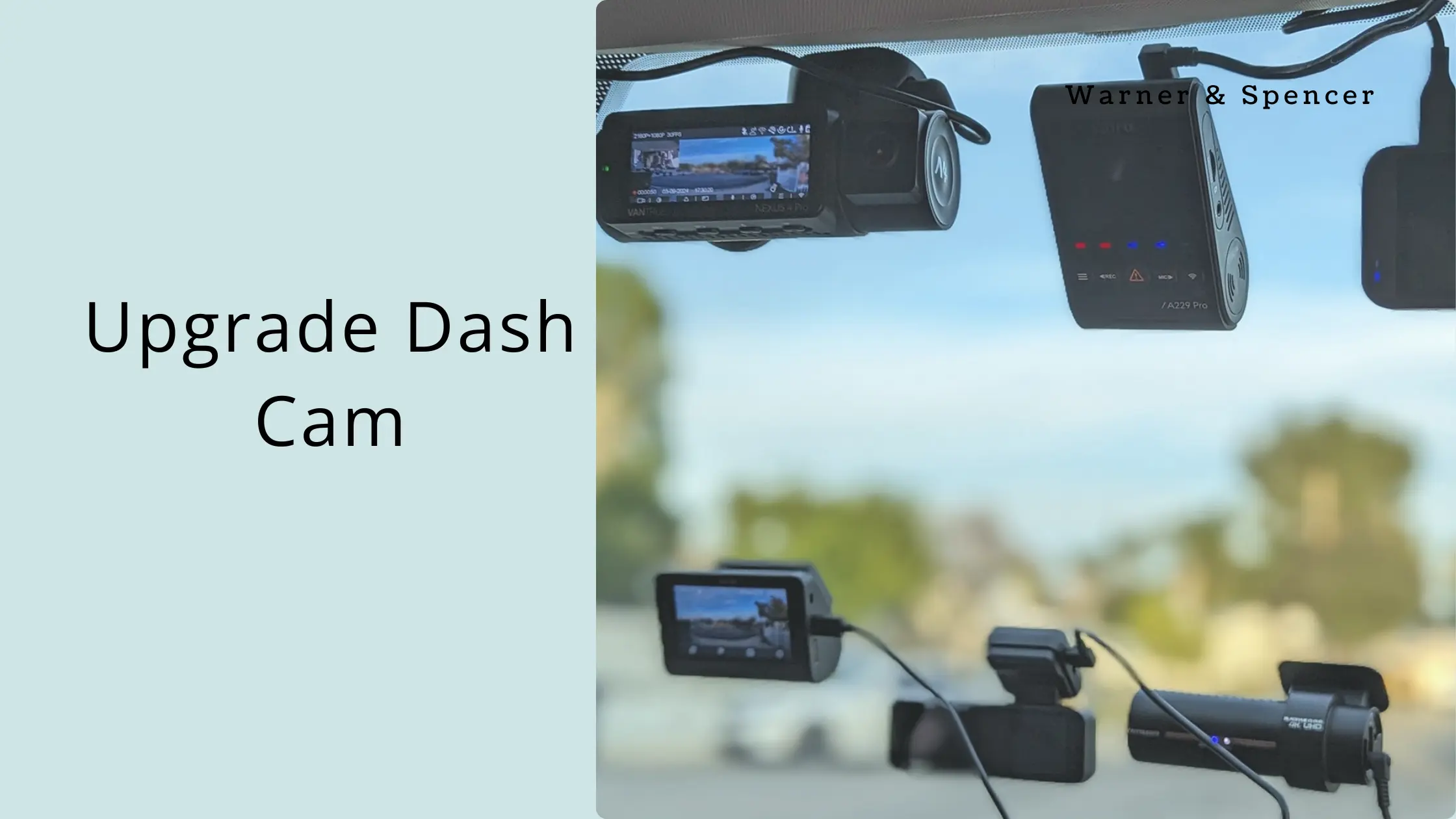
A dash cam is useful only when it reliably captures the evidence you may need. Age alone is not a reason to replace one. The better question is whether your current camera still produces usable footage, stores it reliably, and has the features that match how you drive.
1. Your Footage Is No Longer Clear Enough
Check recordings in daylight, at night, and when vehicles are moving across the frame. If license plates, road signs, or important details are consistently unreadable because of poor image quality, an upgrade may be justified.
Do not judge a camera only by its advertised resolution. Lens quality, dynamic range, night performance, compression, mounting position, and lighting conditions all affect usable footage.
2. The Camera Frequently Freezes or Reboots
Unexpected restarts, corrupted files, missed recordings, or unreliable startup are more serious than a slightly outdated feature set. Check the power connection, memory card, firmware, and temperature conditions first. If the problem persists, replacement may be more practical than repeated troubleshooting.
3. Storage Is Becoming a Problem
Older cameras may have limited storage options or poor compatibility with newer high-capacity cards. A camera that regularly overwrites important footage or produces corrupted files is not doing its main job.
Check the manufacturer’s supported memory-card type and capacity before buying a replacement card. A larger card is not automatically compatible with every dash cam.
4. You Need Features Your Current Camera Does Not Support
Depending on the model, newer dash cams may offer GPS, Wi-Fi connectivity, parking recording, better low-light capture, HDR, multiple cameras, or improved companion apps. These features matter only when they solve a real need.
For example, GPS can add location and speed context to recordings. Parking monitoring can be useful if the vehicle is frequently left unattended, but it may require an appropriate power setup to avoid draining the vehicle battery.
5. Your Camera No Longer Fits Your Driving Setup
Consider whether your driving has changed. A front-only camera may be sufficient for one driver but inadequate for someone who wants rear coverage or interior recording. A camera that worked well in a simple commuter setup may not suit frequent highway, rideshare, fleet, or overnight parking use.
6. The Mounting or Power Setup Is Unreliable
A camera that repeatedly falls, loses power, or has cables that interfere with the driver’s view is a practical safety problem. Before replacing the camera, inspect the mount and power adapter. If the underlying design is unreliable, a new camera with a better mounting and power arrangement may be worthwhile.
7. Your Current Camera Is No Longer Supported
Check whether the manufacturer still provides firmware, documentation, compatible accessories, or app support. A camera can continue recording without active software support, but outdated apps or unsupported hardware can make troubleshooting and secure footage transfer harder.
What to Check Before Buying a Replacement
| Requirement | What to evaluate |
|---|---|
| Video quality | Day/night performance, dynamic range, lens quality, usable detail |
| Coverage | Front, rear, cabin, or multi-camera needs |
| Storage | Supported card type, capacity, file management |
| Parking mode | Recording method and vehicle power requirements |
| Connectivity | Wi-Fi/app workflow and transfer speed |
| Reliability | Heat tolerance, firmware support, mount and power design |
Do You Need to Upgrade Right Now?
If your current dash cam records reliably and produces clear footage, there may be little reason to replace it simply because newer models exist. Upgrade when a meaningful limitation affects evidence quality, reliability, coverage, usability, or a feature you genuinely need.
Final Takeaway
The best time to replace a dash cam is when the existing camera no longer gives you dependable, usable protection on the road. Check footage quality, recording reliability, storage, coverage, power, and support before spending money on a new model.
