
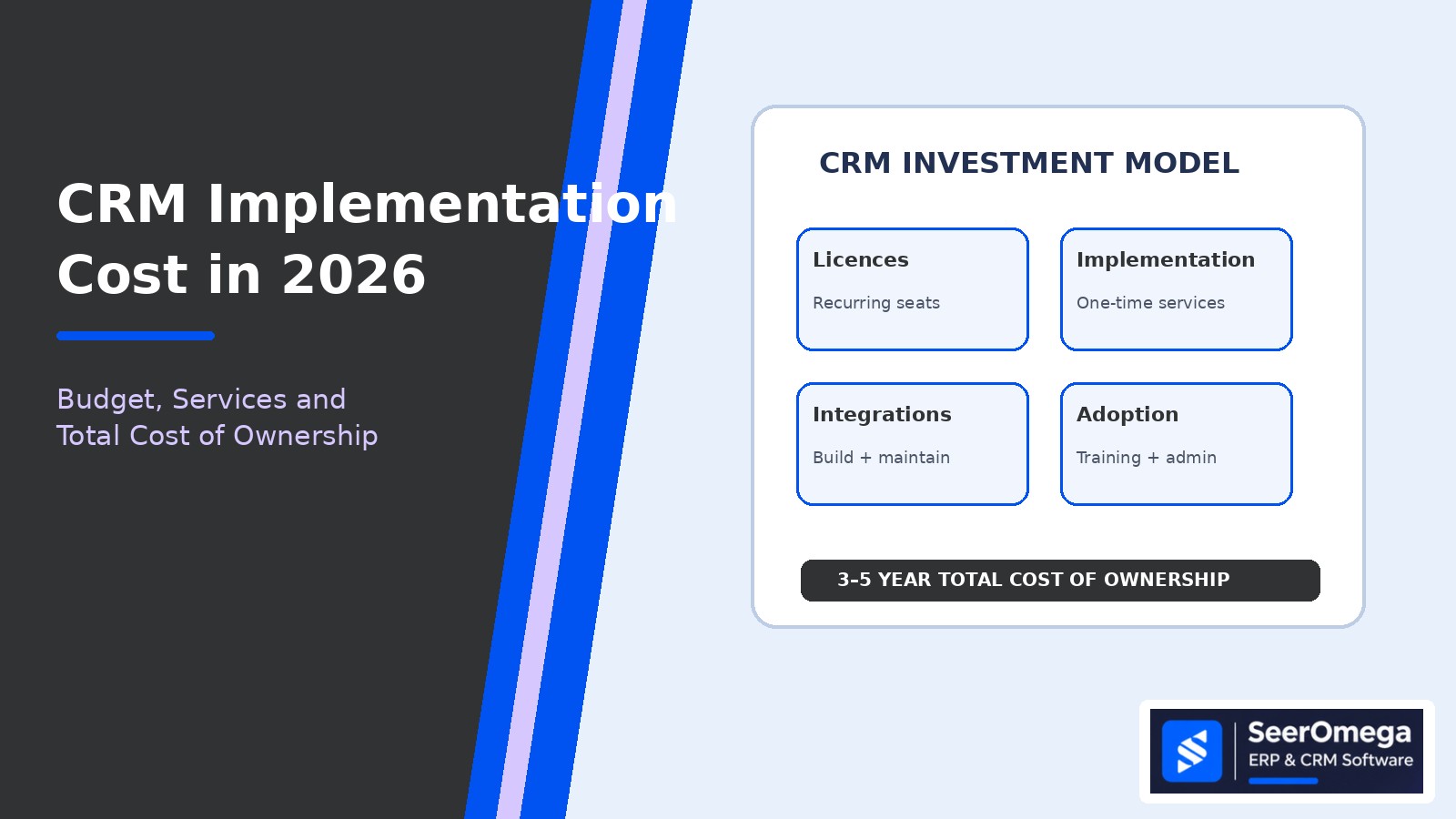
CRM implementation cost is not the same as the CRM subscription price. The software licence is visible on a vendor pricing page; the larger budget decisions often sit in discovery, process design, data migration, integrations, configuration, training and the internal time required to make the system work. A low licence quote can still lead to an expensive rollout if the business needs extensive customization or several fragile integrations.
This guide explains how to build a realistic CRM implementation budget in 2026, compare partner proposals and estimate total cost of ownership (TCO) over three to five years. It is designed for buyers evaluating a new CRM, replacing a legacy platform or expanding an existing system across sales, marketing and service teams.
What does CRM implementation cost include?
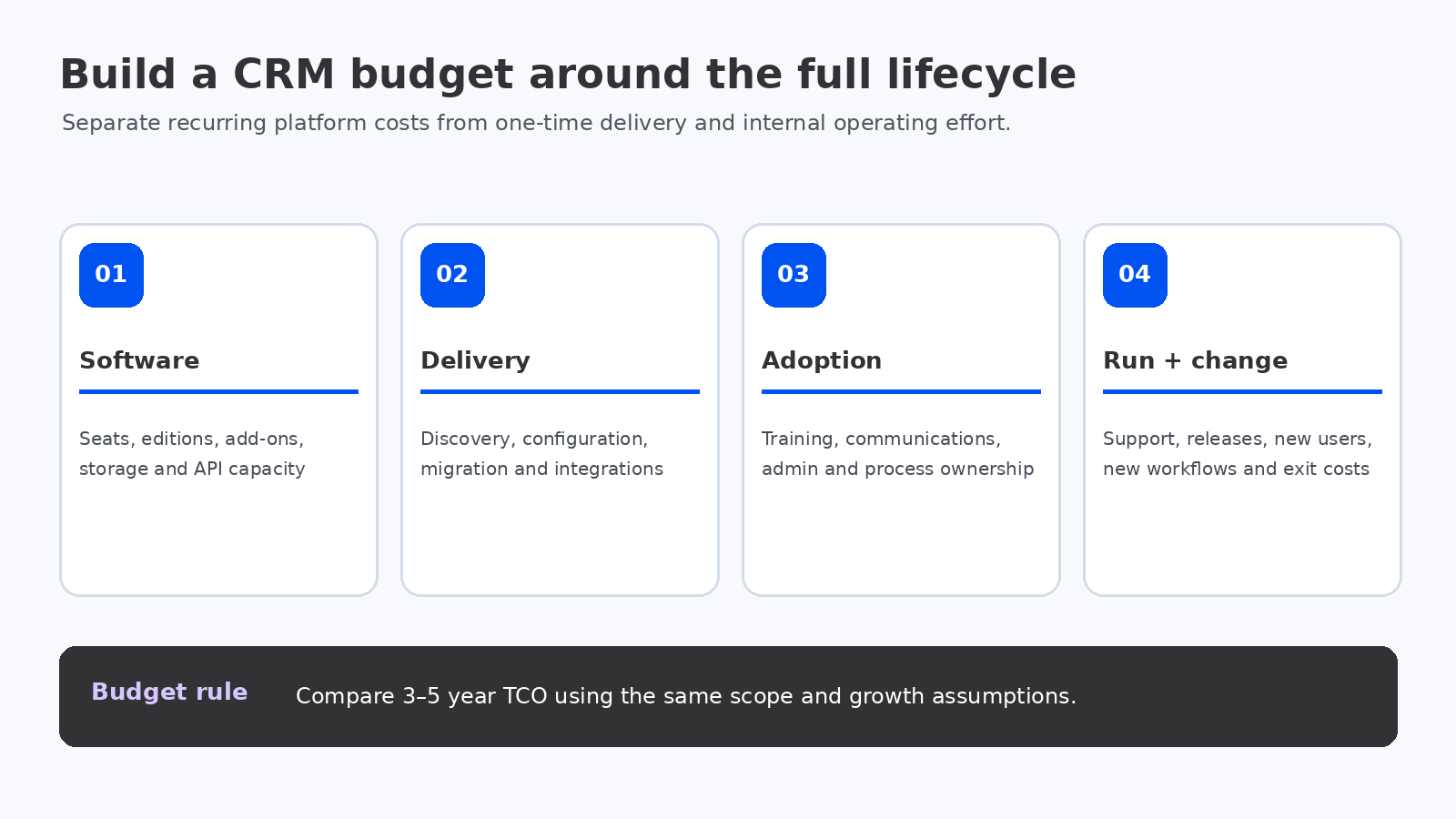
Separate the investment into four cost groups. This makes it easier to see what is recurring, what is one-time and which assumptions can change after discovery.
| Cost group | Typical items | Budget treatment |
|---|---|---|
| Software and platform | User seats, editions, add-ons, storage, API capacity and premium features | Recurring subscription; model annual increases and user growth |
| Implementation services | Discovery, process design, configuration, migration, integrations, testing and deployment | Mostly one-time project services, with scope-dependent change requests |
| Adoption and internal effort | Training, communications, super-user time, data ownership, project management and CRM administration | Internal cost during rollout and ongoing operating cost |
| Run and change | Support, release management, new workflows, additional users, integration maintenance and future enhancements | Recurring operating budget and periodic improvement projects |
Ask every vendor and implementation partner to separate these categories in the proposal. A single “implementation package” total makes it difficult to compare scope, identify exclusions or understand what happens after go-live.
CRM licence prices: use the current edition, not a headline starting price
Licence pricing varies by product, edition, billing term, user type, region and add-ons. For example, Microsoft’s US pricing page lists Dynamics 365 Sales Professional at $65 per user per month and Sales Enterprise at $105 per user per month when paid yearly. Its India pricing page lists different local-currency prices and notes that GST is extra. HubSpot’s Sales Hub pricing page lists Starter, Professional and Enterprise tiers, with Professional and Enterprise onboarding fees shown separately. Salesforce also publishes different CRM editions and starting prices.
These are list-price examples, not an apples-to-apples product comparison or a complete quote. Confirm the price for your region, currency, contract term, user type, minimum seat commitment, required products and any existing enterprise agreement. Check whether capabilities such as advanced forecasting, sandbox environments, API limits, AI credits, marketing contacts or premium support require a higher tier or separate add-on.
Review the official Microsoft Dynamics 365 Sales pricing, Salesforce CRM pricing and HubSpot Sales Hub pricing pages when building the licence baseline. Recheck them at procurement because vendors can change packaging and prices.
The main drivers of implementation services cost
1. Process complexity and scope
A single sales pipeline with standard lead, account and opportunity management is a different project from a multi-business-unit rollout with territory rules, channel sales, partner portals, service workflows, approvals and several reporting hierarchies. The number of departments involved matters because each may have different definitions of a qualified lead, sales stage, account owner or forecast category.
Before requesting estimates, document the processes in scope, the roles that use them, the required outcomes and the workflows that must change. Unresolved process decisions tend to become expensive configuration changes during the build.
2. Data migration and quality
Migration effort depends less on the raw record count than on the condition and structure of the data. Multiple spreadsheets, legacy CRMs, duplicate accounts, inconsistent contact details, missing ownership, custom fields and historical activity can increase profiling, cleansing, mapping and validation work.
Define which records and history must move, which can be archived and which should be retired. Agree matching rules for duplicates, ownership rules for accounts and contacts, and business acceptance criteria for migrated opportunities and activities. The CRM data migration checklist provides a related planning reference.
3. Integrations and data ownership
Common connections include ERP, marketing automation, email and calendar, telephony, customer support, CPQ, e-signature, billing, data warehouse and identity platforms. Each integration needs more than a connector: the team must define which system owns each field, when data synchronizes, how conflicts are resolved, what happens when a message fails and who monitors the connection.
Count interfaces by business process and direction, not just by application. A single ERP connection may contain separate customer, product, price, order and invoice flows with different rules and testing needs. Review the related guide on CRM–ERP integration and master-data ownership.
4. Configuration versus customization
Configuration uses supported platform capabilities such as fields, forms, views, security roles, business rules and standard workflows. Customization may introduce custom code, plugins, bespoke objects or external services. Custom work can be justified when it supports a genuine differentiator or mandatory requirement, but it increases build, testing, documentation and upgrade responsibility.
Ask the partner to explain why each proposed customization is necessary and what standard capability was considered first. For a deeper decision framework, see CRM configuration vs customization.
5. Training, adoption and administration
Training is not simply a launch-day session. Sales managers need to understand pipeline governance and forecast definitions; representatives need usable workflows; administrators need to manage access, data quality and releases. Budget for role-based training, job aids, manager coaching, a feedback process and post-launch reinforcement.
Also identify who will own the CRM after the implementation partner leaves. If no internal product owner or administrator is assigned, small changes can become recurring partner tickets and the system can drift away from the business process.
How to build a three-to-five-year CRM TCO model
Use the same scope and assumptions for every platform and partner proposal. A practical model is:
CRM TCO = licence and add-on costs + implementation services + migration and integration costs + internal project effort + training and adoption + ongoing administration and support + planned enhancements.
Model the costs year by year rather than multiplying the first-year quote by three. User counts may rise, premium features may be introduced, marketing contact volumes may change and integrations may need maintenance. Include renewal terms, currency exposure and any contract minimums that affect the cost of expansion or reduction.
Illustrative budget worksheet: make assumptions visible
Rather than publish a universal “average CRM implementation price”, create a scoped estimate with explicit quantities. Use the following worksheet before asking partners for fixed-fee proposals.
| Budget line | Quantity or assumption to record | Questions for the estimate |
|---|---|---|
| Licences | Users by role and edition; billing term; growth by year | Which users need full sales seats versus lighter access? |
| Discovery and design | Departments, workshops, process maps and approval decisions | How many workflows and business units are included? |
| Configuration | Objects, fields, layouts, roles, reports and automations | What is standard configuration and what is custom development? |
| Migration | Source systems, record types, history, attachments and trial loads | Who cleanses data and signs off reconciliation? |
| Integrations | Systems, data flows, frequency, error handling and monitoring | Are connectors, middleware and third-party fees included? |
| Testing and deployment | SIT, UAT, regression, cutover and hypercare duration | How many test cycles and deployment rehearsals are priced? |
| Adoption and operations | Training cohorts, internal admin capacity and support model | What is included after go-live and what becomes a change request? |
Keep the assumptions next to the estimate. If one partner assumes a clean import from a single source and another includes deduplication across three legacy systems, their totals are not comparable until the scope is normalized.
Example: why the cheapest licence may not produce the lowest TCO
Consider a company with 40 CRM users comparing two proposals. Proposal A has a lower per-seat subscription but requires a separate marketing tool, custom ERP integration and more internal administration. Proposal B has a higher subscription but includes more of the required workflow and reporting capability in the selected edition. The correct decision is not automatically B: the buyer must price the actual products, implementation scope, integration work and operating effort over the same period.
Build a three-year comparison with the following columns for each option: annual licences, onboarding, implementation services, migration, integrations, internal effort, support, add-ons and expected enhancements. Then compare the cost per active user, cost per qualified opportunity managed and the business outcomes the CRM is expected to improve. Do not assign a monetary value to benefits unless the business can explain the baseline and measurement method.
How to evaluate an implementation partner’s quote
- Scope: Does the proposal name processes, business units, user roles, data objects and integrations?
- Deliverables: Are solution design, configuration documentation, migration mappings, test evidence and admin handover included?
- Assumptions: Are record volumes, data quality, API access, third-party licences and customer responsibilities stated?
- Change control: Is there a rate card and approval process for scope changes?
- Acceptance: Are UAT, migration reconciliation and go-live criteria measurable?
- Post-launch: Are hypercare, support response times, release management and knowledge transfer priced?
- Ownership: Will the customer retain configuration records, integration documentation and access to all environments?
A partner quote should make it possible to see what the buyer is paying for and what remains the buyer’s responsibility. If the estimate is a single number with broad exclusions, request a work breakdown and a written assumptions register before comparing bids.
Common reasons CRM budgets overrun
- Starting configuration before sales processes and definitions are agreed.
- Discovering data-quality problems after migration has been priced as a simple import.
- Adding integrations late without revisiting architecture, security and testing scope.
- Customizing to reproduce every legacy screen instead of simplifying the process.
- Underestimating user training, manager coaching and internal project time.
- Leaving API limits, storage, premium support or add-on costs out of the recurring budget.
- Failing to define post-go-live ownership, causing avoidable partner dependency.
Questions to ask before approving the CRM budget
- Which business outcomes justify the investment, and what baseline will be measured?
- What is included in the licence tier and what requires an add-on or another product?
- Which source data and historical records will be migrated, archived or excluded?
- How many integrations are in scope, and who owns monitoring and failure recovery?
- What customization is proposed, why is it needed and what is its upgrade impact?
- How much internal time is required from sales operations, IT, data owners and managers?
- What support, training and enhancement costs continue after go-live?
Final recommendation
Approve a CRM budget only after the business has defined the workflows, data scope, integration boundaries, user roles and expected outcomes. Compare proposals using a three-to-five-year TCO model, not licence price or implementation fee in isolation. A well-scoped CRM may cost more to configure initially but less to operate; a low-cost rollout may become expensive if it leaves the business with poor adoption, fragile integrations or repeated rework.
The best estimate is not the most precise-looking number. It is the one whose scope, assumptions, exclusions, ownership and acceptance criteria are clear enough for the business to manage.
Frequently asked questions
How much does CRM implementation cost in 2026?
There is no reliable single price for all CRM projects. A small, standard rollout with clean data and few integrations is materially different from a multi-team enterprise deployment with custom workflows, complex migration and several connected systems. Request a scoped estimate and compare the same deliverables across partners.
Are CRM licence fees included in implementation costs?
Not always. Many partner proposals quote implementation services separately from software subscriptions, vendor onboarding fees, add-ons and third-party connector charges. Ask for each cost to be itemized.
What is the biggest driver of CRM implementation cost?
Scope complexity is usually the central driver: process variation, data quality, customization, integration count and the number of teams involved. User count affects recurring licensing, but does not by itself explain implementation effort.
How should a business compare CRM implementation quotes?
Normalize scope, deliverables, data volumes, integration assumptions, testing cycles, training, hypercare and post-launch support. Then compare total cost over the same three-to-five-year period.
