
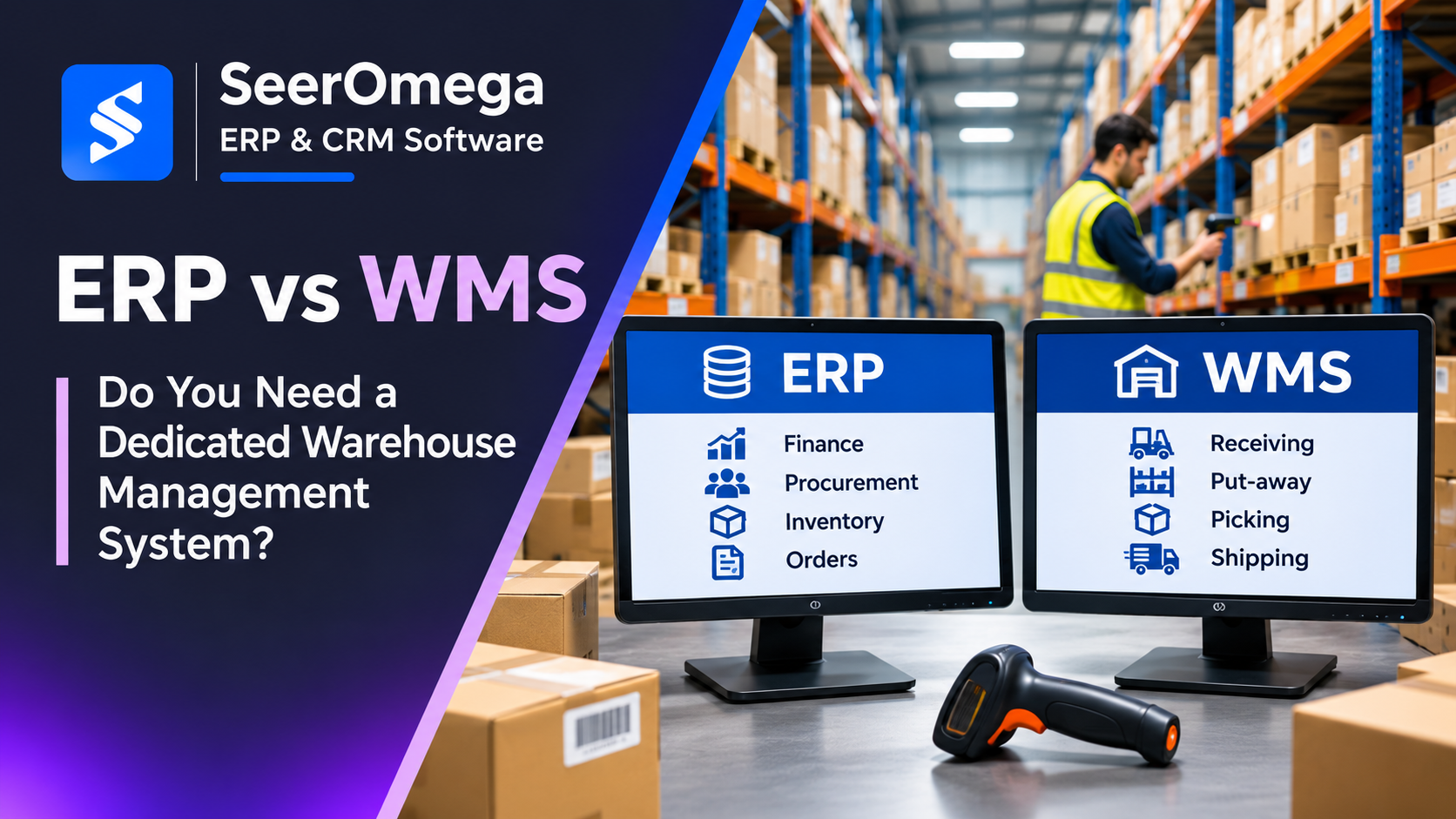
ERP and warehouse management system (WMS) software both support inventory operations, but they solve different levels of the problem. ERP typically connects inventory with purchasing, sales, finance and supply planning. A WMS focuses more deeply on the execution of work inside the warehouse: receiving, put-away, slotting, replenishment, picking, packing, labour coordination and dispatch.
Many ERP platforms include warehouse functionality, and some businesses can operate effectively without a separate WMS. The decision should be based on warehouse process complexity, service-level requirements, transaction volume, physical layout and the cost of errors—not simply on the number of SKUs or the size of the company.
What ERP warehouse management typically covers
ERP warehouse capabilities generally connect stock records to purchasing, sales, transfers, production and financial inventory valuation. Depending on the product and edition, they may include locations, bins, receipts, put-aways, picks, shipments, replenishment, item tracking and inventory counts.
For example, Microsoft Dynamics 365 Business Central supports different warehouse configurations. Microsoft’s documentation describes capabilities such as bins, warehouse receipts and shipments, inventory picks, movement worksheets and, in advanced configurations, directed put-away and pick. The exact workflow depends on the location setup and enabled features. These capabilities should be validated against the warehouse’s actual operating requirements.
What a dedicated WMS adds
A dedicated WMS is designed to coordinate warehouse execution in greater operational detail. Depending on the product, it may support:
- Receiving and inspection: Advance shipment notices, appointment planning, receiving exceptions, quality checks and directed put-away.
- Slotting and replenishment: Storage rules, velocity-based placement, forward-pick replenishment and capacity constraints.
- Picking optimization: Batch, wave, zone, cluster or other picking methods designed around order profiles and warehouse layout.
- Packing and shipping: Cartonization, packing validation, carrier integration, label generation and dispatch confirmation.
- Labour management: Task assignment, workload visibility, productivity measurement and operational supervision.
- Traceability: Lot, serial, expiry, catch-weight or other product-specific controls where supported and configured.
- Automation integration: Interfaces to conveyors, sortation, scanners, voice systems, robotics and material-handling equipment.
- Operational visibility: Real-time task status, exception queues, warehouse performance measures and workload monitoring.
Not every WMS includes every feature. Buyers should assess the actual product edition, integration options and implementation scope rather than assume that a category label guarantees functionality.
ERP vs WMS: Key differences
| Area | ERP warehouse functions | Dedicated WMS |
|---|---|---|
| Primary role | Connect inventory and warehouse transactions to enterprise processes. | Coordinate detailed warehouse execution and task sequencing. |
| Inventory visibility | Balances, locations, transfers, costing and availability. | More granular visibility into bins, tasks, handling units and movement status, depending on product. |
| Receiving and put-away | Receipts and configurable put-away processes. | May add appointment, inspection, directed put-away and advanced rules. |
| Picking | Inventory picks or warehouse picks, depending on configuration. | May optimize waves, zones, batches, routes and task interleaving. |
| Shipping | Shipment documents and inventory posting. | May add packing, carrier, label and dispatch orchestration. |
| Automation | Usually connects through integrations or extensions. | Often offers more specialized interfaces for warehouse equipment and execution systems. |
| Financial control | Typically owns inventory valuation and financial posting. | Usually sends operational confirmations to ERP for inventory and financial updates. |
Business Central warehouse configurations: basic vs advanced
Business Central illustrates why buyers should compare actual configurations rather than assume every ERP has the same warehouse depth. Microsoft distinguishes basic and advanced warehouse setups. Depending on location settings, basic workflows can use inventory put-aways and picks; advanced setups can separate warehouse receipts, put-aways, picks and shipments across more controlled steps. The most advanced directed put-away and pick configuration adds bin-ranking and directed movement logic. These capabilities can support substantial warehouse processes, but they are not a substitute for every specialist WMS requirement such as complex labour orchestration, automation control or advanced wave optimization.
Ask the implementation partner to demonstrate the exact location configuration, documents and mobile workflows proposed for your operation. Microsoft’s warehouse management documentation describes the supported configuration levels and process flows.
When ERP warehouse management may be enough
ERP warehouse functionality may be sufficient when warehouse operations are relatively straightforward and the business values a unified process more than specialized execution. Typical indicators include:
- A small number of storage locations and manageable bin structures.
- Mostly order-by-order receiving, put-away and picking.
- Limited need for wave, zone or batch optimization.
- Low dependence on conveyors, robotics or complex material-handling equipment.
- Inventory accuracy and fulfilment performance can be achieved using standard ERP workflows.
- The cost and support burden of another application would outweigh the expected productivity gain.
Do not implement a standalone WMS simply because the warehouse has grown or because a competitor uses one. First test whether improved location design, barcode scanning, process discipline, replenishment rules and ERP configuration can close the performance gap.
When a dedicated WMS becomes justified
A separate WMS becomes more compelling when warehouse execution has needs that the ERP cannot meet economically or reliably. Signals include:
- High order-line volumes and frequent peak-period congestion.
- Complex picking methods or a large number of warehouse tasks competing for labour.
- Multiple zones, temperature areas, handling constraints or specialized storage rules.
- High service-level expectations, tight dispatch cut-offs or costly picking errors.
- Frequent replenishment, cross-docking, kitting or value-added services.
- Material-handling automation that needs real-time task orchestration.
- Need for detailed warehouse productivity and exception reporting.
These are indicators for investigation, not automatic proof that a WMS is needed. A process study should quantify current delays, mis-picks, rework, inventory adjustments, overtime and missed dispatches before a business case is approved.
How ERP and WMS should work together
In a two-system architecture, ERP and WMS need clear boundaries. A common model is for ERP to own commercial and financial transactions, purchasing, sales orders, inventory valuation and enterprise master data, while WMS coordinates physical warehouse tasks and confirms execution events. The exact ownership model depends on the selected products.
Before choosing an integration approach, define:
- Master-data ownership: Which system owns item, unit-of-measure, customer, supplier, location, lot and serial records?
- Order flow: When are purchase receipts, sales orders, transfers and production requirements released to the WMS?
- Execution events: Which confirmations return to ERP—receipt, put-away, pick, pack, ship, adjustment or exception?
- Inventory timing: How are reservations, available quantities, in-transit stock and partial transactions represented?
- Error recovery: What happens when an API call fails, a warehouse task is interrupted or one system is unavailable?
- Reconciliation: How are stock differences, duplicate messages and out-of-order events detected and resolved?
For more on integration architecture and failure handling, review SeerOmega’s ERP integration architecture guide and ERP integration testing checklist.
How to evaluate ERP and WMS options
Use the same warehouse scenarios in every product demonstration. Ask vendors to show a real receipt with a discrepancy, put-away to multiple bins, replenishment of a forward-pick location, a multi-line order picked across zones, a short pick, a partial shipment, a return and a stock count. Include barcode or mobile-device workflows if operators will use them.
Measure the baseline and expected outcome for:
- Lines picked per labour hour and order cycle time.
- Inventory accuracy and location accuracy.
- Dock-to-stock time and receiving throughput.
- On-time, in-full dispatch performance.
- Picking errors, returns and rework.
- Overtime, temporary labour and peak capacity.
- Integration support effort and downtime exposure.
Total cost of ownership: Look beyond licence price
Compare ERP-only and ERP-plus-WMS scenarios over at least three to five years. Include software subscriptions, implementation, warehouse process redesign, barcode devices, wireless infrastructure, label printers, carrier connections, automation interfaces, integration development, testing, training, support and internal administration. Include the cost of operational disruption during deployment.
Then compare those costs with measurable benefits: fewer errors, reduced travel and handling, faster throughput, improved inventory accuracy, less overtime and fewer missed dispatches. Avoid counting the same benefit twice—for example, labour savings and productivity improvements may describe the same capacity gain.
Conclusion
ERP and WMS are complementary rather than interchangeable categories. ERP provides the enterprise transaction and financial backbone; a dedicated WMS can add deeper control over warehouse execution when operational complexity justifies it. Start with process measurement, test the ERP’s actual warehouse capabilities and add a WMS only when the additional functionality delivers a defensible operational and financial return.
