
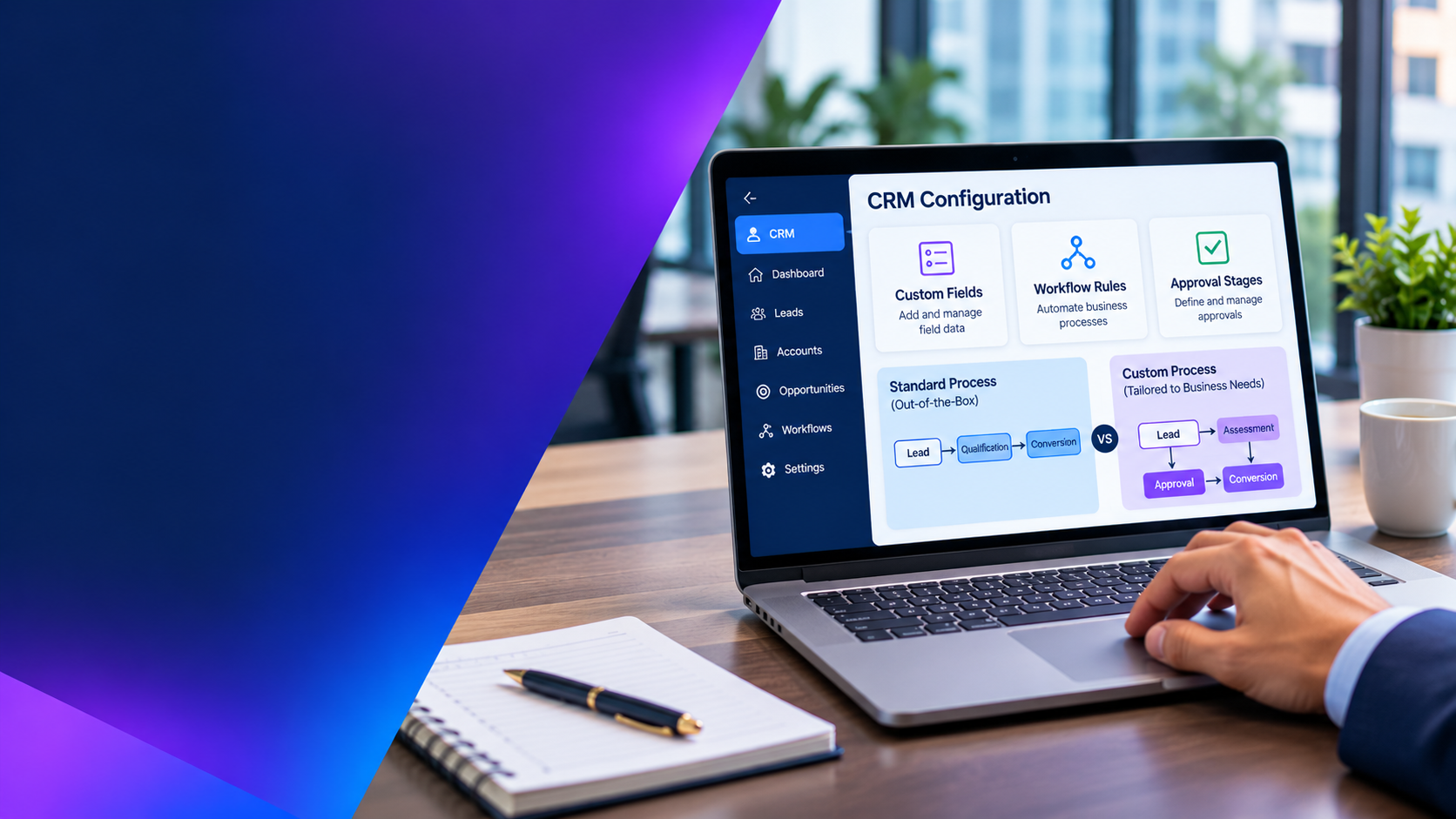
CRM configuration and customization both adapt software to business needs, but they create different levels of complexity and long-term responsibility. Configuration typically uses supported settings and platform features. Customization changes or extends behaviour through additional components, code or integrations. The right choice depends on the business requirement, the platform’s standard capabilities and the cost of maintaining the result.
The common mistake is to treat every difference between the CRM and an existing process as a development requirement. Reproducing every legacy screen or approval step can preserve inefficient work, increase support effort and make future changes harder. The opposite mistake—forcing every team into a generic process—can also reduce adoption or create control gaps. A disciplined decision process is needed.
1. Understand the difference
| Approach | What it usually involves | Typical examples |
|---|---|---|
| Configuration | Using supported product settings and built-in capabilities | Fields, forms, views, roles, business rules, workflows and standard reports |
| Low-code extension | Adding logic or interfaces with platform-supported tools | Automations, app extensions, custom pages and managed integrations |
| Custom development | Writing code or building components beyond standard configuration | Complex interfaces, specialised business logic, custom services and advanced integrations |
The boundaries vary by CRM platform and product edition. A feature that is configuration in one product may require an extension or third-party component in another. Confirm the platform’s supported capabilities and licensing before estimating effort.
2. Start with the business requirement, not the requested feature
For each proposed change, document the business outcome, user group, process owner, frequency, control requirement and consequence if the requirement is not met. Then ask whether the request is essential or simply familiar from the old system.
For example, a sales team may request a custom opportunity status because its existing spreadsheet uses ten labels. The real requirement may be to distinguish qualified opportunities from deals that need additional approval. Standard opportunity stages, a clear qualification checklist and an approval rule may meet the need without creating a new status model.
Another request may involve a regulated approval that requires a separation of duties and an auditable record. If the standard workflow cannot enforce the control, an extension may be justified. The distinction is whether the change solves a material business or compliance need that the platform cannot address safely through supported features.
3. Use a decision framework
| Question | Prefer configuration when… | Consider customization when… |
|---|---|---|
| Business fit | The standard process meets the outcome with minor adjustments | A material requirement cannot be met through supported settings |
| Process differentiation | The process is common and not a competitive differentiator | The process is strategically distinctive or a critical control |
| Frequency and scale | The change supports common, repeatable activity | Complex logic or high-volume processing exceeds standard capability |
| Integration | Supported connectors or standard APIs meet the requirement | Special orchestration, transformation or event handling is necessary |
| Maintainability | Administrators can manage the change safely | Specialist development and ongoing ownership are funded |
| Lifecycle risk | The approach follows the product’s supported extension model | Testing and remediation are planned for releases and platform changes |
Do not treat the table as an automatic rule. Security, privacy, performance and regulatory requirements can override a preference for low complexity. Document the reason for each exception.
4. Calculate the total cost, not only the build estimate
A customization’s initial development cost is only one part of its economics. Include design, development, testing, documentation, deployment, monitoring, support, platform upgrades, regression testing and eventual replacement or retirement.
Consider a custom lead-scoring component. The initial build may be modest, but the organisation must maintain the scoring logic, data inputs, integration dependencies, error handling and user documentation. If the component breaks after a platform release or business rule change, someone must diagnose and fix it.
Compare this with the cost of using standard scoring, a supported automation feature or an external analytics service. The lowest initial cost is not always the lowest three-year cost, and the most flexible design is not necessarily the most valuable.
5. Protect upgrades and supportability
Prefer documented extension points and supported APIs. Avoid modifying vendor-managed components or relying on undocumented behaviour. Keep custom logic isolated where possible, use clear naming and version control, and document dependencies and ownership.
Before approving a customization, ask:
- Does the design use a supported extension mechanism?
- Could a standard product capability meet the need now or in the near term?
- What happens when the CRM platform changes or releases new features?
- How will the change be tested in a non-production environment?
- Who owns the code, documentation, monitoring and defect resolution?
- Can the component be disabled or replaced without disrupting core CRM operations?
Microsoft’s Dynamics 365 guidance, for example, warns that certain changes to out-of-the-box components can override future product updates or lead to unexpected behaviour. The exact recommendations are product-specific, so apply the guidance for the CRM product and modules actually deployed.
6. Avoid common customization traps
Recreating the legacy system
Legacy processes may contain workarounds that were created because of limitations in an old tool. Map the business outcome first, then challenge steps that add no control or customer value.
Adding fields without a data purpose
Every field should have an owner and a reason to exist. Identify whether it supports a process, reporting requirement, integration or compliance control. Unused fields increase form clutter and can reduce data quality.
Duplicating automation
Multiple rules that update the same record can create loops, inconsistent values or difficult-to-trace behaviour. Maintain an automation inventory and define precedence, error handling and monitoring.
Embedding critical logic in one person’s knowledge
Undocumented scripts and flows create operational risk. Require technical documentation, source control where applicable, peer review and a clear support owner.
Ignoring mobile and role-based experience
A form that works for an administrator may be too complex for a field salesperson or service agent. Test common tasks by role and device, not only from the administrator’s desktop view.
7. Establish a customization governance process
Create a lightweight review process rather than allowing every team to request changes directly from developers. A business owner should explain the requirement and expected value. A solution architect or CRM lead should assess standard fit, security, data, integration and lifecycle impact. The product owner should prioritise the request against other work.
Record each approved change in a register with its purpose, owner, design approach, affected components, dependencies, test evidence, release date and review date. Classify changes by risk so that a simple field or view does not require the same approval path as a custom integration or security-sensitive extension.
Set acceptance criteria before development. These should describe the user task, expected result, exception behaviour, access rules and evidence needed for sign-off. Include regression testing for related workflows and integrations.
8. Review the design periodically
Configuration and customization decisions should not be permanent by default. Review the change register after major platform releases and at planned intervals. Retire components that no longer support a live process. Replace custom functionality when standard product capabilities mature enough to meet the requirement, provided migration and regression risks are acceptable.
For a broader CRM selection context, review the B2B CRM platform comparison. If your programme is already encountering delivery or scope problems, the ERP implementation challenges guide offers related lessons on governance, process fit and change control.
Microsoft documents Dynamics 365 customization best practices, including guidance on limiting unnecessary form fields and avoiding risky changes to standard components. Salesforce’s CRM administration guidance also highlights the importance of capable administrators and using specialist developers for more complex work.
CRM configuration and customization checklist
- The business outcome and process owner are documented.
- Standard product capabilities have been assessed first.
- The change has a clear value, control or differentiation rationale.
- Security, integration, performance and data implications are reviewed.
- Three-year maintenance and upgrade costs are estimated.
- Supported extension mechanisms are used.
- Testing, documentation and support ownership are assigned.
- Changes are recorded and reviewed periodically.
Final recommendation
Use configuration as the default, not as an inflexible rule. Customize only when the business value or control requirement justifies the additional lifecycle responsibility. A well-governed CRM should support essential differentiation while keeping the core platform understandable, supportable and adaptable as the organisation changes.
