
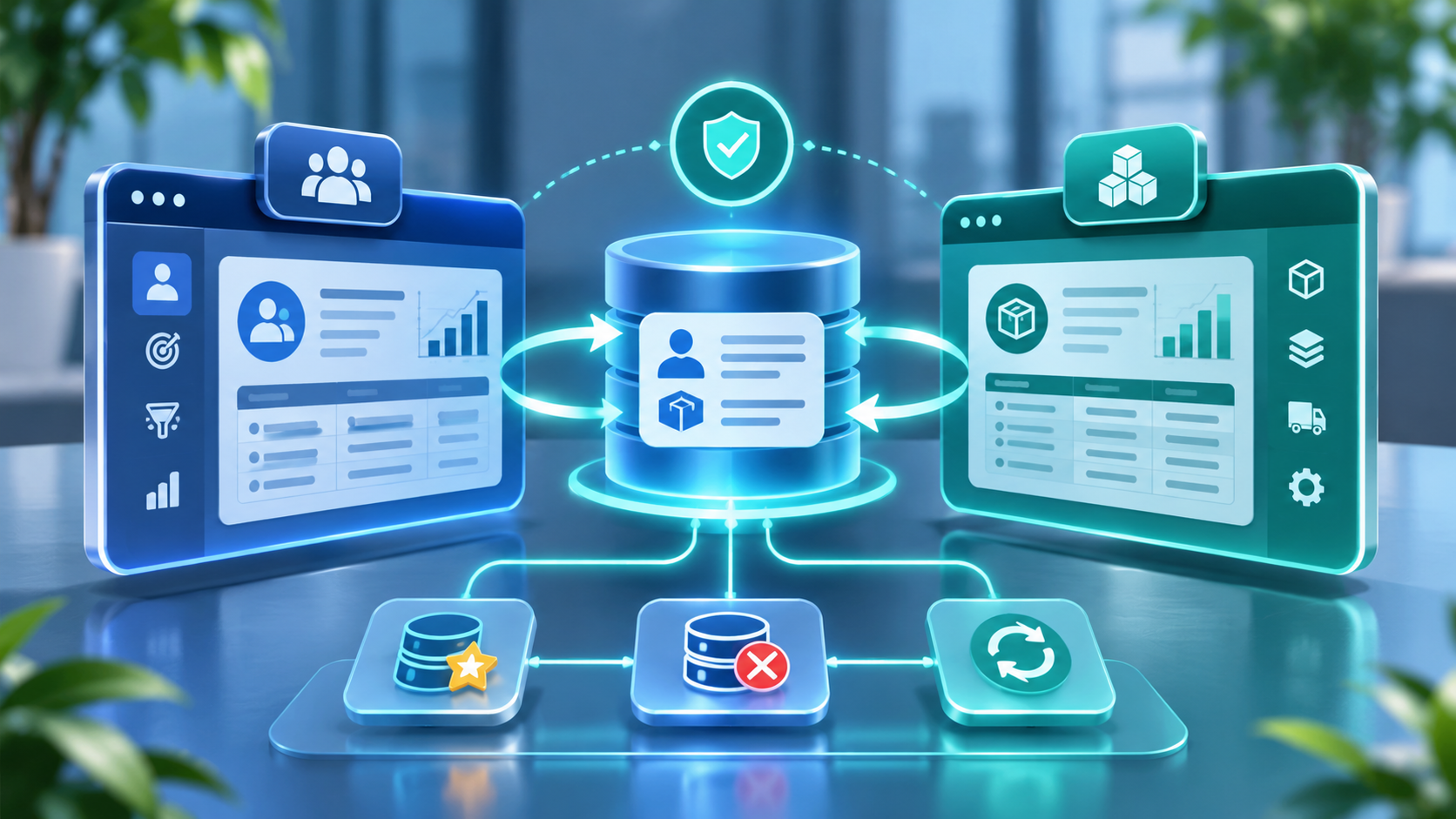
CRM and ERP integration is often described as a way to create a single view of the customer. In practice, the difficult part is deciding which application owns each piece of information, how records are matched, and what should happen when two systems change the same record. Without those decisions, integration can multiply duplicate customers, conflicting addresses, inconsistent product data and failed transactions.
The objective is not to make every field identical in every application. It is to make the right information available to the right process, with clear ownership and a reliable way to resolve conflicts. This guide explains how to design that operating model before selecting connectors or middleware.
Why CRM and ERP data becomes duplicated
CRM and ERP systems are built for different jobs. CRM supports prospecting, account engagement, sales activity, service and pipeline management. ERP controls commercial and operational transactions such as orders, pricing, inventory, invoicing, procurement and financial posting. Both may store customer, product, contact, address and pricing information, but they do not necessarily use the same definitions or lifecycle rules.
Duplicates and mismatches commonly appear when:
- Users create the same customer independently in CRM and ERP.
- Imports use different matching fields or inconsistent naming conventions.
- One system identifies a customer by account number while another uses email, tax ID or a generated GUID.
- Two-way synchronisation allows both systems to overwrite the same attributes.
- Parent accounts, legal entities, ship-to locations and bill-to locations are modelled differently.
- Retries create a second transaction because the receiving system cannot recognise a repeated request.
- Initial data loads run before existing records are matched and coupled.
Start with data ownership, not the integration tool
For every shared data domain, decide which system is authoritative, which applications may propose changes, who approves those changes and how the approved record is distributed. Ownership should be defined at the attribute or business-process level when different teams legitimately control different fields.
| Data domain | Typical system of record | CRM responsibility | ERP responsibility |
|---|---|---|---|
| Lead and prospect | CRM | Capture, qualify and convert | Usually receives only qualified customer or order context |
| Customer account | Defined by operating model; often ERP after customer approval | Relationship, segmentation and sales ownership | Credit, legal entity, tax, billing and transactional account |
| Contact | Often CRM, subject to consent and governance | Buying committee, communication preferences and engagement | Operational contacts needed for orders, delivery and invoices |
| Product and item | Usually ERP or product lifecycle system | Sellable catalogue and product context | Item identifiers, units, costing, inventory and fulfilment rules |
| Price and discount | ERP or approved pricing engine | Quote context and approved commercial terms | Price lists, trade agreements, tax and order validation |
| Order and invoice | ERP | Read status and customer-facing milestones | Create, fulfil, post and reconcile transactions |
This is a starting model, not a universal rule. A subscription business, distributor, manufacturer and professional services firm may assign ownership differently. Document the decision and the business reason rather than assuming one product must own every field.
Choose the right synchronisation pattern
1. One-way publishing
One system owns a record and publishes approved changes to downstream applications. This is appropriate for relatively stable reference data such as ERP item masters or approved customer account details. It reduces competing updates but requires a clear process for requesting corrections in the source system.
2. Bidirectional synchronisation with controlled ownership
Both applications can initiate changes, but rules determine which attributes each side may update. For example, sales users may update CRM relationship fields while ERP controls tax registration, credit status and invoice account identifiers. Bidirectional does not mean every field can be overwritten from either side.
3. Event-driven integration
A source application publishes a business event, such as CustomerApproved, OrderConfirmed or ProductReleased. Subscribers process the event asynchronously. This can decouple systems and improve resilience, but requires event versioning, idempotent consumers, retry policies, ordering decisions and dead-letter handling.
4. Scheduled batch synchronisation
Data is transferred at defined intervals. Batch processing can be suitable for large reference datasets, low-urgency updates and reporting extracts. It is not appropriate when the business process requires immediate confirmation of credit, inventory or order status. Define acceptable data latency with process owners.
5. Virtual access without copying
Some architectures allow one application to read selected data from another system without creating a second stored copy. This can reduce duplication for reference lookups, but it introduces runtime dependency, security and availability considerations. It is not a substitute for every transactional integration.
How to prevent duplicate records
- Agree a matching strategy. Use stable identifiers wherever possible, such as ERP customer number, tax registration number, product code or a governed global identifier. Email alone is rarely a safe enterprise customer key.
- Maintain cross-reference keys. Store the source-system ID and the corresponding target-system ID so updates modify the existing record instead of creating another one.
- Use deterministic upsert logic. A repeated message should update or confirm the same record, not create a second customer or order. Design idempotency keys for operations that may be retried.
- Define survivorship rules. If two records conflict, specify which source wins for each attribute and when a human data steward must review the result.
- Control initial synchronisation. Profile, cleanse, match and couple existing records before enabling ongoing two-way flows. A bulk copy without matching can create a duplicate population at go-live.
- Apply duplicate detection at entry points. Validate records during manual creation, imports and integration processing. Detection rules need monitoring and exception handling; they do not replace a master data model.
- Log every decision. Keep correlation IDs, source identifiers, timestamps, transformation outcomes and error details so support teams can trace a record across systems.
Common integration failure points
| Failure | Business impact | Control |
|---|---|---|
| Conflicting field ownership | Values repeatedly overwrite one another | Attribute-level ownership matrix and change rules |
| Unmatched identifiers | Duplicate accounts, contacts or products | Cross-reference keys and match confidence thresholds |
| Different units or currencies | Incorrect quantities, prices or financial totals | Explicit conversion, rounding and currency rules |
| Out-of-order messages | Old values overwrite newer state | Version checks, timestamps and sequence handling |
| API throttling or outages | Backlogs and delayed transactions | Backoff, retry limits, queues and operational alerts |
| Partial transaction failure | CRM and ERP disagree about order status | Reconciliation and compensating business processes |
| Uncontrolled customisation | Mappings break after application updates | Contract tests, release management and change ownership |
Example: customer-to-order process
A practical design might work as follows:
- A sales representative creates a prospect in CRM. It remains a prospect and is not automatically treated as an approved ERP customer.
- After qualification and required checks, CRM submits a customer creation request to the designated customer master process.
- The ERP or master data service validates legal name, tax details, payment terms, addresses and duplicate candidates.
- Once approved, the authoritative customer identifier is returned and stored in CRM as a cross-reference.
- CRM creates an opportunity and quote using approved product and pricing information.
- When the customer accepts, the order is created in ERP. ERP returns the order number, fulfilment status and invoice milestones to CRM.
- Both systems retain a traceable relationship between the customer, quote and order without independently creating duplicate transactions.
How to measure integration quality
Measure more than whether a connector reports success. Useful operational measures include:
- Duplicate customer and contact creation rate.
- Percentage of records matched to an existing cross-system identifier.
- Synchronisation latency by data domain and business priority.
- Failed-message rate, retry volume and age of the oldest queued message.
- Unresolved data conflicts and average time to resolution.
- Order, invoice and inventory reconciliation variance.
- Integration incidents caused by application releases or mapping changes.
Implementation checklist
- Map the CRM and ERP data domains and identify overlapping attributes.
- Approve system-of-record and attribute ownership decisions.
- Define global identifiers, cross-reference keys and matching rules.
- Choose one-way, bidirectional, event, batch or virtual access per use case.
- Design idempotency, retry, dead-letter and reconciliation controls.
- Cleanse and couple existing records before initial synchronisation.
- Test create, update, merge, deactivate, retry and out-of-order scenarios.
- Assign business owners for exceptions and ongoing data stewardship.
Final guidance
Successful CRM–ERP integration is an operating model supported by technology, not simply a connector configuration. Decide who owns each data attribute, establish stable identifiers, select a synchronisation pattern that matches the business process and design for failure as well as normal operation. The result should be fewer duplicate records, more reliable order processing and a clearer view of the customer across sales, finance and operations.
For broader context, see SeerOmega’s guides to ERP and CRM responsibilities and ERP implementation risks and controls.
Microsoft documents one example of near-real-time bidirectional integration in its Dual-write overview. Its Dataverse data synchronisation guidance also describes alternate keys and upsert patterns. These are product-specific examples; the ownership and integration principles in this guide apply more broadly.
