

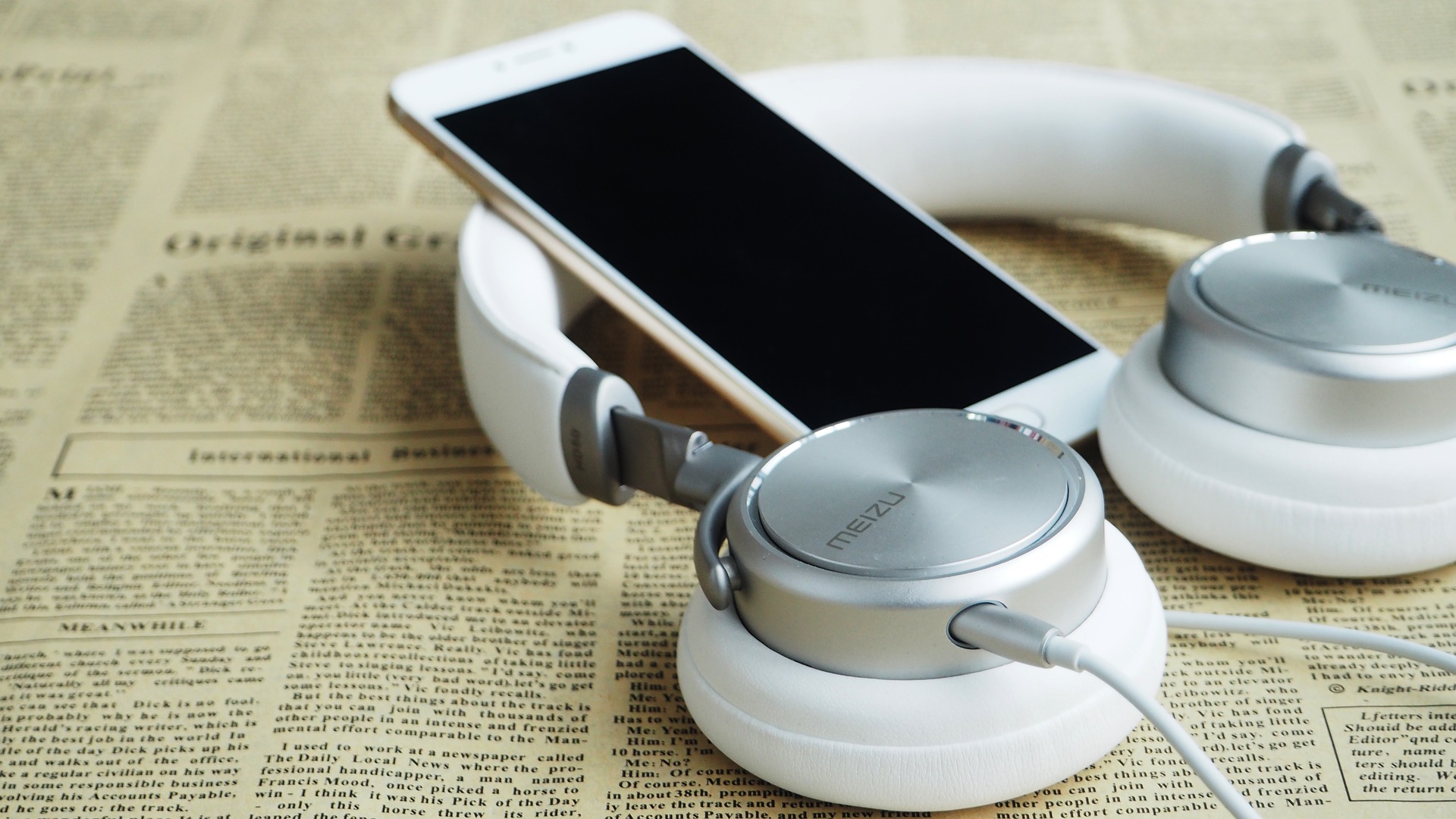
Choosing a headset for a PC, smartphone, office phone, or contact center is less about finding the newest model and more about matching the headset to the device, connection type, work environment, and communication needs. In 2026, buyers may choose among USB headsets, 3.5 mm wired models, Bluetooth headsets, and newer Bluetooth LE Audio devices.
This guide explains the main headset types, where each works best, what to check before buying, and how to avoid compatibility problems.
Quick guide: which headset type fits your use?
| Use case | Good starting point | What matters most |
|---|---|---|
| PC video calls | USB or Bluetooth headset | Microphone quality, comfort, mute controls, OS compatibility |
| Smartphone calls | Bluetooth or compatible wired headset | Phone connector, microphone support, battery life, controls |
| Office or contact center | USB or business headset designed for the phone system | Call-platform compatibility, microphone clarity, durability, support |
| Long work sessions | Comfort-focused over-ear or on-ear headset | Weight, fit, padding, clamping force, microphone position |
| Shared or flexible workspaces | Wireless or noise-reducing headset | Noise handling, battery life, connectivity, easy switching |
USB headsets for PCs and work calls
USB headsets are often a straightforward choice for computers because audio and microphone signals travel through the USB connection. They are useful for video meetings, softphones, training, customer support, and other desktop communication.
Before buying, check whether the headset is supported by the operating system and communication application you use. Business headsets may also have certification or integration requirements for specific calling platforms. A headset that works for basic audio playback is not automatically guaranteed to support every call-control feature.
Bluetooth headsets for phones and computers
Bluetooth removes the physical cable between the headset and the device, which can be useful when moving around during calls. Many current computers and smartphones support Bluetooth audio, but the experience depends on the Bluetooth features supported by both devices.
For work use, check microphone performance, battery life, charging method, connection stability, multipoint support if you need two devices connected, and whether the headset can switch reliably between a phone and computer.
Bluetooth Classic and Bluetooth LE Audio
Bluetooth audio is not a single technology. Traditional Bluetooth Classic Audio remains widely used, while Bluetooth LE Audio adds a newer architecture based on Bluetooth Low Energy. LE Audio can support features such as the LC3 codec, multi-stream audio, and Auracast broadcast audio.
Do not assume that a headset advertised as having Bluetooth 5.x automatically supports every LE Audio feature. The Bluetooth Core Specification version and the actual features implemented by the headset and source device both matter.
Auracast is particularly relevant when you want to receive shared broadcast audio, such as audio provided in a public venue. Device support should be checked before purchase because availability and feature support vary by product.
Wired 3.5 mm headsets still have a place
A wired 3.5 mm headset can be useful when you want a simple connection without charging a battery. However, many modern phones and computers do not include a 3.5 mm headphone jack.
If your device does not have the required port, you may need a USB-C or Lightning adapter. Check whether the adapter supports both headphones and microphone input if you need two-way voice communication. Some adapters are designed only for audio output.
Headsets for call centers and business teams
Call-center and office users should evaluate more than sound quality. The headset needs to fit the calling environment and the way agents work throughout the day.
- Microphone performance: Voice should remain clear without excessive background noise.
- Comfort: Weight, ear-pad material, headband pressure, and adjustability matter during long shifts.
- Connection: Confirm compatibility with the computer, desk phone, softphone, or collaboration platform.
- Durability: Shared or high-use environments benefit from replaceable parts and a support policy.
- Controls: Mute, volume, call answer, and other controls should work with the intended device and software.
- Deployment: For larger teams, consider device management, firmware updates, warranties, and replacement logistics.
Noise cancellation vs. noise isolation
Noise isolation uses the physical design of the headset to reduce outside sound. Active noise cancellation uses electronics to reduce certain external sounds. They solve different problems and should not be treated as interchangeable.
For calls, microphone noise handling can be just as important as what the listener hears. A headset can reduce noise reaching the wearer while still allowing unwanted background sound into the microphone. Test both sides of the conversation before standardizing a model for a team.
How to check headset compatibility before buying
- Identify the device: PC, Mac, smartphone, desk phone, tablet, or another endpoint.
- Check the connector: USB-A, USB-C, 3.5 mm, Lightning, Bluetooth, or a vendor-specific connection.
- Check microphone support: Do not assume a headphone adapter also supports microphone input.
- Check software support: Confirm that required call controls and microphone features work with your calling or meeting application.
- Check wireless requirements: For Bluetooth, confirm supported profiles and features on both ends.
- Check power: Wireless models need a realistic battery and charging plan for the way they will be used.
- Test before a large rollout: Validate audio quality, microphone pickup, call controls, comfort, and switching between devices.
What to look for in a headset in 2026
1. Microphone quality
For meetings and calls, microphone performance can be more important than maximum music volume. Look for a microphone design that suits your environment and test it with the applications you actually use.
2. Comfort and fit
A headset can have excellent specifications and still be a poor choice if it becomes uncomfortable after an hour. Consider ear-pad size, weight, headband pressure, glasses compatibility, and whether you prefer one or two earpieces.
3. Connection flexibility
If you regularly move between a laptop and phone, a headset with suitable multi-device support can simplify daily use. Verify the exact switching behavior rather than assuming every wireless model handles multiple devices in the same way.
4. Battery and charging
For wireless headsets, compare claimed battery life with your actual work pattern. Also check charging time, charging connector, battery replacement policy, and whether the headset can operate while charging if that matters to your workflow.
5. Platform compatibility
Business users should check current compatibility information from the headset manufacturer and the communication-platform vendor. Certification or integration can matter when you need reliable call controls, device management, or enterprise support.
Do you need a headset adapter?
An adapter may be necessary when the headset connector does not match the device. Common examples include connecting a 3.5 mm headset to a USB-C-only computer or using a compatible headset with a phone that lacks a headphone jack.
Adapters can also solve more specialized business-phone compatibility problems, but the correct adapter depends on the headset wiring, device port, and required functions. Do not buy based only on the connector shape.
Simple buying checklist
- Know which devices the headset must support.
- Choose wired or wireless based on how you actually work.
- Prioritize microphone quality for meetings and calls.
- Check comfort for the longest expected use period.
- Verify platform and call-control compatibility.
- Confirm whether an adapter is required.
- For Bluetooth, check the exact supported features rather than relying only on the Bluetooth version number.
- For business deployments, check warranty, support, firmware, and replacement options.
Bottom line
The best PC or phone headset in 2026 is the one that fits your devices, communication software, environment, and daily usage pattern. Bluetooth is useful when mobility matters, USB is often practical for computer-based calls, and wired headsets remain valuable when simplicity and continuous use are priorities.
Technology standards are evolving, including Bluetooth LE Audio and Auracast, but compatibility remains product-specific. Verify the manufacturer’s current specifications and test the headset with your actual devices before committing to a model for personal or business use.
