
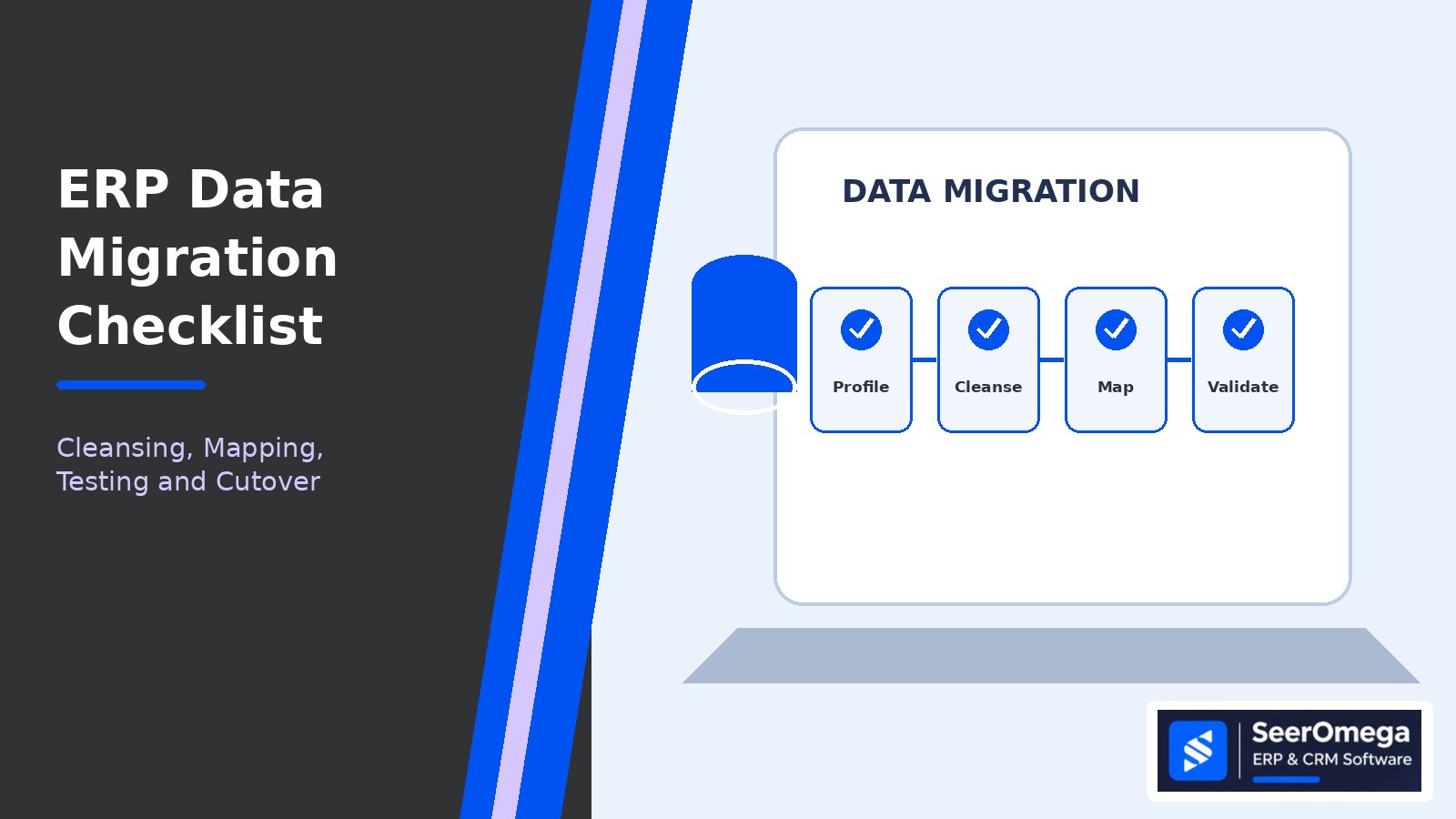
ERP data migration is one of the most consequential workstreams in an implementation or upgrade. Poorly prepared data can create inaccurate opening balances, duplicate customers, unreliable inventory, broken reporting and operational delays after go-live.
A dependable migration process starts with business ownership and clear acceptance rules. The technical team can extract, transform and load records, but business owners must decide which data is valid, how it should be represented and what evidence proves that the result is correct.
1. Define the data migration scope
Do not assume every record in the legacy system should move. Classify data into four groups: migrate, transform, archive or retire. The decision should consider operational need, legal or audit retention, reporting requirements, data quality, migration effort and target-system constraints.
Typical ERP migration objects include:
- Customers, suppliers, contacts and addresses.
- Items, units of measure, product attributes and price lists.
- Chart of accounts, dimensions, tax setup and opening balances.
- Open sales orders, purchase orders, invoices and credit notes.
- Inventory quantities, locations, lots, serial numbers and valuation.
- Fixed assets, projects, work in progress and selected historical transactions.
Historical detail may be retained in a read-only archive rather than loaded into the new ERP. Confirm reporting, audit and retention needs before making that decision.
2. Profile the source data
Run a data assessment before designing transformation rules. Measure record counts, missing values, duplicates, invalid formats, orphaned references, inactive records and inconsistent codes. Examine relationships between master data and transactions—not just individual tables.
Ask business owners to review samples and exceptions. A customer record with an incomplete address may be acceptable for an archived account but not for an active order. The rules should reflect how the data will be used in the target process.
3. Assign data ownership
Every migrated data domain needs a named business owner who can approve definitions, cleansing rules, mappings and reconciliation results. The migration lead coordinates the work, but ownership should sit with the people accountable for the data after go-live.
| Data domain | Typical owner | Validation focus |
|---|---|---|
| Customers and suppliers | Sales operations / procurement | Identity, status, address, payment and tax details |
| Items and inventory | Operations / supply chain | Units, locations, costing, quantities and tracking |
| Finance | Controller / finance lead | Chart of accounts, dimensions, balances and open entries |
| Employees and users | HR / IT | Active status, roles, access and approval hierarchy |
4. Cleanse and standardise records
Agree rules for duplicates, naming conventions, address formats, codes, units of measure, inactive records and mandatory fields. Standardise values only when the business meaning is understood. Avoid automatic merges based on similar names alone; two similar customer names may represent separate legal entities.
Maintain an exception log with the source record, issue, owner, decision, resolution and approval. This provides traceability and prevents unresolved data problems from disappearing into transformation scripts.
5. Build and approve field mappings
A mapping document should show the source field, target field, transformation rule, default value, validation rule, reference data dependency and responsible owner. Document one-to-many and many-to-one mappings, code translations, calculated fields and fields that will not migrate.
Review mappings with process owners and target-system specialists. Pay special attention to currencies, dates, tax codes, dimensions, units, status values, document numbering and relationships between headers and lines.
6. Run trial migrations
Use representative data in multiple mock conversions. A first trial can validate extraction and transformation logic; later trials should use larger volumes and more realistic business scenarios. Record defects, correct the source or mapping, rerun the conversion and track whether the same issue returns.
Do not treat a successful import as proof of a successful migration. Validate that records behave correctly in the target ERP and support the required business transactions.
7. Reconcile migrated data
Reconciliation should combine technical checks and business checks. Useful controls include:
- Source-to-target record counts by object and status.
- Duplicate, rejected and skipped record reports.
- Financial balance reconciliation by account, currency and relevant dimension.
- Inventory quantity and valuation checks by item and location.
- Open order, invoice and purchase document totals.
- Referential integrity and required-field validation.
- Sample-based review of critical records and end-to-end transactions.
Set tolerances and sign-off criteria before the final migration. Any difference should be explained, approved and recorded—not silently adjusted to make totals match.
8. Prepare the cutover
The cutover plan should define data freeze dates, final extraction windows, responsible teams, migration sequence, dependencies, validation checkpoints, go/no-go authority and contingency actions. Rehearse the plan using production-like data and realistic timings.
Include a decision on how transactions created during the freeze window will be handled. Define what would trigger a pause or rollback, how users will be informed and who can authorise the system to reopen for business.
9. Protect data after go-live
Monitor failed integrations, duplicate creation, posting errors, missing references and user-reported data issues during stabilisation. Keep the exception log active and assign owners to resolve defects. Restrict temporary migration permissions and retain approved evidence in line with organisational policy.
ERP data migration checklist
- Migration scope and archive policy approved.
- Source data profiled and quality issues logged.
- Business data owners assigned.
- Cleansing and standardisation rules approved.
- Field mappings and transformation logic signed off.
- Trial migrations completed and defects resolved.
- Financial, inventory and operational reconciliations passed.
- Cutover rehearsal and contingency plan approved.
- Post-go-live monitoring and ownership in place.
Final recommendation
Keep ERP data migration governed, testable and owned by the business. The most reliable projects make scope decisions early, document every transformation, rehearse multiple trial loads and require evidence-based reconciliation before go-live.
For the wider programme, read our ERP migration guide and explore software and implementation options in the SeerOmega ERP & CRM directory.
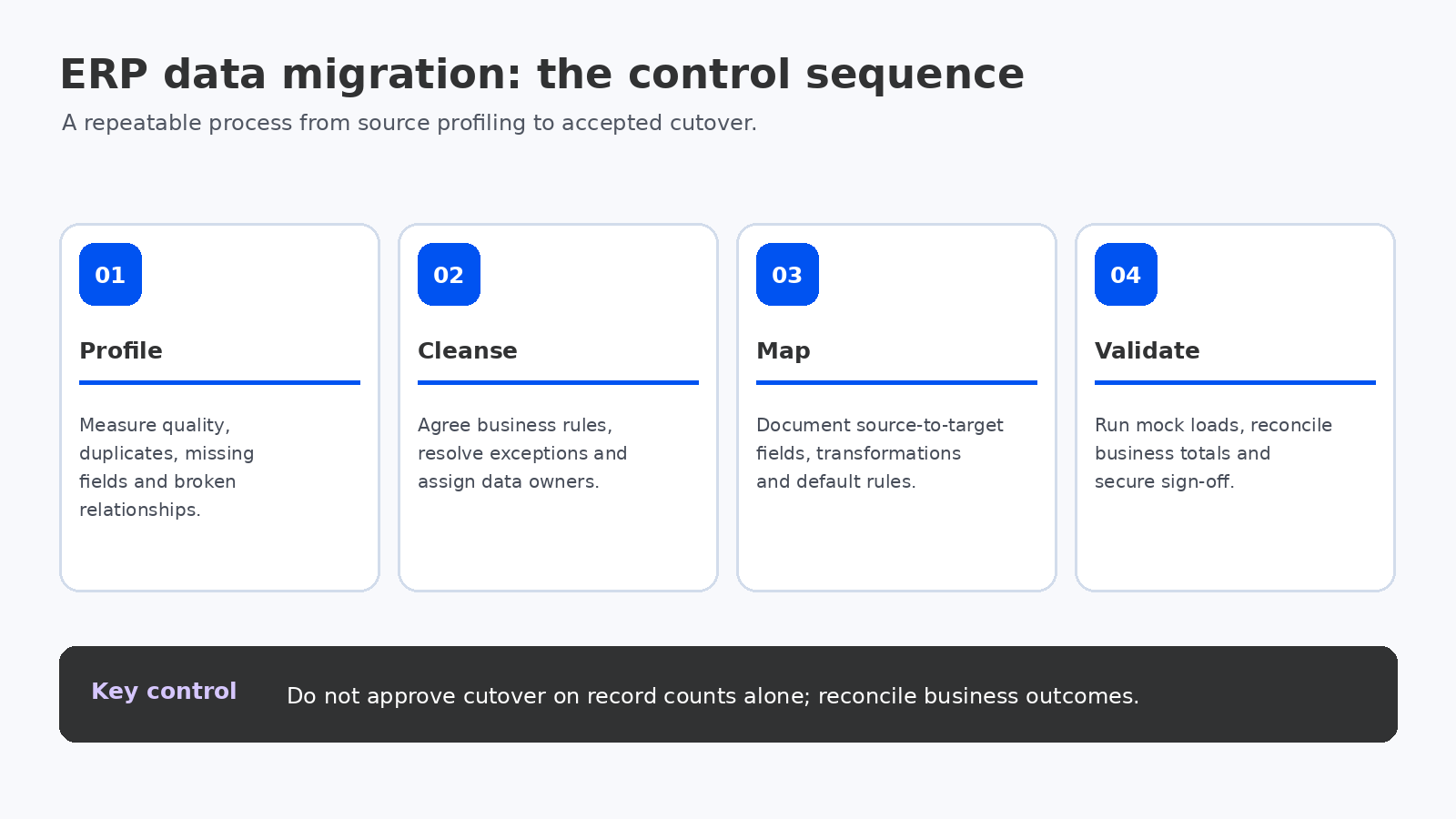
10. Reconcile by business meaning, not only by row count
Record counts are a useful control, but they do not prove that the target system represents the same business position. A migration can load every invoice row and still produce an incorrect receivables balance if currency, tax, status, settlement or customer relationships were transformed incorrectly.
Define reconciliation at the level that matters to each process:
- Finance: trial balance by account and dimension, open receivables/payables, tax balances, retained earnings treatment and subledger-to-ledger agreement.
- Inventory: on-hand quantity by item, site, warehouse, bin, lot and serial; valuation by costing method; and blocked or quality-held stock.
- Sales and procurement: open order quantities, remaining commitments, shipment/receipt status, invoiced amounts and outstanding approvals.
- Projects and fixed assets: work in progress, remaining budgets, asset cost, accumulated depreciation and useful-life settings.
Agree whether tolerances are zero, a defined rounding threshold or an approved exception. Every variance should have an owner, root cause, resolution or documented acceptance. Never hide unexplained differences in a balancing journal simply to pass a migration gate.
11. Make the migration repeatable
Store version-controlled extraction and transformation scripts, mapping tables, configuration dependencies, run logs and reconciliation outputs. Each mock conversion should use a known source snapshot and a recorded code/configuration version. This makes it possible to compare trial runs, identify regressions and reproduce results during the final cutover.
Track conversion performance as well as correctness. Measure extraction time, transformation time, load time, rejected records, manual remediation effort and reconciliation duration. The final run must fit the agreed cutover window with time left for business validation and go/no-go decisions.
12. Separate data defects from process defects
When users report a problem after migration, determine whether the cause is source data, transformation logic, target configuration, integration timing, security or a misunderstood process. Route each issue to the right owner. A missing order may be a failed interface, while an order that appears with an unexpected status may reflect a mapping decision or a target workflow rule.
Use a triage log with severity, business impact, affected object, source reference, target reference, root cause, owner, resolution and retest evidence. This avoids repeatedly correcting records manually without fixing the underlying conversion or process defect.
Migration sign-off pack: what to retain
| Evidence | Why it matters |
|---|---|
| Approved scope and disposition register | Shows what moved, was archived or was retired |
| Source profiling and cleansing log | Documents data-quality decisions and exceptions |
| Mapping and transformation specifications | Explains how source values became target values |
| Trial-run logs and defect register | Demonstrates repeatability and issue closure |
| Reconciliation reports | Supports financial and operational completeness |
| Business-owner approvals | Confirms accountable acceptance of migrated data |
| Final cutover and access records | Provides evidence of controlled execution |
For Microsoft Dynamics 365 implementations, Microsoft’s go-live guidance calls for repeated migration testing, validation of the migration strategy, issue logging and business sign-off before cutover. Apply the same discipline to other ERP platforms, adapting the technical procedures to the product being implemented. See the Microsoft go-live readiness checklist.
Bottom line: migration quality is demonstrated by reconciled business outcomes, traceable decisions and repeatable conversion runs—not by a green import status. Put business owners in charge of acceptance and retain the evidence needed to explain every material difference.
