
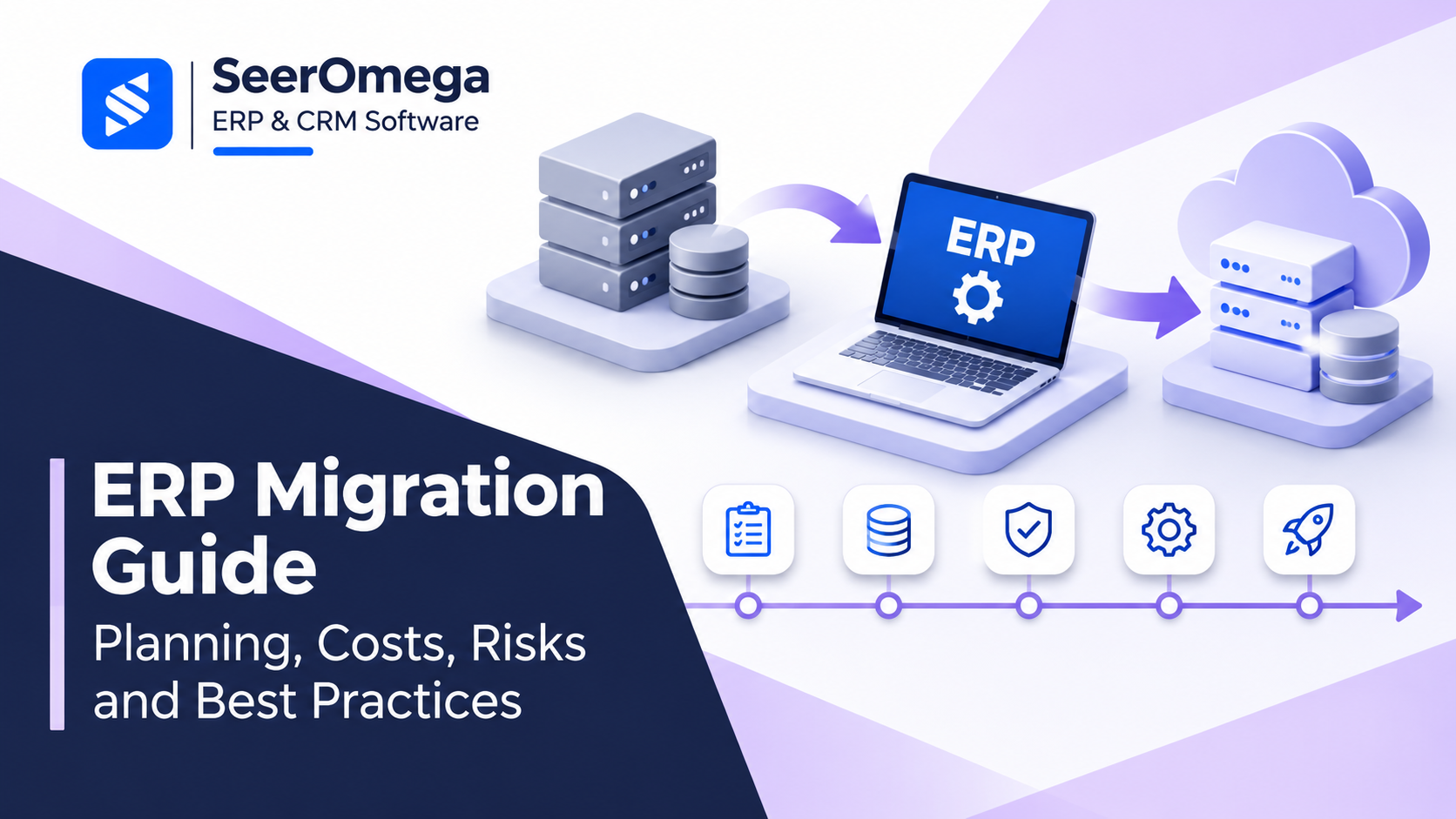
ERP migration is not simply a database transfer. It is a business change programme that moves processes, records, integrations, controls and user responsibilities from one operating environment to another. A migration can involve an upgrade to a newer version, a move from on-premises software to cloud ERP, a platform replacement or a reimplementation with redesigned processes.
The right approach depends on why the organisation is moving, how much of the current system should be retained and which business capabilities must improve. This guide explains how to plan an ERP migration, control its cost and reduce disruption.
When should a business consider ERP migration?
Common triggers include an unsupported or heavily customised legacy system, rising maintenance costs, poor reporting, fragmented applications, limited integration options, changing compliance requirements or a business model the current platform cannot support. A migration should have a measurable business case; replacing software only because a newer version exists is not enough.
Define the outcomes first. Examples include shorter month-end close, more reliable inventory visibility, fewer manual reconciliations, faster order processing or the ability to consolidate multiple entities. These outcomes become the basis for scope, acceptance criteria and post-go-live measurement.
Choose the right migration approach
1. Upgrade the existing platform
An upgrade may preserve familiar processes and reduce retraining when the current product has a supported upgrade path. It may be unsuitable when customisations are extensive, the data model has changed significantly or the organisation needs a different operating model.
2. Reimplement on the same platform
A reimplementation creates a clean configuration and allows the business to revisit processes instead of carrying every historical workaround forward. It requires disciplined requirements, data decisions and change management.
3. Move to a different ERP platform
A platform replacement may be justified when the existing system no longer fits the organisation’s scale, industry, geography or integration needs. It usually increases the importance of fit-gap analysis, data transformation, interface redesign and user training.
4. Move from on-premises to cloud ERP
A cloud transition changes more than hosting. Review identity and access, integrations, release management, data residency, backup and recovery, service responsibilities and subscription economics. Confirm which customisations can be replaced with configuration or supported extensions.
Build a migration plan in six stages
- Assess the current environment. Inventory modules, versions, customisations, reports, integrations, workflows, data volumes, users and business-critical processes. Identify unsupported components and technical dependencies.
- Set scope and governance. Name business owners, a steering group, workstream leads and decision rights. Define what will migrate, what will be archived and what will be retired. Establish a change-control process.
- Design the target state. Map future processes, roles, controls, reporting and integrations. Resolve fit-gap decisions before configuration and development expand the project scope.
- Prepare and migrate data. Profile source data, remove duplicates, standardise formats, map fields, define ownership and reconcile converted records. Treat data quality as a business responsibility, not only an IT task.
- Test end-to-end scenarios. Test configuration, integrations, security, reports, migrated data, peak workloads and exception paths. Run user acceptance testing with realistic transactions and named business sign-off.
- Cut over and stabilise. Rehearse the cutover, confirm freeze windows, backups, reconciliation totals, rollback criteria and support coverage. Monitor operational measures closely after go-live.
What drives ERP migration cost?
There is no reliable universal price for an ERP migration. The total depends on licence or subscription changes, implementation services, data complexity, integrations, custom development, testing, training, infrastructure, security and post-go-live support. The number of entities, countries, business units and historical records can materially change the effort.
Build a total cost of ownership model that separates one-time project costs from recurring operating costs. Include internal staff time, temporary productivity loss, data archiving, third-party applications, support contracts and contingency. Compare scenarios over a consistent period rather than comparing licence prices alone. SeerOmega’s ERP implementation cost guide provides a related budgeting framework.
Migration risks to manage
- Uncontrolled scope: Use a signed scope baseline and assess each change for cost, time, risk and business value.
- Poor data quality: Assign data owners, define validation rules and reconcile balances and record counts before sign-off.
- Integration gaps: Document every upstream and downstream system, interface owner, frequency, error path and monitoring requirement.
- Insufficient testing: Test complete business journeys, including exceptions, month-end, tax, returns and access restrictions.
- Low user adoption: Involve process owners early, train by role and provide floor support during stabilisation.
- Weak cutover readiness: Use rehearsals, go/no-go criteria, contingency plans and clear decision authority.
How to select an ERP migration partner
Evaluate the named delivery team, experience with the source and target platforms, relevant industry processes, data migration method, integration capability, testing discipline, project governance and post-go-live support. Ask for references from projects with comparable complexity. Confirm who performs the work, what is subcontracted and how estimates are controlled.
Do not treat a partner’s certification or product badge as proof of delivery quality. Ask for evidence: sample plans, anonymised deliverables, reference calls, issue-management practices and a clear responsibility matrix. Our ERP implementation partner selection guide covers the wider evaluation process.
ERP migration readiness checklist
- Business outcomes and success measures are documented.
- Source systems, customisations, reports and integrations are inventoried.
- Target architecture and migration approach are approved.
- Data owners, cleansing rules and reconciliation criteria are assigned.
- Testing scenarios and business sign-off owners are agreed.
- Cutover, rollback and support plans have been rehearsed.
- Training and post-go-live measures are ready.
Final recommendation
Successful ERP migration is driven by clear business decisions, reliable data, controlled scope and realistic testing—not by the technical transfer alone. Start with the outcomes the organisation needs, choose the least disruptive approach that achieves them and make business owners accountable for process and data decisions.
Use the SeerOmega ERP & CRM directory to explore software and implementation partner options as you build your shortlist.
Choose between big-bang, phased and parallel migration
The cutover pattern affects risk, duration and the period in which teams must operate old and new systems. A big-bang transition moves the agreed scope at one go-live. It can reduce the period of dual operation, but concentrates risk in one event and requires strong readiness across every critical workstream. A phased migration moves entities, sites, modules or processes in controlled waves. It can reduce the size of each cutover, but introduces temporary interfaces, reconciliation and process complexity between old and new environments. A parallel run operates both systems for a defined period. It can provide comparison evidence for selected processes, but increases workload and requires explicit rules for which system is authoritative.
Do not select a pattern because it sounds safer. Assess dependencies, data separation, shared master data, regulatory constraints, operational seasonality, available business capacity and the ability to reconcile transactions between environments. For example, splitting finance from inventory operations may create difficult ownership questions if both systems need to post the same order lifecycle.
Build a decision record for every migration object
For each module, entity, data object, report and interface, record the disposition: migrate, redesign, replace, archive or retire. Include the business owner, target location, transformation rule, retention requirement, test evidence and approval. This prevents the common situation where a project team assumes a data set is migrating while the business expects it to remain available in the legacy system.
Estimate migration effort using drivers—not a single percentage
Estimate separately for source-system discovery, data profiling, cleansing, mapping, conversion development, trial loads, reconciliation, interface changes, report replacement, user testing, cutover execution and legacy retirement. Complexity rises when there are multiple source systems, inconsistent identifiers, poor master-data ownership, extensive customizations, undocumented integrations or long historical retention needs.
Ask vendors to state the assumptions behind every estimate: number of data objects, record volumes, source formats, years of history, legal entities, conversion cycles, reports, interfaces and reconciliation rules. If these assumptions are not explicit, the initial estimate is not a reliable basis for comparing proposals.
Use evidence-based stage gates
| Gate | Minimum evidence | Decision owner |
|---|---|---|
| Discovery complete | Source inventory, business outcomes, scope and risk baseline | Executive sponsor and programme lead |
| Design approved | Target processes, architecture, migration dispositions and integration design | Business process owners and architecture lead |
| Conversion proven | Trial loads, reconciliation results, defect closure and data-owner sign-off | Data owners and finance/operations leads |
| Go-live ready | UAT, performance, security, cutover rehearsal, support and contingency readiness | Steering group |
| Legacy exit approved | Retention archive, access controls, audit retrieval and dependency closure | IT, legal/compliance and business owners |
Microsoft’s Success by Design framework describes Discover, Initiate, Implement, Prepare and Operate phases and recommends risk reviews throughout the lifecycle. It is a useful reference for Dynamics 365 projects, but the governance principles—early risk discovery, documented design decisions and explicit readiness reviews—can inform other ERP programmes too. See the Microsoft Success by Design implementation guidance.
What should be in the migration contract?
Define the migration scope and data-object inventory, conversion cycles, acceptance criteria, reconciliation tolerances, defect severity, business sign-off responsibilities, cutover tasks, rollback decision authority, archive deliverables and post-go-live support. Specify who owns source-data cleansing and who pays when source data falls outside agreed assumptions. Include documentation and knowledge transfer so the organisation is not dependent on undocumented partner scripts.
Final decision checklist
- Is the business reason for migration measurable?
- Have upgrade, reimplementation and replacement options been compared?
- Is the cutover pattern supported by process and data dependencies?
- Are migrate/archive/retire decisions approved by data owners?
- Are estimates based on stated volumes, objects and conversion cycles?
- Are acceptance rules and reconciliation evidence contractual?
- Is the legacy exit plan included in scope and budget?
A migration plan is credible when it makes dependencies, data decisions, cost assumptions and go/no-go evidence visible. The aim is not simply to move faster; it is to reduce the chance that a technically successful conversion creates operational or financial disruption.
