

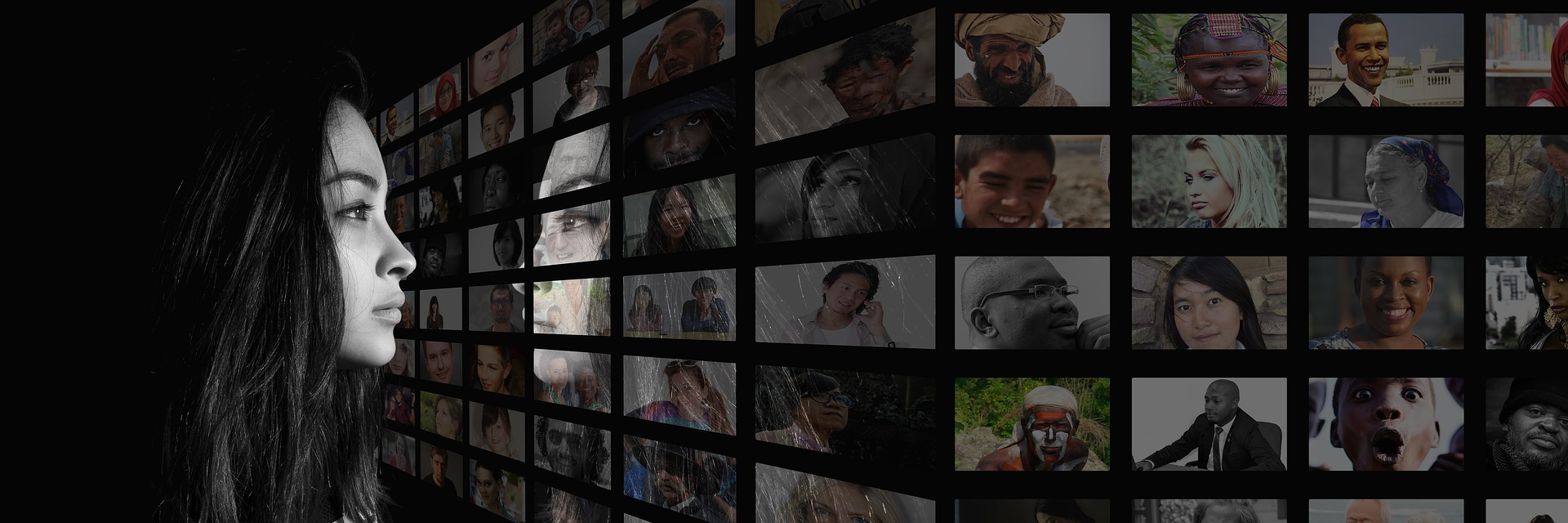
A social media wall collects selected posts, mentions, hashtags, reviews, or other user-generated content and displays them in a website, event screen, digital-signage display, or internal communications environment. The concept is still useful in 2026, but the technology and platform permissions behind social feeds have changed.
The right tool is not simply the one that supports the most networks. For a business or event team, the important questions are whether the platform can collect the sources you actually use, moderate content before publication, respect content and privacy requirements, fit the display environment, and provide enough control over branding and maintenance.
What to Look for in a Social Media Wall
- Source coverage: Check the specific networks, profiles, hashtags, mentions, reviews, RSS feeds, or direct submissions you need. Platform APIs and access rules can change, so verify support before committing.
- Moderation: A public wall should support filtering, approval workflows, blocklists, duplicate detection, or other controls. Do not assume every collected post should be published automatically.
- Display options: Look for responsive website embeds, event-screen layouts, digital-signage support, and customization that matches your brand.
- Update frequency: If the use case depends on live event content, compare how frequently each plan refreshes feeds and whether rate limits apply.
- Privacy and permissions: Confirm how the provider handles personal data, user-generated content, retention, regional requirements, and takedown requests. For events, establish clear rules for what attendee content can appear on screens.
- Analytics: If the wall is part of a campaign, check whether the platform reports impressions, interactions, content volume, or other useful measures.
- Reliability and support: For a conference, trade show, stadium, or other live environment, ask about support, fallback options, and what happens if a source API or internet connection fails.
- Cost and limits: Compare sources, views, update frequency, historical content, users, displays, and premium features rather than comparing headline subscription prices alone.
Social Media Wall Tools to Evaluate in 2026
1. Taggbox Social Walls
Taggbox now positions its event-focused social-wall product as Social Walls, following the rebranding of Taggbox Display. Its current website also offers social-wall functionality for websites, including aggregation of social posts, mentions, hashtags, reviews, and user-generated content.
Consider it when: you need an event-oriented social wall or a branded website feed and want a product built around collecting and displaying UGC.
Check before buying: supported sources, current plan limits, moderation controls, and the exact integrations required for your campaign.
2. Walls.io
Walls.io supports social content collection and display across events, websites, intranets, and digital signage. Its current feature set includes moderation, direct audience submissions, custom branding, analytics, and integrations with multiple social sources.
Consider it when: you need a broader event, website, or internal-communications use case and want moderation and direct submissions alongside social aggregation.
Check before buying: the sources you need, data-protection requirements, display environment, and the features included in your selected plan.
3. Curator
Curator is a social media aggregator designed to collect and display content on websites and digital signage. Its current documentation lists support for more than 15 social networks and other sources, moderation workflows, customizable templates, and automatic feed updates. Plans differ in source count, update frequency, views, and API access.
Consider it when: you want a relatively lightweight embedded feed and need flexible source, template, and moderation options.
Check before buying: update frequency, source limits, view limits, API requirements, and whether the free or paid tier fits the traffic of your site or event.
4. Juicer
Juicer is another social media aggregation option for collecting content from social channels and embedding feeds on websites. It can be useful for organizations that primarily want a consolidated social feed rather than a large event-engagement platform.
Consider it when: the main requirement is a continuously updated social feed embedded into a website.
Check before buying: current source availability, moderation features, branding controls, refresh limits, and pricing for your required volume.
5. TINT
TINT has historically focused on user-generated content and social-content experiences for brands. It can be relevant when the objective is broader UGC management rather than simply placing a social feed on a screen.
Consider it when: your project involves collecting, curating, and activating customer or community content as part of a broader marketing workflow.
Check before buying: current product scope, supported channels, campaign features, rights-management workflow, integrations, and enterprise requirements.
Which Type of Social Wall Fits Your Use Case?
| Use case | Prioritize |
|---|---|
| Conference or trade show | Live updates, moderation, QR/direct submissions, reliable display, support |
| Website social proof | Fast embeds, responsive design, selected sources, moderation, performance |
| Digital signage | Screen compatibility, auto-refresh, stable playback, remote management |
| UGC campaign | Hashtag/mention collection, rights and moderation workflows, analytics |
| Intranet or employer branding | Privacy controls, access management, moderation, internal-source support |
How to Choose the Right Tool
- Define the display: Decide whether the wall will appear on a website, event screen, digital signage network, intranet, or several of these.
- List your required sources: Write down the exact platforms, accounts, hashtags, reviews, or direct-upload methods you need.
- Set moderation rules: Decide who approves content, what is blocked automatically, and how quickly inappropriate content can be removed.
- Check technical requirements: Test the embed, screen resolution, network environment, browser compatibility, accessibility, and expected page-load impact.
- Review privacy and content rights: Make sure your collection and display process is appropriate for the jurisdiction, audience, and type of content involved.
- Measure the outcome: Choose metrics that match the objective, such as participation, content volume, event engagement, referral activity, or website interactions.
- Run a real test: Before a live launch, connect the actual accounts and sources, test moderation, simulate a source outage, and verify how the wall behaves on the final display.
Common Mistakes to Avoid
- Choosing a tool only because it supports many social networks.
- Publishing unmoderated user-generated content to a public screen.
- Assuming a social platform’s current API access will remain unchanged.
- Ignoring page performance when embedding a feed on a high-value landing page.
- Using social content without considering permission, privacy, or removal requirements.
- Launching a live-event wall without a fallback plan for API, network, or display failures.
Bottom Line
Social walls remain useful when they solve a specific engagement or content-display problem. In 2026, the strongest selection process is less about finding a universal “best” platform and more about matching the tool to your sources, audience, moderation requirements, display environment, privacy obligations, and measurement needs.
Before choosing a provider, test the exact social sources and display format you plan to use. Product capabilities, pricing, platform APIs, and supported networks can change, so current vendor documentation should be treated as the final source for implementation and purchasing decisions.
