

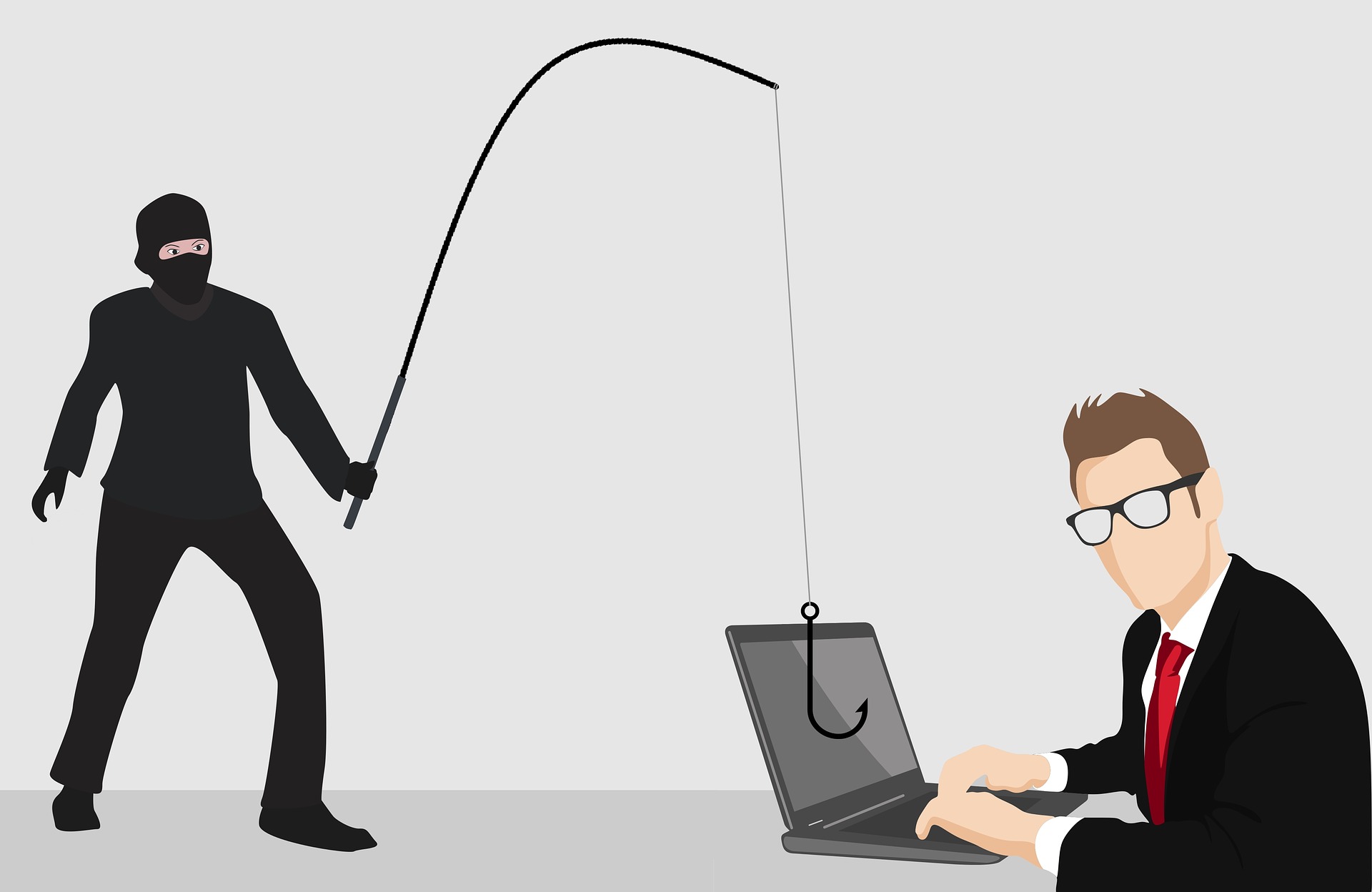
Identity theft happens when someone uses your personal information without permission, often to access accounts, make purchases, apply for services, impersonate you, or commit fraud. You cannot eliminate the risk completely, but you can make account takeover and misuse much harder by protecting credentials, devices, recovery channels, and financial information.
This 2026 guide focuses on practical measures that apply across phones, computers, banking, shopping, email, social media, and other online services.
10 Practical Ways to Prevent Identity Theft Online
1. Use a unique password for every important account
Password reuse creates a chain reaction. If one service suffers a breach and your password is exposed, attackers may try the same credentials on email, shopping, banking, social media, or other accounts.
Use long, unique passwords or passphrases and let a reputable password manager generate and store them. Your primary email account deserves particular attention because it is often used to reset other passwords.
2. Turn on multi-factor authentication
Enable multi-factor authentication (MFA) wherever it is available, starting with email, financial accounts, cloud storage, password managers, and administrator accounts. An authenticator app or security key can provide stronger protection than relying only on passwords or one-time codes sent by text.
MFA does not make an account invulnerable, but it adds another barrier if a password is stolen. For higher-risk accounts, prefer phishing-resistant authentication when the service supports it.
3. Treat unexpected messages as potential phishing
Do not click links, open attachments, or provide sensitive information simply because a message appears to come from your bank, employer, delivery company, government agency, or another familiar organization.
If a message asks you to verify an account, make a payment, or provide personal information, open the organization’s official website or app yourself and check there. Do not use contact details supplied in a suspicious message.
4. Keep your operating system, browser, apps, and security software updated
Software updates often include security fixes. Turn on automatic updates where practical and do not continue using unsupported operating systems, browsers, or applications for sensitive activities.
Updates are not a substitute for good account security, but delaying security patches can leave known weaknesses available to attackers.
5. Secure your email and account recovery methods
Your email account can be more valuable to an attacker than an individual social or shopping account because it may receive password-reset links. Protect it with a unique password and MFA.
Review recovery email addresses, phone numbers, trusted devices, active sessions, and backup codes. Remove recovery methods or devices you no longer control.
6. Be careful with personal information you share online
Limit unnecessary exposure of information such as your full date of birth, home address, phone number, travel plans, identification details, and answers to common security questions. Public information can sometimes be combined to make impersonation and social-engineering attacks more convincing.
Before installing an app or connecting a service, review the permissions it requests and whether those permissions are necessary for its purpose.
7. Use secure networks and protect your devices
Use a password-protected home network with modern Wi-Fi security and avoid entering sensitive information on devices or networks you do not trust. Public Wi-Fi is not automatically unsafe, but you should still verify the website or app you are using and avoid relying on an unknown network for highly sensitive activity.
Protect phones and computers with a screen lock, device encryption where available, and remote-location or remote-wipe features when appropriate. Never assume that a lost device is harmless just because it has a password.
8. Monitor financial and account activity
Review bank, card, payment, email, and other important account activity regularly. Turn on transaction and login alerts when the service provides them.
For credit-related identity theft, the appropriate monitoring and protection options depend on your country. In the United States, a credit freeze can help prevent new creditors from opening accounts in your name, while a fraud alert can ask businesses to take additional steps to verify applications.
9. Avoid installing unknown software or using untrusted services
Download applications and software from official stores or the developer’s verified website whenever possible. Be cautious with cracked software, unofficial installers, browser extensions from unknown publishers, and tools that ask for excessive access.
Do not install a so-called identity-protection product simply because an advertisement claims it can make you completely safe. Evaluate what information the service collects, what protection it actually provides, and whether the provider is trustworthy.
10. Know what to do if you suspect identity theft
Act quickly if you notice an unfamiliar account, transaction, password reset, login, bill, or other sign of misuse. Secure the affected account, change compromised credentials, revoke suspicious sessions, contact the relevant bank or service provider, and preserve useful evidence such as emails, transaction records, and account alerts.
If personal information has been used fraudulently, follow the identity-theft reporting and recovery process available in your country. In the United States, the Federal Trade Commission directs consumers to IdentityTheft.gov for reporting and a personalized recovery plan.
What to Do After a Data Breach
A data breach does not automatically mean someone has stolen your identity, but it is a reason to review the affected account. Change the exposed password if necessary, especially if it was reused elsewhere. Enable MFA, review recent activity, and watch for convincing phishing messages that reference the breached company.
If payment or identity information was exposed, follow the affected organization’s official guidance and consider the financial protection options available in your country.
Identity Theft Prevention Checklist
- Use unique passwords for important accounts.
- Use a reputable password manager if it helps you maintain unique credentials.
- Enable MFA, with stronger phishing-resistant options where available.
- Protect your primary email account carefully.
- Keep operating systems, browsers, apps, and security software updated.
- Verify unexpected requests through an official website or app.
- Limit unnecessary personal information shared publicly.
- Review financial, login, and account activity regularly.
- Use device locks and other built-in security protections.
- Have a recovery plan for suspected identity theft or fraud.
Final Takeaway
Preventing identity theft is less about finding one special security product and more about reducing several common opportunities for abuse. Strong unique credentials, MFA, timely software updates, phishing awareness, protected recovery channels, limited data exposure, and regular account monitoring work together to reduce risk.
For official recovery or consumer-protection guidance, use the relevant government agency, financial institution, or service provider rather than relying on an unsolicited message or third-party claim.
