
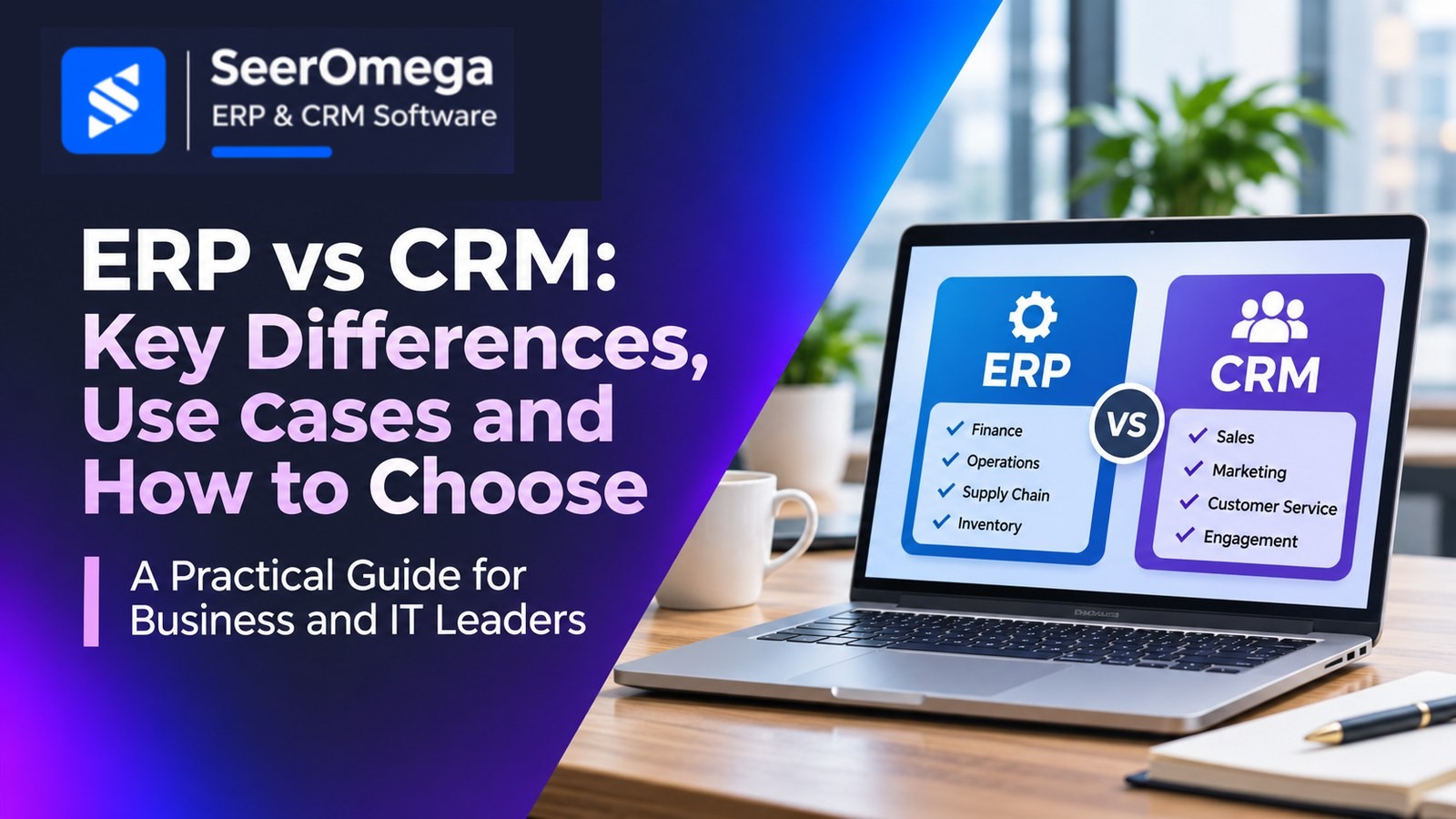
ERP and CRM systems solve different but connected business problems. Enterprise resource planning (ERP) software coordinates internal operations such as finance, purchasing, inventory, supply chain and production. Customer relationship management (CRM) software helps teams manage prospects, sales activity, customer relationships, service and retention.
The choice is not always ERP or CRM. Many organisations need both, but they should understand which system owns each process and how information moves between them before investing.
What does ERP software manage?
An ERP platform connects operational and financial processes around shared business data. Typical capabilities include general ledger, accounts payable and receivable, procurement, inventory, order management, manufacturing, project accounting and reporting. The exact modules vary by product and industry.
ERP is usually central to transaction control: what the organisation bought, made, shipped, invoiced, paid and recognised in its accounts. It helps teams work from consistent records and apply approval, audit and financial controls.
What does CRM software manage?
A CRM platform supports the customer lifecycle, from lead capture and qualification through opportunities, sales activity, customer service and renewal. Common capabilities include contact and account management, pipeline tracking, marketing automation, sales forecasting, case management and customer engagement analytics.
CRM is often the working system for customer-facing teams. It records interactions and helps sales and service teams understand what should happen next with a prospect or customer.
ERP vs CRM: the main differences
| Area | ERP | CRM |
|---|---|---|
| Primary focus | Internal operations and financial control | Customer acquisition, relationships and service |
| Core users | Finance, operations, procurement, supply chain and production | Sales, marketing, account management and customer service |
| Typical records | Items, orders, invoices, inventory, suppliers and journals | Leads, contacts, accounts, opportunities, activities and cases |
| Business questions | What do we own, owe, make, buy and deliver? | Who are our customers, what do they need and what is the next action? |
| Value measures | Close time, inventory accuracy, order cycle time and process cost | Conversion, pipeline coverage, win rate, retention and response time |
When is ERP the priority?
ERP is often the more urgent investment when finance relies on spreadsheets, inventory records are inconsistent, purchasing lacks controls, operational data is fragmented or management cannot produce dependable financial and operational reports. Manufacturers, distributors and multi-entity businesses may need ERP capabilities to coordinate complex transactions and controls.
Before choosing a platform, document process requirements, entity structure, reporting needs, integrations and the operational complexity the system must support. Compare products against real workflows, not a generic feature checklist.
When is CRM the priority?
CRM may be the better starting point when leads are lost between channels, sales activity is difficult to track, account ownership is unclear, forecasting is unreliable or customer service teams lack a shared interaction history. A CRM can establish consistent sales and service processes without replacing the financial system.
Define the customer lifecycle, qualification rules, pipeline stages, ownership model, required integrations and adoption measures. A CRM that is technically capable but poorly adopted will not produce reliable pipeline data.
When should a business use both?
Use both when customer-facing workflows depend on accurate operational information. For example, sales teams may need current product availability, pricing, credit status, order progress and invoice information from ERP. Finance and operations may need approved customer, order and forecast data originating in CRM.
Integration can reduce duplicate entry and give teams a more complete view, but it introduces design and governance requirements. Decide which system is authoritative for each data object. Define matching rules, field ownership, synchronisation frequency, error handling, access permissions and audit history.
Common ERP and CRM integration patterns
- Customer and account synchronisation: Establish rules for creating, matching, updating and merging customer records.
- Quote-to-order flow: Transfer approved quotes or sales orders with products, quantities, prices and terms validated by the target system.
- Order and fulfilment visibility: Return order status, shipment and delivery updates to customer-facing teams.
- Credit and invoice visibility: Share appropriate financial status without exposing unnecessary sensitive information.
- Product and pricing data: Agree whether ERP, CRM or a product information system owns each catalogue and price field.
For integration architecture, governance and controls, see our guide to AI integration with ERP and CRM systems and our article on securing ERP and CRM integrations.
How to evaluate ERP and CRM options
- Map business processes. Identify where customer-facing work ends and operational execution begins.
- Prioritise requirements. Separate essential capabilities from preferences and future-phase ideas.
- Assess platform fit. Consider business size, industry, entities, geography, deployment, extensibility and ecosystem.
- Test integration scenarios. Demonstrate realistic end-to-end workflows using representative data.
- Estimate total cost. Include licences, implementation, integration, customisation, training, support and internal ownership.
- Plan adoption. Assign process owners and measure usage and business outcomes after go-live.
Common selection mistakes
Do not buy ERP because it has a basic contact list and assume it replaces a full CRM. Do not expect CRM to replace finance, inventory or procurement controls. Avoid integrating every field before ownership and process rules are clear. Also avoid selecting separate products without evaluating their connector ecosystem, API limits, data model and ongoing integration support.
Final recommendation
Choose ERP when operational and financial control is the primary gap; choose CRM when customer acquisition, sales execution or service visibility is the main problem. Choose both when the business needs connected customer and operational processes—and budget for integration, data governance and adoption as part of the programme.
Explore the SeerOmega ERP & CRM directory to compare software categories and implementation partners.
