
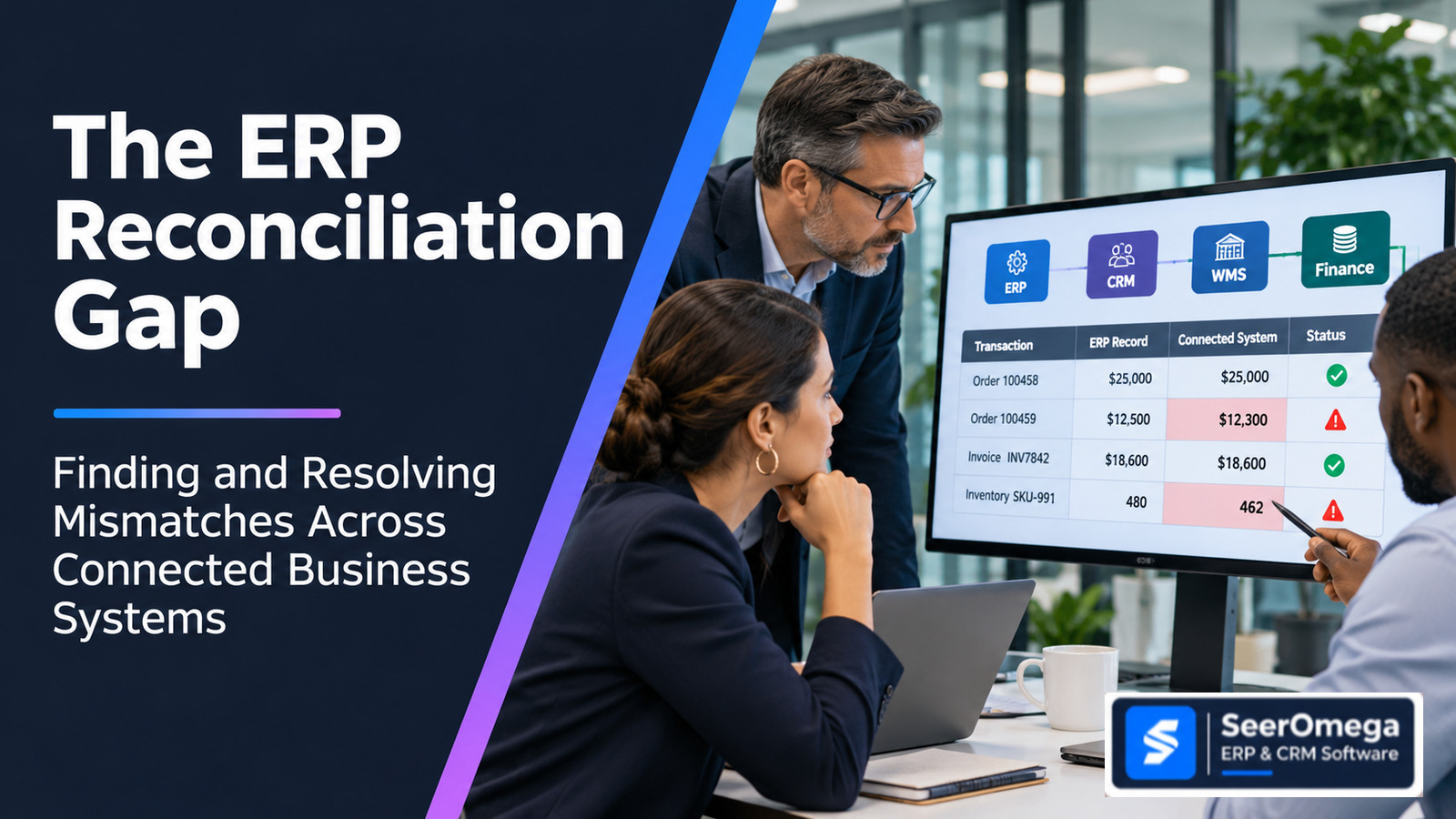
A sales order can appear successful in CRM while the ERP contains a different quantity. A warehouse can report a shipment that finance has not invoiced. A payment gateway can confirm settlement while the cash receipt remains unmatched in the ledger. Each system may be online, the integration may show a successful response, and the business can still have a material disagreement about what happened.
This is the ERP reconciliation gap: the difference between what connected systems record for the same business event, transaction or balance. It is not simply an API failure or a data-quality problem in one application. It is a cross-system control problem that asks whether records remain complete, consistent, correctly timed and financially or operationally aligned after they move across application boundaries.
This guide introduces the SeerOmega Cross-System Reconciliation Framework for identifying where records disagree, classifying exceptions, assigning ownership and measuring unresolved exposure. It focuses on operational and transaction-level reconciliation across ERP, CRM, WMS, POS, e-commerce, billing, payment and finance systems—not on selecting a reconciliation software product.
Reconciliation is not the same as integration monitoring
Integration monitoring asks whether a message, API call, batch or event was delivered and processed according to technical expectations. Reconciliation asks whether the business records on both sides represent the same event and outcome. A successful HTTP response does not prove that the receiving application accepted the correct quantity, that the transaction was posted to the intended period, or that the downstream financial record agrees.
Likewise, a failed API call may be visible to an integration team, while a silent business mismatch can remain undetected if both systems accept different values. Technical observability and business reconciliation are complementary controls.
| Control | Primary question | Example failure it detects |
|---|---|---|
| Integration monitoring | Did the interface execute and return an expected technical status? | Timeout, authentication failure, queue backlog or rejected payload |
| Data validation | Does the record meet required field and format rules? | Missing customer ID, invalid currency or incomplete address |
| Business reconciliation | Do the corresponding records agree on identity, quantity, amount, status and timing? | ERP order quantity differs from WMS allocation or invoice amount differs from shipment basis |
| Financial close reconciliation | Do subledgers, control accounts and ledger balances tie out under defined rules? | Unexplained balance or open-item difference at close |
Where cross-system reconciliation gaps occur
Map the process before choosing the comparison. Common reconciliation boundaries include:
- CRM to ERP: approved quotes, customer/account identifiers, order values, tax details and order status.
- ERP to WMS: item, unit of measure, warehouse, inventory quantity, allocation, picking, shipment and return status.
- POS or e-commerce to ERP: sales, discounts, taxes, refunds, tenders, fees, settlement batches and inventory movements.
- Order management to billing: delivered quantities, milestones, prices, credits and invoice eligibility.
- Subledger to general ledger: receivables, payables, inventory valuation, fixed assets and other control-account balances.
- Intercompany systems: mirrored invoices, charges, currency, transfer pricing and posting periods.
- Payment provider to ERP and bank: captured payments, refunds, fees, settlement batches and cash receipts.
Microsoft’s Dual-write documentation illustrates how tightly coupled, bidirectional data flows can connect finance and operations apps with Dataverse, including entity mappings, synchronization modes, logs and table dependencies. Oracle’s Account Reconciliation documentation describes transaction matching across one or more data sources and explicitly includes non-balance-sheet, system-to-system operational reconciliations. These product capabilities demonstrate the importance of mapping and matching records, but they do not remove the need for business-owned reconciliation rules.
The SeerOmega Cross-System Reconciliation Framework
For each boundary, define six elements before automating a comparison.
| Element | Definition | Example |
|---|---|---|
| 1. Business event | The real-world event both systems are expected to represent | Customer order accepted and released to fulfilment |
| 2. Record identity | Keys that establish which records correspond | Order ID, line ID, source system, company and transaction date |
| 3. Comparison attributes | Fields that must agree or reconcile through a defined rule | Quantity, unit, price, tax, currency, status and location |
| 4. Timing and state | When a value should appear and which process state is comparable | Order created versus order released; shipment confirmed versus invoice posted |
| 5. Tolerance and materiality | Permitted variance and the point at which a difference requires action | Currency rounding rule, quantity tolerance or zero tolerance for a key identifier |
| 6. Exception ownership | Who investigates, approves correction and closes the case | Order operations owns quantity mismatch; finance owns ledger variance |
Classify the mismatch before trying to fix it
Different mismatch types have different causes and remedies. A single “failed sync” bucket hides the reason a process is out of control.
| Mismatch class | What it means | Typical investigation |
|---|---|---|
| Missing record | One side has no corresponding record | Check source event, interface filters, rejected records, batch window and downstream creation rules |
| Duplicate record | One business event created multiple records | Check retries, idempotency keys, reprocessing and duplicate prevention |
| Attribute mismatch | Records exist but values differ | Compare mappings, transformations, default values, rounding and update authority |
| Timing mismatch | Records are correct but not yet in comparable states or periods | Check cut-off times, time zones, posting dates, batch schedules and late-arriving events |
| Status mismatch | Systems describe different process states | Review state transitions, acknowledgements, cancellation and partial-completion logic |
| Aggregation mismatch | Totals differ because transactions are grouped differently | Reconcile line-to-header, batch-to-transaction, gross-to-net and tax/fee treatment |
| Ownership conflict | More than one system can change the same business attribute | Confirm system of record, survivorship rules and permitted write paths |
Build a reconciliation control for one process
1. Define the control boundary
Choose one business process and a clear source-to-target boundary. For example, reconcile shipped sales order lines in WMS to invoice lines in ERP. State what is in scope, what is excluded, the frequency, the expected delay and the business owner. Avoid trying to reconcile every field in every system at once.
2. Establish a reliable matching key
Use stable identifiers wherever possible: source system, legal entity, document number, line number, transaction type and business date. If records do not share a single key, define a matching hierarchy and record the confidence of each match. Fuzzy matching can assist investigation, but it should not silently approve a financial posting or close a material exception.
3. Compare values using explicit business rules
Define which fields must match exactly and which require normalization or tolerance. Convert units only using approved conversion factors; compare currencies using the agreed rate type and effective date; distinguish gross from net values; and account for tax, discounts, fees and rounding. A tolerance is a business control, not a way to hide unexplained differences.
4. Separate expected timing differences from errors
Many systems are asynchronous. A valid shipment may not be invoiced until a later event; a card settlement may arrive after the sale; a journal may post after an approval. Define the expected lag and a point at which an unmatched record becomes overdue. Use ageing bands and materiality thresholds so teams can focus on exceptions that matter.
5. Route exceptions to the team that can resolve the cause
Assign exception categories to accountable teams: master data, sales operations, warehouse, integration support, accounts receivable, accounts payable or financial control. Capture the original values, source records, timestamps, rule breached, investigation notes, correction, approver and closure evidence. Do not allow the team that caused a financial adjustment to be the only approver of that adjustment.
6. Reconcile totals as well as individual records
Record counts, quantities and monetary totals provide useful control totals. They do not replace transaction matching, but they can reveal missing batches or unexpected volume changes. For financial boundaries, reconcile subledger and control-account balances and preserve a trace from the summary difference to the underlying records.
Measure the reconciliation gap
Use measures with a defined denominator and time window. Avoid reporting “99% matched” without explaining whether that means transaction count, value, line count or only records that entered the matching process.
| Measure | How to define it | Why it matters |
|---|---|---|
| Match rate by count | Matched eligible records ÷ total eligible records | Shows how much transaction volume aligns |
| Match rate by value | Matched value ÷ total eligible value | Highlights whether a small number of high-value exceptions dominate exposure |
| Unmatched ageing | Open exceptions grouped by elapsed time | Shows whether differences are being resolved within the expected process window |
| Repeat exception rate | Recurring exceptions from the same cause ÷ total exceptions | Identifies structural defects rather than isolated incidents |
| Manual adjustment value | Value of corrections and write-offs by reason | Highlights the financial consequence and potential control weakness |
| Reconciliation completion time | Elapsed time from period or batch close to approved reconciliation | Shows the operational burden on finance and operations |
| Unexplained residual | Difference remaining after approved timing and tolerance rules | Shows the amount still requiring investigation or formal acceptance |
Illustrative example: a distributor compares 10,000 shipment lines with ERP invoice lines. If 9,850 match by the agreed rules, the count match rate is 98.5%. That does not establish that the process is financially safe: the remaining 150 lines could include a high-value customer shipment, duplicate billing or a systematic unit-of-measure issue. Always review value, ageing, cause and operational criticality alongside the percentage.
Common design mistakes
- Using message success as proof of business accuracy. A delivered message can still create a wrong or incomplete business record.
- Matching on weak identifiers. Amount and date alone can produce false matches, especially with recurring invoices or batch settlements.
- Applying one tolerance everywhere. A small rounding difference and a missing shipment should not share the same rule.
- Ignoring timing and cut-off. Comparing records from different business states creates false exceptions.
- Allowing manual overrides without evidence. An exception closed by changing the result rather than resolving the cause weakens the control.
- Automating before defining ownership. Software can identify differences, but a business owner must decide whether a correction is valid.
- Rechecking only totals. Equal totals can conceal offsetting errors, duplicate records and missing transactions.
When to use reconciliation software—and when existing controls may be enough
Start with transaction volumes, exception complexity, data-source count, audit requirements, frequency and the cost of manual work. A controlled spreadsheet or report may be adequate for a small, stable process if access, versioning, evidence and review are governed. Dedicated reconciliation tooling becomes more relevant when transaction volumes are high, matching rules are complex, exceptions need workflow routing, multiple sources must be compared or audit trails are difficult to maintain.
Oracle Account Reconciliation, for example, documents transaction matching and operational reconciliations across disparate sources. Gartner Peer Insights lists dedicated financial reconciliation products and providers. These are examples of a broader software category, not a recommendation that one tool fits every ERP environment. Confirm source connectors, matching logic, data residency, audit trail, licensing and ERP-specific compatibility in a controlled proof of concept.
Questions for ERP, integration and finance teams
- Which system owns each business event and each key attribute?
- What is the authoritative matching key across applications?
- Which differences are expected because of timing, currency, tax or process state?
- Who approves tolerance rules and materiality thresholds?
- Can the team trace an aggregate variance to the underlying transactions?
- Are retries and reprocessing idempotent, or can they create duplicates?
- What evidence is retained when an exception is corrected or accepted?
- How are recurring root causes fed back into integration, master-data and process design?
Related SeerOmega reading
For integration ownership and architecture, read ERP and CRM Integration: Architecture, Data Ownership and Workflows. For integration pattern selection, see iPaaS vs Point-to-Point vs API-Led ERP Integration. For data conversion and cutover controls, see the ERP Data Migration Checklist.
Frequently asked questions
What is ERP reconciliation?
ERP reconciliation is the process of checking that records, transactions or balances in the ERP agree with the corresponding source or downstream records under defined business rules. It can cover finance, orders, inventory, fulfilment, payments and intercompany activity.
What is the difference between data synchronization and reconciliation?
Synchronization moves or updates data between systems. Reconciliation independently checks whether the resulting records agree and identifies missing, duplicated, delayed or inconsistent outcomes.
How often should cross-system reconciliation run?
Frequency should reflect transaction volume, business risk, process timing and financial close requirements. Some high-volume or high-risk processes need near-daily or event-driven checks; other boundaries may be reconciled by batch or period.
Can reconciliation be fully automated?
Matching and exception detection can often be automated, but ambiguous matches, material adjustments and policy decisions may require human review and approval. Automation should preserve traceability and prevent silent exception closure.
Does a high match rate prove data quality?
No. A high match rate is useful only when eligibility, keys, tolerances, timing and value are defined. Review unmatched value, false matches, repeated causes, ageing and manual adjustments as well.
Conclusion: make the disagreement visible and owned
Connected systems do not become consistent simply because they exchange data. A reliable reconciliation control defines the business event, establishes how records match, accounts for timing and tolerances, routes exceptions to the right owner and measures what remains unresolved. Start with one financially or operationally important boundary, prove the rules with real records and expand only when the control is trusted.
Explore SeerOmega’s ERP and CRM directory when evaluating platforms and implementation partners for a connected enterprise application landscape.
