
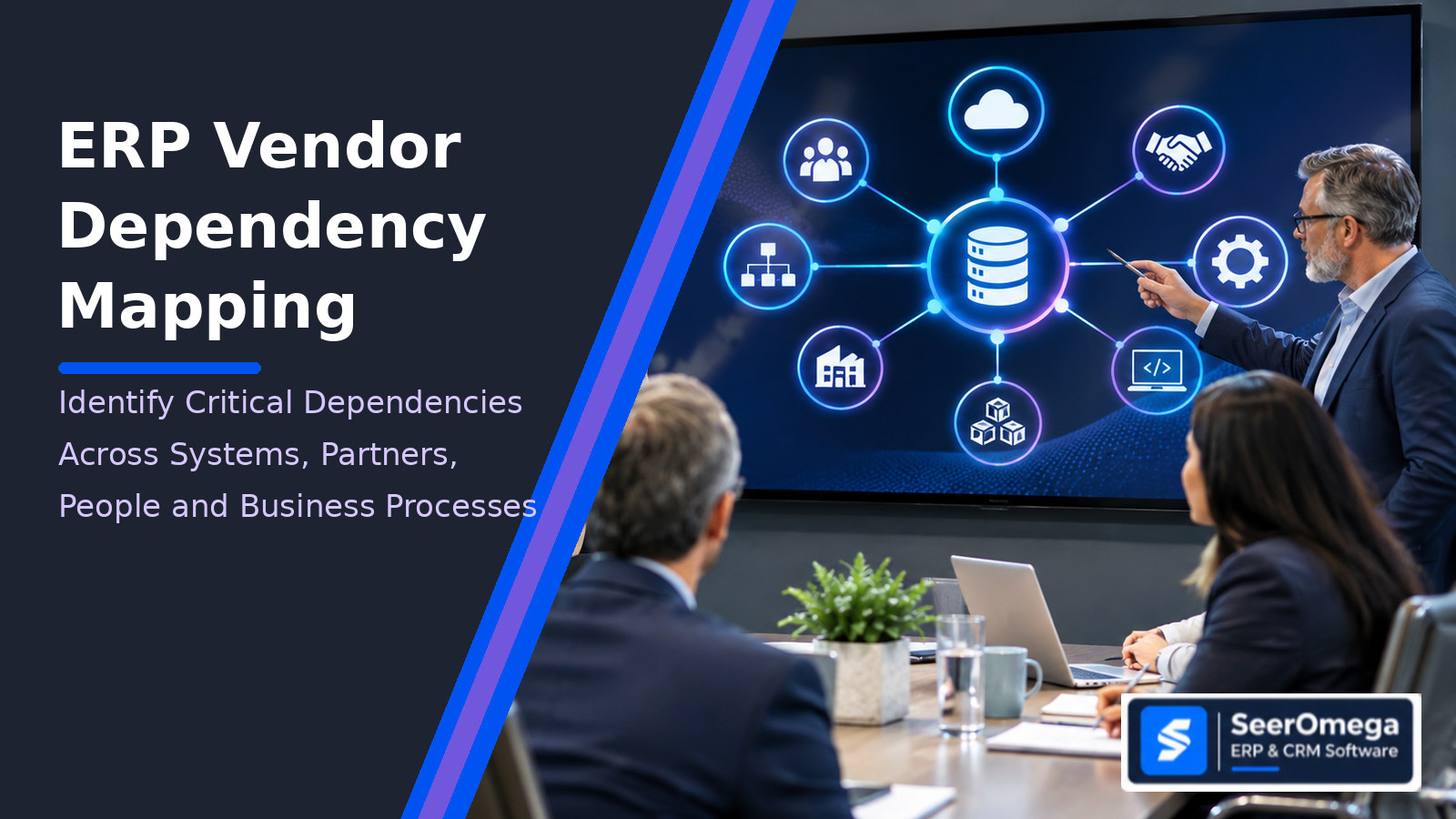
An ERP platform can appear to be a single system on an application inventory while depending on a much larger operating network: the implementation partner that maintains custom code, a cloud provider that hosts the environment, an integration service that moves orders, a specialist who understands a critical interface, and third-party applications that complete finance or fulfilment workflows. If one of those dependencies fails, the impact may reach far beyond the ERP application itself.
ERP vendor dependency mapping is the process of identifying and documenting the external and internal relationships that a business process needs in order to operate through its ERP environment. The useful output is not simply a list of suppliers. It is a traceable map connecting business services and processes to applications, data, infrastructure, vendors, delivery partners, people, contracts and recovery alternatives.
This guide introduces the SeerOmega ERP Dependency Map, a practical method for finding hidden dependencies, assessing concentration and substitutability, and deciding where further evidence or resilience work is needed. It is an editorial framework, not a regulatory standard or a claim of statistically validated risk scoring.
Why an ERP dependency map is different from a vendor list
A supplier register answers who the organisation buys from. A CMDB or application inventory may describe technology assets and some technical relationships. A business continuity plan may identify critical services and recovery arrangements. Each is useful, but none necessarily shows the complete path from a business outcome to the combination of people, systems and providers required to deliver it.
Consider order fulfilment. The ERP may hold the sales order and inventory commitment, but execution may also rely on CRM for customer and quote context, an EDI provider for retailer orders, a warehouse management system for picking, a carrier platform for labels and tracking, a cloud identity service for access, and a partner responsible for integration support. A supplier outage, expired certificate, unavailable API, partner staffing gap or loss of a key internal administrator can interrupt the same business service through different routes.
Dependency mapping therefore starts with the business process and works outward. Starting only from the ERP vendor can miss third parties, manual workarounds and people who sit outside the formal contract boundary.
The SeerOmega ERP Dependency Map: seven dependency layers
For each critical process, map the following layers. A single dependency can belong to more than one layer; preserve the relationship rather than forcing it into one category.
| Layer | What to record | Example questions |
|---|---|---|
| 1. Business process | Process, business service, owner, operating hours, criticality and acceptable disruption | What outcome stops if this process fails? Which sites, entities or customers are affected? |
| 2. Applications and platforms | ERP modules, CRM, WMS, MES, EDI, payroll, tax, reporting and specialist applications | Which application initiates, validates, stores or completes each step? |
| 3. Integrations and data flows | APIs, middleware, event streams, batch jobs, file transfers, identity links and data ownership | What moves, in which direction, how often, and what happens when the flow stops? |
| 4. Vendors and delivery partners | Product publisher, reseller, implementation partner, managed service provider, hosting provider and subcontractor | Who can diagnose, change, restore or support the dependency? Is the contracting entity the same as the delivery entity? |
| 5. People and knowledge | Internal owners, administrators, developers, process specialists and partner personnel | Is knowledge concentrated in one person or one small team? Is there current documentation and a trained alternate? |
| 6. Infrastructure and shared services | Cloud region, network, identity, database, backup, security tooling, certificates and connectivity | Which shared service could affect several business processes at once? |
| 7. Commercial and exit dependencies | Contracts, licences, renewal dates, data rights, source-code access, transition support and termination obligations | Can the organisation replace or bypass the provider within a tolerable period and cost? |
This seven-layer structure extends common application and third-party dependency practices into an ERP operating context. Microsoft’s DORA-oriented guidance, for example, emphasizes linking critical business processes, ICT platforms, software and third-party relationships; AWS describes application dependency mapping across applications, infrastructure, data flows and external components; SAP LeanIX and ServiceNow materials connect application inventories with business processes and technology obsolescence. SeerOmega’s contribution is to make delivery-partner, specialist-knowledge and commercial-exit dependencies explicit in the same process-level map.
How to build the map without turning it into a six-month inventory project
Step 1: Choose a business service, not an entire ERP estate
Select one process with a meaningful operational or financial consequence: order-to-cash, procure-to-pay, month-end close, production scheduling, inventory replenishment or payroll. Define the service owner, the business outcome, the period during which it must operate and the maximum tolerable disruption. Avoid beginning with every application in the enterprise; a bounded process produces a map that can be validated.
Step 2: Walk the process from trigger to completion
Interview the process owner and the people who execute exceptions. Trace each handoff: who initiates it, which system receives it, what data is required, who approves it and how completion is confirmed. Include spreadsheets, email approvals, manual uploads and offline steps where they are part of the real process. These are dependencies even when they are not registered applications.
Step 3: Attach systems, interfaces and providers to each step
For every activity, identify the application and the service that makes it available. Record the integration mechanism, direction, frequency, data owner, support owner and operational contact. Distinguish the software publisher from the organisation that configures, hosts, integrates or supports it. One vendor logo should not conceal several different contractual and delivery relationships.
Step 4: Verify the map with evidence
Use architecture diagrams, interface inventories, monitoring logs, contracts, service schedules, support tickets, access records, backup arrangements and recovery tests. Ask technical teams to validate the connections and process owners to validate the business sequence. Mark unverified relationships as assumptions. A dependency map that looks complete but is based on interviews alone can be dangerously reassuring.
Step 5: Identify concentration and single points of failure
Look for providers, platforms, people, identity services, integration hubs and cloud regions that support multiple critical processes. A supplier used by one low-impact application is not equivalent to a supplier that supports finance, warehouse operations and customer order exchange. Record shared dependencies and the number of business services exposed. Also identify dependencies with no tested alternative, no documented recovery path or no available substitute.
Step 6: Assign owners and review triggers
Every material dependency needs an accountable business owner and a technical or supplier contact. Set review triggers for contract changes, acquisitions, new integrations, platform upgrades, partner changes, security incidents, support changes and major process redesign. A diagram updated only during an annual audit is likely to drift away from the actual environment.
Assess dependency risk: criticality, substitutability and concentration
Do not collapse every dependency into one subjective high/medium/low label. Assess at least four separate dimensions and preserve the evidence behind each rating.
| Dimension | Assessment prompt | Evidence to request |
|---|---|---|
| Business criticality | How severe is the process impact if the dependency is unavailable? | Process impact analysis, service targets, affected entities and operational workarounds |
| Substitutability | Can another provider, component or person take over? | Alternative supplier, portability, skills coverage, transition plan and tested workaround |
| Concentration | How many critical processes rely on the same dependency? | Cross-process dependency count, shared infrastructure and common subcontractors |
| Recovery and exit readiness | How quickly can service be restored or the dependency replaced? | Recovery tests, data export, documentation, contract rights, credentials and transition assistance |
A simple prioritization method can use a 1–5 scale for each dimension, but the score should guide discussion rather than pretend to be a probability of failure. For example, a highly critical dependency with no credible substitute and a long recovery path deserves attention even if the supplier has a strong reputation. Record the reason for each rating, the date assessed and the person who validated it.
Dependency register: fields to capture
The following register is a practical starting point for a spreadsheet or GRC/architecture repository. It is intentionally process-centric rather than a generic vendor master.
| Field | Example entry |
|---|---|
| Business service / process | Order-to-cash – wholesale distribution |
| Dependency name and type | EDI gateway – integration service |
| Relationship | Receives retailer purchase orders; sends acknowledgements to ERP |
| Business and technical owner | Order operations lead / integration service owner |
| Provider and contracting entity | Named legal supplier and contracted delivery partner |
| Criticality and impact | Orders cannot enter the ERP through the standard channel |
| Concentration exposure | Used by three distribution business units |
| Recovery / workaround | Manual order entry; tested volume and staffing limits documented |
| Substitute and exit route | Alternative provider identified; migration effort not yet tested |
| Evidence and review date | Contract, runbook, monitoring record and last recovery exercise |
What to do when a dependency is weak
Not every high-risk dependency should be replaced. The response should match the source of exposure. Where knowledge is concentrated, document procedures and cross-train a second owner. Where integration recovery is weak, introduce monitoring, replay controls and a tested manual process. Where a partner controls undocumented custom code, secure source access or configuration documentation and agree transition obligations. Where a cloud or SaaS provider is difficult to substitute, test data export and recovery options and understand the practical limits of portability. Where several critical services depend on one provider, assess whether the concentration is acceptable and whether a second route is commercially and technically viable.
Do not mistake a contract clause for an operational alternative. A right to export data does not prove that the export is complete, usable or timely. A named backup supplier does not prove that it can take over. A business continuity plan does not prove that the dependency graph is accurate. Test the parts that matter.
Questions to ask ERP vendors and implementation partners
- Which parts of the solution are delivered or supported by subcontractors, hosting providers or specialist third parties?
- Who owns the custom code, extensions, integration assets, technical documentation and deployment credentials?
- Which business processes would be affected by an outage of the platform, integration layer or support service?
- What recovery objectives are contractually committed, and when were they last tested?
- How are product changes, API deprecations, certificates and third-party component updates communicated?
- What data, configuration and documentation can be exported at exit, in which formats and at what cost?
- Can the partner demonstrate knowledge transfer and a credible replacement-support handover?
Where dependency mapping fits with ERP integration and continuity planning
Dependency mapping is not the same as integration architecture. Architecture defines how systems should exchange information; dependency mapping records which relationships the business actually relies on and the consequences if one changes or fails. It is also not a substitute for disaster recovery testing, vendor due diligence or contract review. It connects those activities to the business process so that the organisation can prioritize them consistently.
For architecture design, see our ERP and CRM integration guide. For integration controls and architecture trade-offs, see iPaaS vs point-to-point vs API-led ERP integration. For supplier selection, use the SeerOmega ERP Partner Intelligence Framework.
Frequently asked questions
What is ERP vendor dependency mapping?
It is a structured way to connect ERP-supported business processes to the vendors, partners, applications, integrations, people, infrastructure, data and contracts required to keep those processes operating.
Is dependency mapping the same as a CMDB?
No. A CMDB can provide important configuration and relationship data, but ERP dependency mapping must also show business-process impact, supplier and partner relationships, specialist knowledge, commercial exit constraints and tested workarounds.
Who should own an ERP dependency map?
Business service owners should be accountable for process criticality and impact. Enterprise architecture, application owners, procurement, vendor management, security, continuity and delivery partners should validate the relevant technical and commercial relationships.
How often should dependencies be reviewed?
Review critical dependencies after material changes such as new integrations, acquisitions, vendor or partner changes, platform upgrades, contract renewals and major incidents. Establish a regular review cycle based on process criticality and change frequency.
Does dependency mapping reduce vendor lock-in?
It can expose where lock-in exists and what makes exit difficult, including proprietary integrations, undocumented customizations, data portability limits, specialist skills and contractual constraints. Reducing lock-in requires remediation and tested alternatives, not mapping alone.
Conclusion: map the business service, then manage the dependencies
An ERP dependency map becomes useful when it tells leaders which business outcomes rely on which systems, providers, people and commercial arrangements—and what the organisation can realistically do if one of them changes or fails. Start with one critical process, verify the relationships, expose concentration and substitutability, and assign owners to the gaps. Expand only when the first map is accurate enough to support decisions.
Explore SeerOmega’s ERP and CRM directory to research software providers and implementation partners relevant to your operating environment.
