
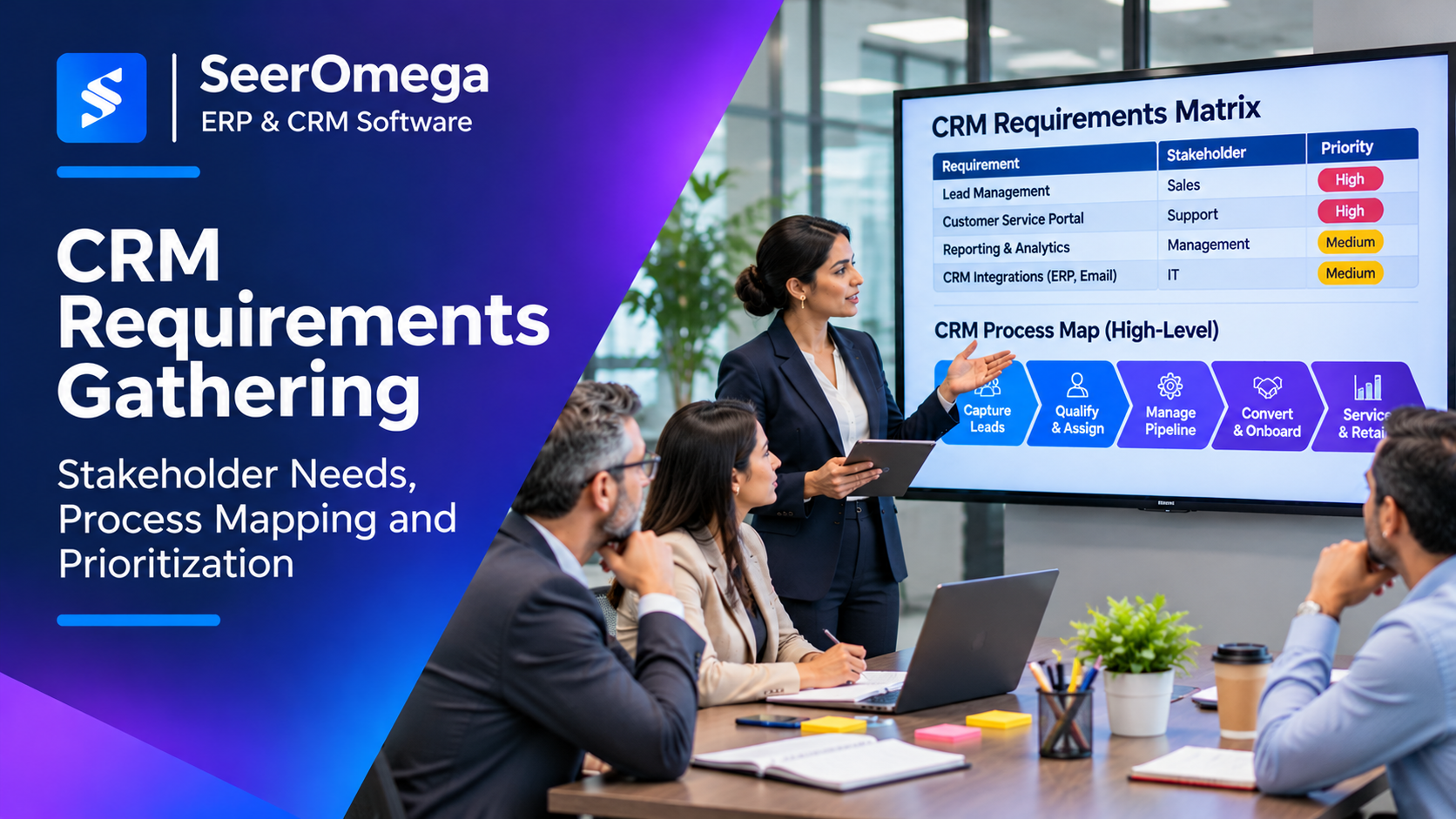
CRM requirements gathering is the work of translating business problems into clear, testable system and process needs. It is not a request to collect every feature employees would like. A disciplined process helps buyers select a platform that supports real customer workflows while limiting unnecessary customisation, integration complexity and long-term administration.
For organisations replacing spreadsheets or an existing CRM, the quality of this work often determines whether the selected system fits the business—or forces teams to work around it.
Why CRM requirements projects go wrong
Common failures include interviewing only senior managers, documenting features without understanding the process, treating every request as mandatory, overlooking data ownership and writing requirements that cannot be tested. These problems create a large scope with unclear priorities.
Requirements should explain the user, task, business reason, expected result and constraints. “Need better reporting” is not a complete requirement. “Sales managers need to view weighted pipeline by region and close month using a consistent opportunity-stage definition” is closer to something a team can validate.
Step 1: Establish scope and business outcomes
Start by agreeing which customer-facing processes are in scope. Depending on the organisation, these may include lead capture, qualification, account management, opportunity progression, quoting hand-off, customer onboarding, service requests, renewals and marketing consent.
Define what the project is expected to improve. Examples include reducing duplicate account creation, improving lead routing, increasing completeness of opportunity data or making service history available to account managers. Establish a baseline where possible.
Also document what is out of scope. A CRM project can easily absorb adjacent work such as ERP replacement, marketing automation redesign or a full data warehouse programme. Record dependencies without silently expanding the project boundary.
Step 2: Identify stakeholders and user groups
Build a stakeholder map that covers the people who perform the work, manage the process, own the data and support the technology.
| Stakeholder group | Typical questions to investigate | Likely requirement areas |
|---|---|---|
| Sales representatives | How are leads qualified, activities recorded and opportunities progressed? | Usability, mobile access, pipeline workflow |
| Sales managers | What makes a forecast credible? Which exceptions need attention? | Forecasting, dashboards, approvals |
| Marketing | How are campaigns, consent, attribution and lead hand-offs managed? | Campaign data, forms, routing, consent |
| Customer service | How is customer history accessed and a case escalated? | Service history, case management, SLAs |
| Finance and operations | Which customer, product and order details must be shared? | ERP integration, account controls, hand-offs |
| IT and security | What are the identity, integration, audit and retention constraints? | SSO, roles, APIs, monitoring, compliance |
| Executives | Which decisions should CRM reporting support? | KPIs, governance, management visibility |
Interview a representative sample rather than assuming that one manager speaks for every role. Include users who handle exceptions and complex accounts; their workflows often reveal requirements missed in high-level workshops.
Step 3: Map current-state processes before designing future state
Document the actual workflow, not only the official procedure. Follow a record from its origin through hand-offs, approvals, updates and closure. Capture the systems used, data entered, decision points, waiting time and manual workarounds.
For each process, ask:
- What event starts the process, and what outcome ends it?
- Who creates, owns and updates the customer record?
- Where is information entered more than once?
- Which decisions depend on missing or unreliable data?
- What happens when a record is incomplete, duplicated or rejected?
- Which activities occur outside the system, such as email or spreadsheets?
- Which steps are controls, and which exist only because current tools are limited?
Then design the future state. Do not automate every existing step without questioning it. Remove redundant approvals, clarify ownership and standardise definitions where the business can reasonably agree.
Step 4: Convert findings into structured requirements
Group requirements into categories so that functional, technical and operational needs are not mixed together.
- Functional: leads, accounts, contacts, opportunities, cases, activities, workflows and approvals.
- Data: fields, relationships, identifiers, validation, matching, retention and ownership.
- Integration: ERP, email, calendar, marketing automation, support and identity systems.
- Reporting: dashboards, forecast definitions, segmentation, auditability and exports.
- Security: roles, field-level access, SSO, audit logs and data residency needs.
- Usability: mobile workflows, accessibility, search, navigation and role-based views.
- Operations: administration, release management, support, backup and monitoring.
Use a consistent requirement format. For example: “As a [role], I need to [perform an action] so that [business outcome].” Add acceptance criteria that describe observable behaviour and the conditions under which the requirement passes.
Step 5: Prioritise requirements objectively
Separate mandatory requirements from preferences. A useful method is MoSCoW—Must have, Should have, Could have and Won’t have for this release—but the labels need clear definitions.
| Priority | Decision rule | Example |
|---|---|---|
| Must have | Without it, a critical process, control or compliance obligation cannot operate. | Role-based access to sensitive customer records |
| Should have | Important to business value, but a controlled workaround exists temporarily. | Automated lead assignment by territory |
| Could have | Useful improvement with limited impact on the first release. | Additional manager dashboard visualisation |
| Won’t have now | Explicitly deferred to protect scope, capacity or budget. | Advanced predictive scoring without validated data |
Prioritise against business impact, risk reduction, user frequency, regulatory need, implementation effort and dependency. A high-visibility request is not automatically a high-value requirement.
Step 6: Identify data and integration requirements early
For every important entity—account, contact, lead, opportunity, product, order or case—define its source of truth, identifier, owner, required fields and lifecycle. Clarify whether the CRM creates a record or receives it from another system.
For each integration, document source and destination, direction, trigger or schedule, expected volume, latency, error handling and reconciliation. Include API or middleware costs in the platform comparison. If CRM and ERP both store customer records, decide how matching and update conflicts will be resolved. See the SeerOmega guide to CRM–ERP integration without duplicate data.
Data requirements also include consent, retention, deletion, audit and export. These should be reviewed with the appropriate legal, privacy and security stakeholders for the jurisdictions in which the business operates.
Step 7: Validate requirements with scenarios
Review requirements with the people who will use and support the system. Walk through realistic scenarios rather than asking whether a list “looks right.” Include standard cases and exceptions.
Example scenarios:
- A web lead arrives with an existing contact email and must be matched without creating a duplicate.
- An account has multiple locations and several opportunities owned by different teams.
- A sales representative changes an opportunity stage and a manager needs to see the reason and next step.
- A customer order is created in ERP and the CRM account owner needs the relevant status.
- A user leaves the organisation and access must be revoked without losing record ownership history.
Record unresolved decisions, assumptions and process variants. Get business owners to approve the future-state process and the priority of requirements before vendor demonstrations begin.
Step 8: Use requirements to evaluate vendors
Build a traceability matrix that connects each requirement to its priority, business owner, vendor response, evidence and test result. Ask vendors to demonstrate critical workflows using consistent scenarios. Distinguish standard functionality from configuration, paid add-ons, partner extensions and custom development.
For each gap, capture the proposed workaround, implementation effort, recurring cost, upgrade impact and support responsibility. This makes vendor comparisons more realistic than a feature checklist.
For a wider procurement process, use the SeerOmega CRM software comparison guide as a starting point, then validate every shortlist against your own requirements.
Practical CRM requirements template
| Field | What to record |
|---|---|
| Requirement ID | Unique reference for traceability |
| Requirement statement | Role, action and intended outcome |
| Business process | Process step or customer journey stage |
| Business owner | Person accountable for the requirement |
| Priority | Must, Should, Could or Won’t now |
| Acceptance criteria | Observable pass/fail conditions |
| Data/integration impact | Entities, systems and ownership dependencies |
| Vendor response | Standard, configured, add-on, partner or custom |
| Evidence | Demo, documentation, test or written confirmation |
| Decision/status | Approved, deferred, rejected or open |
Common mistakes to avoid
- Designing around the current system: preserve necessary controls, not every workaround.
- Letting one department dominate: include teams affected by customer data and hand-offs.
- Confusing a feature with a requirement: state the business need before prescribing a solution.
- Leaving data until later: poor data ownership can undermine the entire process design.
- Making every request mandatory: prioritisation is essential to cost and schedule control.
- Accepting vague vendor answers: request evidence and test scenarios for critical requirements.
Frequently asked questions
Who should gather CRM requirements?
A business analyst or product owner can facilitate the work, but requirements must be validated by process owners, representative users, IT, data owners and security stakeholders.
How detailed should CRM requirements be?
Detailed enough to compare vendors and test outcomes, but not so prescriptive that the organisation dictates technical design before understanding platform capabilities.
Should requirements be final before vendor demos?
Critical business outcomes and must-have requirements should be stable. Demos can reveal options and gaps, but any resulting change should be documented and approved rather than added informally.
What is the difference between a requirement and a user story?
A requirement describes a needed capability or constraint. A user story expresses a need from a particular role’s perspective; acceptance criteria make the expected behaviour testable.
Conclusion
Effective CRM requirements gathering gives the buying team a shared definition of the customer processes it needs to support. Map current work, design a better future state, prioritise needs, clarify data ownership and validate requirements through scenarios. The result is a more defensible vendor decision and a smaller risk of paying to customise a system around avoidable process problems.
Further reading: Info-Tech’s CRM selection and implementation framework and CRM requirements checklist.
