
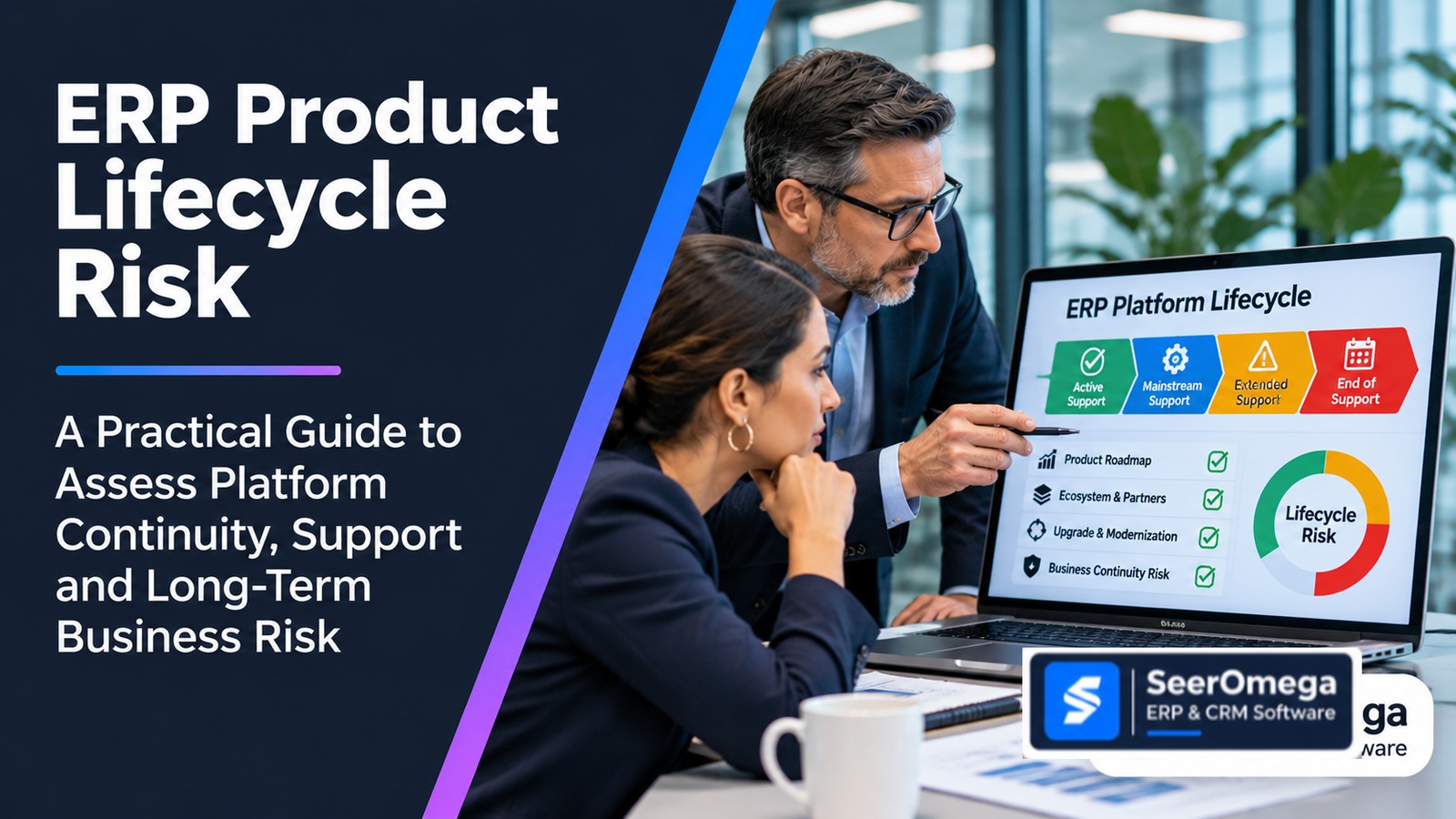
An ERP product can still be supported and nevertheless become a poor long-term fit. Its roadmap may move away from the capabilities the business needs. The partner ecosystem may thin out. Customizations may make upgrades increasingly expensive. Integration components may approach retirement. Specialist skills may become harder to retain. None of these conditions is captured by a single end-of-support date.
ERP product lifecycle risk is the exposure created when the future supportability, capability, ecosystem or change path of an ERP platform no longer aligns with the organization’s operating requirements and ability to adapt. It includes formal vendor lifecycle dates, but also the dependencies and costs that determine whether the organization can continue operating, upgrade, modernize or exit safely.
This guide introduces the SeerOmega ERP Platform Continuity Assessment, a forward-looking framework for evaluating product direction and organizational readiness. It is not a prediction of vendor failure, a product ranking or a substitute for checking current official lifecycle and licensing terms.
Why end-of-support dates are necessary but not sufficient
Lifecycle dates matter because support, security updates, servicing and compatibility can change over time. But products follow different policies. Some have fixed support dates; others operate under modern or continuous servicing models where a product family may remain supported while specific releases age out. A cloud service, an on-premises release and a third-party component in the same ERP environment may have different lifecycle conditions.
Microsoft’s Lifecycle Policy distinguishes Fixed and Modern Lifecycle approaches and directs customers to verify the exact product and release. Dynamics 365 Business Central online, for example, follows the Modern Lifecycle Policy, while on-premises releases have version-specific servicing windows. Microsoft also publishes release and service-update information for Finance and Operations. The lesson is not that one policy is safer than another; it is that buyers must identify the precise product, deployment model, version and applicable support terms.
Infor’s ERP end-of-support guidance discusses the business decisions triggered by product phase-out or changes in support. SAP LeanIX’s obsolescence-risk documentation connects vendor lifecycle information with application inventory, architecture relationships and upgrade or replacement planning. SeerOmega’s contribution is to combine those lifecycle facts with the business’s roadmap fit, delivery ecosystem, upgrade burden and practical transition capability.
The SeerOmega Platform Continuity Assessment: six dimensions
Assess the ERP platform across six dimensions. Record source, date checked, product version, deployment model and confidence for each finding. The framework is qualitative; do not present its output as an actuarial probability of failure.
| Dimension | What to assess | Key evidence |
|---|---|---|
| 1. Product lifecycle and support | Support policy, release servicing, security updates, retirement notices, upgrade prerequisites and support exclusions | Official lifecycle pages, release notes, support agreements and vendor confirmation |
| 2. Roadmap and capability fit | Whether planned and available product capabilities support the organization’s future processes | Published roadmap, release plans, feature status, known limitations and business requirements |
| 3. Ecosystem and skills health | Availability of implementation partners, specialist skills, support resources, add-ons and integrations | Current partner directories, recruitment evidence, support commitments and product ecosystem documentation |
| 4. Technical and customization burden | Custom code, extensions, architecture constraints, integration compatibility, infrastructure and upgrade effort | Technical inventory, upgrade assessments, test results, defect history and dependency register |
| 5. Operational resilience and security | Patchability, identity, monitoring, recovery, data access, third-party concentration and incident response | Security reviews, recovery tests, supplier assessments and operational controls |
| 6. Change and exit optionality | Ability to upgrade, reimplement, modernize or replace without unacceptable disruption or cost | Data export tests, contract terms, documentation, alternative architecture and transition plan |
1. Verify the exact lifecycle position
Start with the exact product name, edition, release, deployment model and version. Record mainstream support, extended support, end of servicing, retirement or other lifecycle milestones where the vendor publishes them. Check whether support depends on staying current with updates, maintaining a particular plan or using supported infrastructure and databases.
Use the vendor’s official lifecycle source as the primary record. For Microsoft, begin with the Microsoft Lifecycle Policy and the product-specific page, such as Dynamics 365 Business Central or Dynamics 365 Finance and Operations. Review the release servicing details where relevant. Do not infer that an entire product family is unsupported because one older version has reached end of servicing.
For other vendors, use their official product lifecycle, maintenance policy and release documentation. If the public page does not answer the question for the customer’s exact contract or version, request written confirmation from the vendor or authorized support provider.
2. Assess roadmap fit—not roadmap optimism
Map the business capabilities the ERP must support over the next three to five years. Compare those needs with capabilities that are generally available today, capabilities planned for a published release and requirements that remain uncertain. Distinguish released functionality from preview, planned, deprecated or retired features. A roadmap announcement is not a delivery commitment unless the vendor’s terms say otherwise.
For each important gap, record the business consequence and possible treatment: configuration, supported extension, partner add-on, integration, process change or alternative product. Also ask whether the vendor’s direction increases reliance on another module, cloud service, data platform or commercial tier. The objective is not to score the number of roadmap announcements; it is to understand whether the platform’s direction aligns with the operating model.
3. Evaluate ecosystem health and supportability
ERP continuity often depends on more than the publisher. Review whether the organization can access qualified implementation, integration, upgrade and support resources. Confirm which partner actually contracts for the work, which entity provides delivery, where critical support personnel sit and whether key skills are concentrated in one individual or supplier.
Assess add-ons and industry extensions separately. A supported ERP core may rely on a third-party extension whose lifecycle, compatibility or vendor health creates a different risk. Check product compatibility statements, release cadence, support commitments, documentation quality and the availability of alternative providers. Do not assume that a broad partner directory listing proves delivery capacity or specialist expertise for the organization’s exact requirements.
4. Quantify the upgrade and customization burden
Build an inventory of customizations, integrations, reports, workflows, extensions, scripts and infrastructure components. For each item, record its business purpose, owner, technical dependency, support status, upgrade compatibility and estimated remediation effort. Identify customizations that can be retired, replaced by standard capability or redesigned.
Compare the effort to keep the current platform current with the effort to reimplement, modernize selected components or replace it. Include regression testing, data conversion, integration remediation, security review, user training, parallel operation and business downtime. A platform with frequent updates may have a healthy lifecycle but still impose a significant internal change burden if the organization cannot test and deploy them reliably.
5. Test operational resilience and data control
Identify the business processes that rely on the ERP and the services required to keep them operating. Review backup and recovery arrangements, identity dependencies, monitoring, integration recovery, support escalation, data access and third-party concentration. Check whether the organization can retrieve critical records and continue essential work during a disruption.
Where a product is delivered as a cloud service, understand the service commitments, data export options, regional availability and the responsibilities retained by the customer. Where the product is on-premises or hosted by a partner, assess the infrastructure, database, operating system and specialist support dependencies. The deployment model changes the risk profile; it does not remove the need for a continuity plan.
6. Evaluate change and exit optionality
Ask what would be required to move from the current platform. Identify the data that must be exported, the formats available, the ownership of custom code and configuration, the integrations that must be rebuilt, the reports and audit records that must remain accessible, and the transition services that would be needed. Review contract terms for data return, transition assistance, termination, deletion and continuing access.
Test the most important assumptions. Request a sample data export. Locate current architecture and configuration documentation. Confirm access to source code or extension repositories where contractually appropriate. Ask whether a replacement partner can understand the current environment without depending entirely on the incumbent provider. If the exit plan exists only as a contract clause, treat readiness as unproven.
Platform continuity register: a practical working template
| Field | What to record |
|---|---|
| Product and version | Exact product, edition, release, deployment model and tenant/environment scope |
| Lifecycle evidence | Official support policy, release end date, servicing milestone, URL and date checked |
| Business capability fit | Critical future requirement, current fit, known gap and proposed treatment |
| Roadmap status | Available, preview, planned, deprecated, retired or not confirmed |
| Ecosystem dependencies | Publisher, support partner, implementation partner, add-ons and specialist skills |
| Technical burden | Customizations, interfaces, upgrade blockers, testing effort and component support |
| Operational exposure | Critical processes, recovery arrangements, data access and concentration points |
| Change options | Upgrade, reimplement, modular modernization, replacement or managed retention |
| Exit readiness | Data export test, documentation, contract rights, transition owner and estimated effort |
| Decision owner and next review | Accountable executive, technical owner, evidence gaps and review trigger |
Turn lifecycle findings into a continuity decision
A lifecycle assessment should lead to a treatment plan, not an automatic replacement recommendation.
| Assessment outcome | Potential response | Decision condition |
|---|---|---|
| Healthy lifecycle and strong business fit | Retain and maintain | Keep release, security, skills and recovery controls current |
| Healthy product, weak configuration or upgrade readiness | Reimplement or remediate | Prioritize technical debt, test automation, documentation and ownership |
| Roadmap gap in selected capabilities | Modernize selectively or extend | Validate supported architecture, integration cost and long-term ownership |
| Concentrated partner or add-on dependency | Reduce dependency and improve portability | Secure documentation, alternatives, cross-training and transition rights |
| Lifecycle or strategic fit is deteriorating | Plan migration or replacement | Build a funded roadmap with data, process, integration and cutover controls |
| Material risk but no immediate replacement path | Time-bound risk acceptance and mitigation | Assign an executive owner, controls, review date and exit trigger |
Questions to ask the ERP vendor and implementation partner
- Which exact product releases and deployment components are covered by the current support arrangement?
- What changes to support, servicing, licensing or hosting are already announced for the relevant version?
- Which roadmap capabilities are generally available, in preview or only planned?
- What customizations or integrations are likely to require remediation during the next upgrade?
- Which add-ons and subcontractors are critical to the delivered solution, and how is their lifecycle monitored?
- What skills and named resources will be available for support and upgrade work?
- What data, configuration, documentation and custom assets can the customer retrieve at exit?
- What would a replacement partner need to take over the environment safely?
How this differs from an ERP upgrade-versus-replacement decision
An upgrade-versus-replacement assessment compares immediate change paths for an incumbent system. Product lifecycle risk is broader and more forward-looking: it monitors the conditions that may make future upgrades, continued operation or eventual exit difficult. Use lifecycle assessment to identify emerging exposure; use the ERP Upgrade vs Replacement framework when a specific modernization decision is required.
For broader portfolio context, see our ERP integration planning for mergers and acquisitions and the ERP Vendor Dependency Mapping framework.
Frequently asked questions
What is ERP product lifecycle risk?
It is the risk that an ERP product’s support, roadmap, ecosystem, technical dependencies or change path will no longer meet the organization’s business and operational requirements.
Does end of support mean an ERP must be replaced?
Not necessarily. The organization should verify the exact product and version, available support options, security implications, upgrade paths, business requirements and transition alternatives before deciding.
How often should ERP lifecycle risk be reviewed?
Review it at least as part of technology and vendor governance, and after material lifecycle announcements, release changes, acquisitions, partner changes, security events or major business-model shifts. Higher-criticality environments may need more frequent review.
What is the difference between product lifecycle and application lifecycle management?
Product lifecycle describes the vendor’s support and evolution of a product or release. Application lifecycle management is a broader term that can also refer to the processes and tools used to manage software development and delivery. Define the intended meaning when researching keywords or selecting tools.
Who should own the continuity assessment?
Business owners should define critical process needs; IT and enterprise architecture should assess product, version and technical dependencies; procurement and legal should review commercial and exit terms; security and continuity teams should validate resilience and risk controls.
Conclusion: manage the platform’s future, not just its support date
A lifecycle date tells you when a defined support commitment changes. It does not tell you whether the ERP will remain a good fit, whether its ecosystem can support your requirements or whether your organization can change direction safely. Assess support, roadmap, ecosystem, customization, resilience and exit optionality together. Then make continuity a managed decision with evidence, owners and review triggers.
Explore SeerOmega’s ERP and CRM software and implementation partner directory when assessing the ecosystem available for your platform strategy.
