
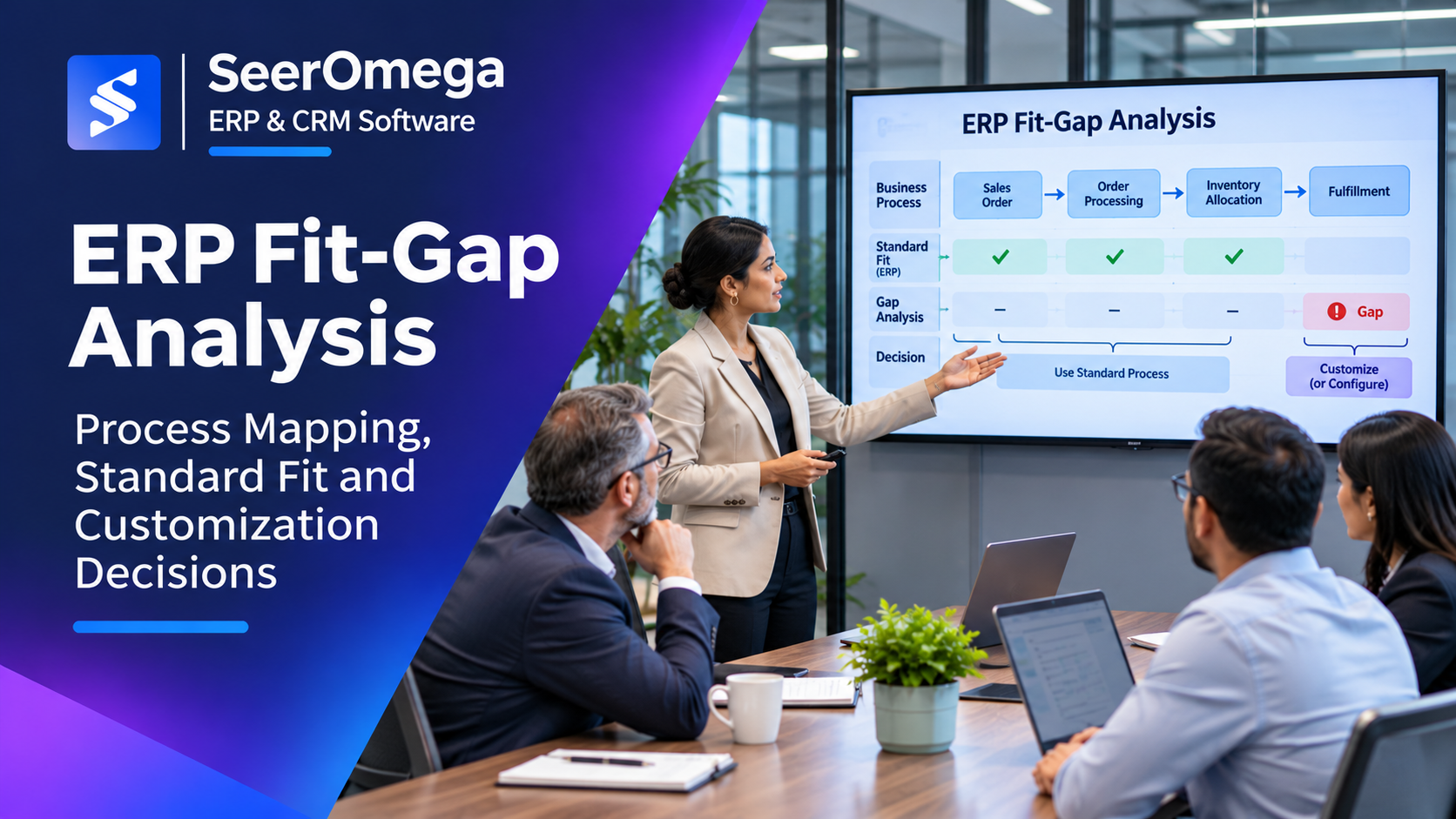
ERP fit-gap analysis is where business requirements meet the reality of a software platform. It identifies which business processes can be supported through standard functionality, which need configuration, and which require an extension, third-party application or process change. Done well, it prevents unnecessary customisation while ensuring that genuinely differentiating or mandatory requirements are not overlooked.
The goal is not to force every department into the software without discussion. Nor is it to recreate every legacy workflow. The objective is to agree a supportable future-state operating model that meets business, regulatory and control needs at an acceptable lifecycle cost.
Fit-to-standard and fit-gap are related but different
Fit-to-standard compares business needs with the standard processes and capabilities available in the ERP platform. It asks whether the organisation can adopt a standard process with acceptable change to roles, controls and outcomes.
Fit-gap analysis records the remaining differences between the agreed business need and the standard solution. It evaluates how each gap should be addressed. A gap is not automatically a reason to customise; it is a decision that needs evidence, impact assessment and ownership.
Microsoft’s fit-to-standard and fit-gap guidance recommends understanding standard processes before deciding on extensions. It also highlights the importance of assessing the effect of a proposed change on connected processes, not just the one requirement being discussed.
Start with business processes, not a feature wish list
Organise workshops around end-to-end processes such as procure-to-pay, order-to-cash, record-to-report, plan-to-produce, hire-to-retire or service-to-cash. The exact process catalogue should reflect the organisation’s operating model and industry.
For each process, document:
- Trigger: what starts the process and which event or request initiates work.
- Actors and roles: who performs, reviews, approves or receives the output.
- Process steps: sequence, handoffs, decision points and exception paths.
- Inputs and data: master data, transaction data, documents and required validations.
- Controls: approvals, segregation of duties, audit evidence and compliance requirements.
- Outputs: accounting entries, inventory movements, customer communication, reports or fulfilment outcomes.
- Pain points: delays, manual work, rekeying, duplicate data, control gaps and operational workarounds.
Use real examples and exceptions rather than abstract statements such as “improve reporting” or “automate procurement.” A process map should make it possible to see where work begins, how it moves between teams and systems, and what happens when something goes wrong.
Run fit-to-standard workshops
Prepare the workshop with process owners, subject-matter experts, the solution architect and implementation partner. Demonstrate relevant standard processes using realistic scenarios and representative data. Ask users to evaluate whether the process meets the required business outcome, not whether the screens look exactly like the legacy application.
For each process step, classify the result:
| Classification | Meaning | Typical response |
|---|---|---|
| Standard fit | The ERP supports the required outcome with standard functionality | Adopt the standard process and document any training or policy change |
| Configuration fit | The outcome is supported through supported settings, workflow or role configuration | Configure, test and document the setting |
| Process change | The business can change its way of working without losing a required outcome or control | Assess operational impact, update procedures and manage adoption |
| Extension or add-on | A supported extension or industry application provides the required capability | Assess vendor fit, integration, licensing, support and upgrade implications |
| Custom development | A material requirement cannot be met adequately through standard or supported options | Build a justified business case and assess lifecycle ownership |
| Unresolved | Evidence or stakeholder agreement is not yet sufficient | Assign an owner, evidence requirement and decision date |
Maintain a structured fit-gap register
Each gap should have a unique identifier and enough detail for a decision-maker to understand the issue. Recommended fields include:
- Process area, process step and business owner.
- Requirement and business outcome, including whether it is mandatory.
- Standard ERP capability demonstrated and evidence captured.
- Gap description and business impact if left unresolved.
- Options considered: process change, configuration, extension, third-party solution or custom development.
- Estimated cost, delivery effort, testing impact and support implications.
- Security, data, integration and reporting dependencies.
- Decision, approver, priority, owner and target date.
Separate a genuine functional gap from a preference. “The new screen is different from the old screen” is not sufficient evidence of a business gap. A statutory control, customer-specific obligation or measurable operational constraint may be. Record the rationale so the same issue is not repeatedly reopened in later workshops.
Evaluate customization as a lifecycle decision
Custom development can be justified when a requirement is legally necessary, protects a material control, enables a distinctive business capability or creates measurable value that cannot be achieved through a standard process or supported extension. But the decision should include more than the initial build estimate.
Assess:
- Initial design, development and implementation cost.
- Testing effort across affected processes and integrations.
- Documentation, training and support requirements.
- Upgrade and release compatibility.
- Performance, security and data implications.
- Dependence on a specific developer, partner or proprietary component.
- Whether future standard product functionality could make the customisation redundant.
Consider the whole process impact. A change to order entry may affect inventory reservation, credit checks, warehouse execution, invoicing, revenue recognition and reporting. A local fix can create downstream complexity if connected processes are not mapped.
Prioritise gaps by business value and risk
Do not treat every gap as equally important. A practical prioritisation model can score each item across:
- Business criticality: impact on revenue, service, production, financial close or regulatory obligations.
- Control and compliance: effect on auditability, segregation of duties, safety or statutory requirements.
- Value: expected cost reduction, capacity improvement, customer experience or strategic differentiation.
- Frequency and scale: number of users, transactions and business units affected.
- Effort and risk: delivery complexity, dependencies, testing and future maintenance.
Use a weighted score to structure discussion, not to replace judgement. Mandatory controls and legal requirements should be treated as constraints rather than traded away because they score poorly on a simple value matrix.
Connect fit-gap decisions to the solution design and SOW
Approved decisions must flow into the solution blueprint, configuration backlog, integration design, data requirements, test scenarios and implementation statement of work. The SOW should identify which extensions or customisations are included, who owns them, how acceptance will be measured and what assumptions affect delivery cost.
Unresolved gaps should not disappear into meeting notes. Assign a decision owner and due date, and make clear whether the item blocks design approval, build, testing or go-live. If the scope changes, use formal change control to assess the effect on budget and schedule.
Common fit-gap mistakes
- Recreating the legacy system: the team treats every existing step as mandatory without testing whether it still adds value.
- Premature customisation: development is approved before standard capabilities and configuration options are understood.
- Vague requirements: statements such as “easy to use” or “real-time reporting” lack measurable acceptance criteria.
- Missing exceptions: workshops cover the happy path but ignore returns, reversals, partial shipments, failed approvals or period-end scenarios.
- Local optimisation: a process is changed without reviewing downstream impacts on finance, inventory, integrations or controls.
- No accountable owner: gaps remain open because no business leader has authority to accept the trade-off.
Fit-gap analysis checklist
- End-to-end processes and business outcomes are documented.
- Process owners and subject-matter experts participate in workshops.
- Standard functionality is demonstrated against realistic scenarios.
- Requirements are classified as mandatory, important or optional.
- Every gap has a business impact, owner and decision date.
- Configuration, process change, extensions and custom development are assessed separately.
- Lifecycle cost, integration, security, testing and upgrade impacts are considered.
- Approved decisions flow into the design baseline, backlog, SOW and test plan.
For a broader view of the implementation risks that arise when requirements and design decisions are weak, see our guide to ERP implementation challenges. For programme-level planning, the process-focused implementation lifecycle provides a useful reference for linking process scope to each delivery phase.
Final consideration
Fit-gap analysis should reduce uncertainty before it becomes expensive rework. The strongest process starts with business outcomes, tests standard functionality, documents genuine gaps and makes customisation a deliberate investment. When decisions are traceable and owned by the business, the resulting ERP design is easier to implement, support and evolve.
