
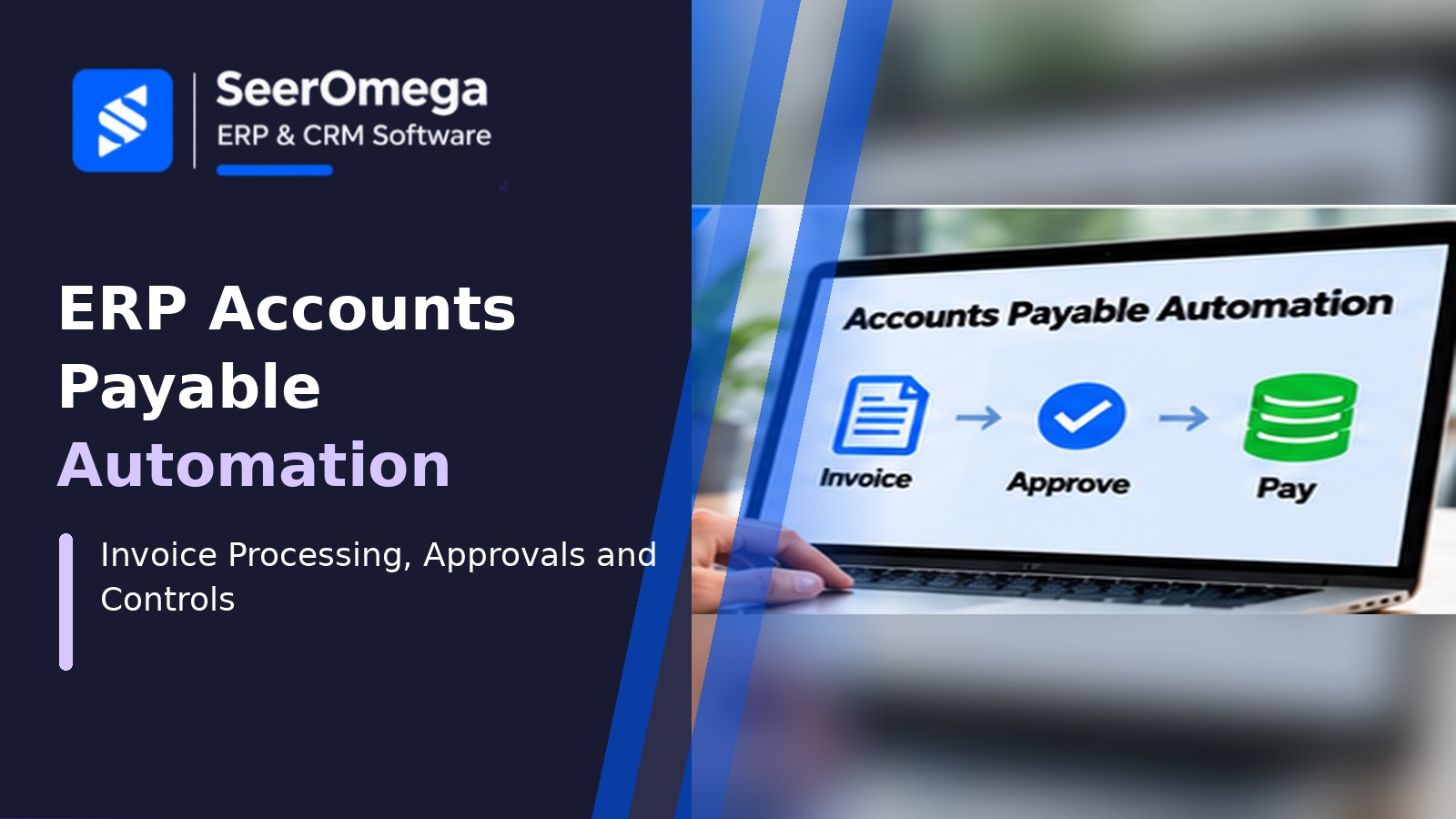
Accounts payable automation can reduce manual invoice handling, shorten approval cycles and improve visibility into liabilities, but automation does not remove the need for financial controls. A poorly designed workflow can accelerate duplicate payments, route invoices to the wrong approver or post incorrect tax and supplier data at scale.
The objective is to automate repeatable work while keeping exceptions, approvals and payment release under appropriate control. This guide explains the core AP workflow, integration requirements, control design, implementation steps and how to measure return on investment.
Map the accounts payable process before automating
Document the current process from invoice receipt to payment and reconciliation. Identify channels such as supplier portals, email, EDI, e-invoicing networks and paper scanning. Record how invoices are identified, validated, matched, approved, posted and paid. Measure current processing time, exception volume, rework and payment errors.
Typical process stages include:
- Receive and register the supplier invoice.
- Extract invoice number, supplier, dates, currency, tax, totals and line details.
- Validate supplier status, required fields, duplicate candidates and tax information.
- Match the invoice to a purchase order, receipt or approved non-PO request.
- Route exceptions and approvals to authorised employees.
- Post the approved invoice to the ERP subledger and general ledger.
- Schedule payment according to terms, cash policy and payment controls.
- Reconcile payment, bank statement and supplier account.
Core capabilities in AP automation
Invoice capture and data extraction
Capture can use structured electronic invoices, supplier portal submissions, EDI, OCR or AI-assisted extraction. Evaluate supported formats, language and tax-field handling, line-level extraction accuracy, confidence scores and exception review. Human validation remains important when the system cannot reliably identify a field or when the invoice is unusual.
Supplier and invoice validation
Validate supplier identity, legal entity, invoice number, date, currency, tax treatment, payment terms and required references. Duplicate detection should consider supplier, invoice number, amount, date and legal entity, while allowing legitimate cases such as credit notes, corrected invoices or supplier numbering patterns.
Purchase order and receipt matching
Two-way matching compares invoice and purchase order details; three-way matching also checks receipt or service confirmation. Define tolerances for price, quantity, tax, freight and rounding. Do not automatically approve a mismatch merely because the total difference falls below a threshold if the underlying business rule requires review.
Approval workflows
Route invoices based on legal entity, department, cost centre, amount, project, purchase category and delegated authority. Support sequential and parallel approvals where needed, with escalation for overdue tasks. Changes to supplier bank details or payment instructions should follow a separate verification process.
Posting and payment controls
Once approved, the invoice should post to the correct supplier account, tax code, general ledger account, dimension and accounting period. Payment runs should apply due dates and cash policy while separating invoice approval from payment release. Dual authorisation and bank-file controls may be required by the organisation’s risk policy.
Design the exception workflow
Automation value depends on how well exceptions are handled. Common exceptions include unknown suppliers, duplicate invoices, missing purchase orders, quantity or price variances, tax differences, incomplete receipt records, closed accounting periods and unclear approvers.
| Exception | Control or resolution |
|---|---|
| Possible duplicate invoice | Hold for review; compare source document and supplier history before release |
| Supplier not recognised | Validate onboarding and supplier master data through an authorised process |
| PO or receipt mismatch | Route to procurement or receiving owner with variance evidence |
| Missing approval | Apply delegation rules and escalation; do not bypass required authority |
| Tax or coding uncertainty | Route to finance or tax specialist for review |
| Bank detail change | Verify independently using an approved supplier change procedure |
| Integration failure | Retain the source reference, retry safely and reconcile posting status |
Segregation of duties and fraud prevention
AP automation should enforce separation between supplier maintenance, invoice entry, invoice approval and payment release where the organisation’s control framework requires it. A single user should not be able to create a supplier, change its bank details, approve an invoice and release payment without appropriate compensating controls.
Use role-based access, approval limits, audit trails and periodic access reviews. Require independent verification for sensitive supplier changes. Monitor unusual patterns such as repeated invoices just below approval thresholds, changes to payment details shortly before a payment run or invoices submitted from unexpected channels.
ERP integration and data requirements
AP automation may be native to the ERP or delivered through a specialist invoice automation platform. In either case, define ownership and data exchange for supplier master records, purchase orders, receipts, invoices, approvals, tax codes, payment status and ledger postings.
- Use stable supplier and transaction identifiers.
- Prevent duplicate posting when an API request times out and is retried.
- Keep source-document links and audit references with the posted transaction.
- Reconcile invoice counts and values between capture, workflow and ERP posting.
- Monitor failed messages, approval backlogs and ageing exceptions.
- Protect invoice attachments and bank details with access controls and retention policies.
How to implement AP automation
- Baseline the current process. Measure invoice volume, processing cost, cycle time, exception rate and payment errors.
- Segment invoice types. Separate PO-backed invoices, non-PO invoices, recurring invoices, credit notes and complex service invoices.
- Clean supplier data. Resolve duplicates, inactive suppliers, missing tax fields and inconsistent payment terms.
- Design approval and matching rules. Agree tolerances, delegation, escalation and exception ownership with finance and procurement.
- Configure and integrate. Connect capture, supplier records, purchasing, receiving, workflow and ERP posting.
- Test controls and failure scenarios. Include duplicate submissions, changed bank details, partial receipts, invalid tax, rejected invoices and retry behaviour.
- Pilot with a controlled supplier group. Compare automated outcomes with manual review before scaling.
- Monitor and improve. Review exceptions, access, accuracy and process performance after go-live.
Measure AP automation ROI
| KPI | Why it matters |
|---|---|
| Cost per invoice | Shows the operating cost of processing an invoice |
| Invoice cycle time | Measures elapsed time from receipt to approval or posting |
| Touchless processing rate | Shows the share completed without manual intervention, with quality controls intact |
| First-pass match rate | Measures how often invoices match PO and receipt data without exception |
| Exception rate and ageing | Identifies process bottlenecks and unresolved work |
| Duplicate payment rate | Tracks a critical financial control outcome |
| On-time payment rate | Shows whether the process supports supplier terms and cash policy |
| Early-payment discount capture | Measures commercial value where discounts are available and worthwhile |
Calculate benefits conservatively. Include labour capacity released, reduced rework, fewer late fees and discounts captured, but avoid counting the same time saving twice. Compare these benefits with software subscriptions, implementation, integration, support, document volume charges and ongoing exception management.
AP automation selection questions
- Which invoice channels and formats are supported?
- How are extraction confidence and human review handled?
- Can the system perform two-way and three-way matching?
- Can approval rules reflect legal entity, cost centre, project and delegated authority?
- How are supplier bank changes verified and audited?
- What happens when the ERP or integration service is unavailable?
- Can finance trace the source document, approval history and posting?
- How are transaction volume, storage and support priced?
Final guidance
AP automation should make invoice processing faster without weakening supplier controls, approval authority or payment governance. Start with process and supplier data quality, automate high-volume repeatable invoice types first, keep exceptions visible and test duplicate prevention and payment safeguards before expanding. Measure cost per invoice and cycle time alongside control outcomes.
For broader finance-system decisions, read SeerOmega’s financial management software comparison, ERP integration testing checklist and ERP managed services and support guide.
