
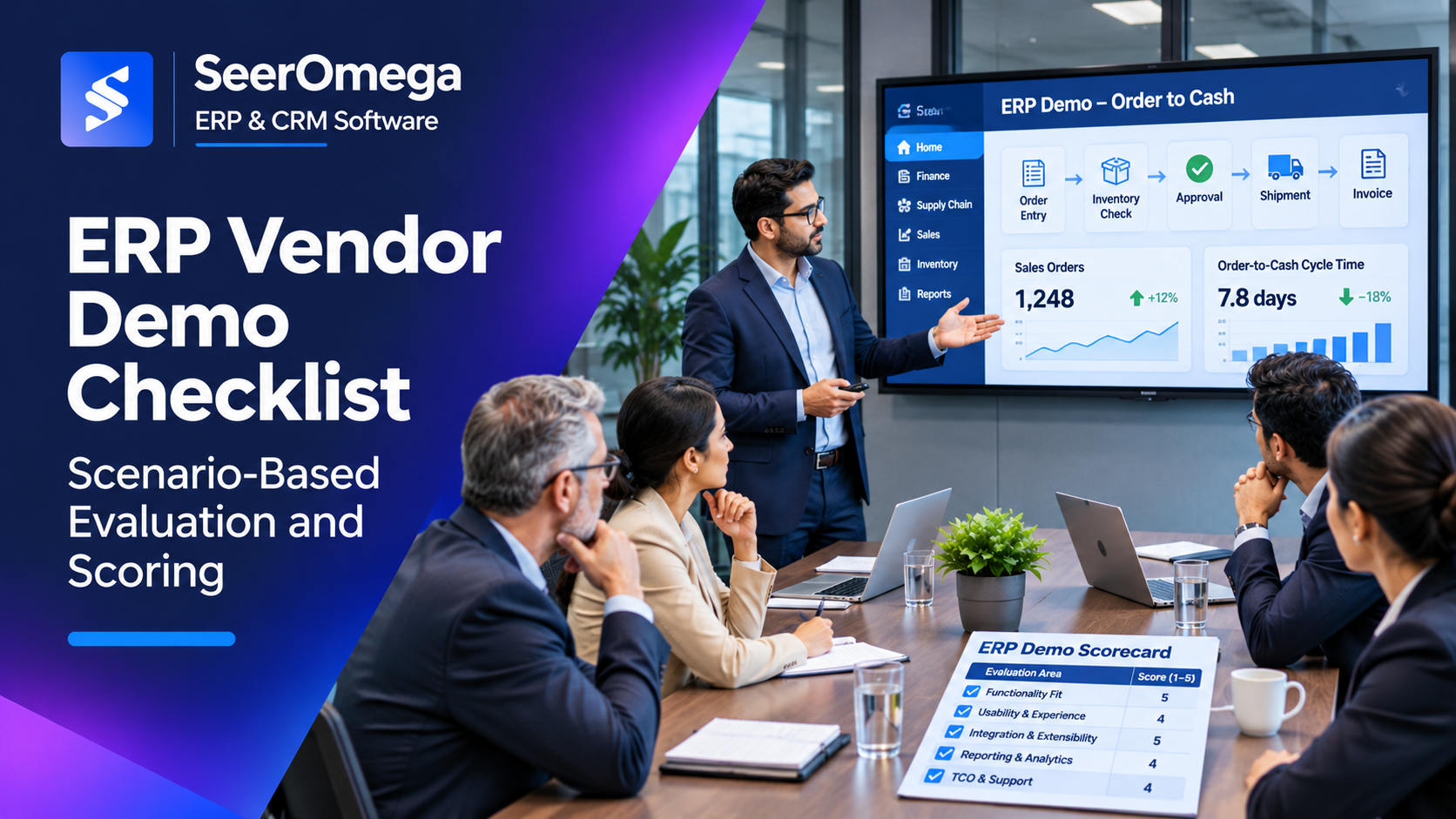
An ERP vendor demonstration should prove how a system handles your business, not how polished its standard presentation looks. A generic product tour can show menus, dashboards and attractive screens while leaving the hardest questions unanswered: Can the platform support your order exceptions? How are approvals controlled? What happens when an integration fails? Which requirements need custom development, extra licences or manual work?
A structured ERP vendor demo checklist gives every shortlisted supplier the same scenarios, time limits and scoring criteria. It helps buyers compare evidence rather than presentation quality and gives implementation partners a clearer view of the real operating requirements.
Prepare before inviting vendors
Do not begin with a blank demonstration agenda. Use the approved requirements and process maps to select a small set of high-value scenarios. Include the processes that are most important to business performance, the exceptions that create operational risk and the capabilities that differentiate one vendor from another.
Before the demo, provide each vendor with:
- A short company and operating-model overview.
- The in-scope entities, sites, business units and user groups.
- Priority business processes and scenario descriptions.
- Required outcomes and non-negotiable controls.
- Expected integrations, reporting and data requirements.
- Demo duration, attendee roles and evaluation criteria.
- Instructions to identify standard functionality, configuration, extensions, add-ons and custom development separately.
Keep the scenarios consistent across vendors. If one supplier receives a detailed script and another receives only a broad topic, the results will not be comparable.
Choose scenarios that represent real work
Pick a manageable number of end-to-end scenarios. For a finance and distribution business, examples might include:
| Scenario | What the vendor should demonstrate | What to observe |
|---|---|---|
| Order to cash | Quote or order entry, pricing, credit approval, allocation, shipment, invoicing and payment | Exception handling, inventory visibility, financial posting and customer communication |
| Procure to pay | Purchase request, approval, purchase order, receipt, invoice matching and payment | Approval controls, tolerance rules, supplier data and three-way matching |
| Record to report | Journal entry, subledger posting, reconciliation, period close and management reporting | Audit trail, close dependencies, multi-entity handling and drill-down |
| Plan to produce | Demand or production planning, material availability, work order execution and completion | Planning assumptions, traceability, shop-floor usability and variance visibility |
| Service or project delivery | Resource assignment, time or service capture, billing and profitability review | Resource utilisation, approvals, project cost and revenue visibility |
Use only scenarios relevant to your scope. A manufacturing organisation should not spend most of its evaluation time on a generic finance dashboard if production planning and traceability are critical requirements.
Make vendors demonstrate exceptions, not just the happy path
The normal transaction flow is important, but exceptions reveal how well the solution supports day-to-day operations. Ask the vendor to show what happens when:
- A customer exceeds its credit limit or an approval is rejected.
- Inventory is unavailable, partially allocated or received with a discrepancy.
- A supplier invoice does not match the purchase order or receipt.
- A transaction is reversed, corrected or posted to the wrong period.
- A user lacks permission to approve or amend a transaction.
- An integration is delayed, fails or sends a duplicate message.
- A process requires an override and an auditable reason.
Observe whether the system prevents invalid actions, guides users to resolve the problem and records the control evidence. Ask the vendor to explain any manual workaround and who would maintain it.
Require evidence of the underlying capability
For each requirement, ask the vendor to classify the demonstrated solution:
- Standard: available in the product without customer-specific changes.
- Configuration: delivered through supported setup, workflow or security configuration.
- Extension or add-on: requires a separate product, marketplace solution or partner extension.
- Custom development: requires customer-specific code or bespoke functionality.
- Not demonstrated: the vendor has not provided sufficient evidence.
Do not accept “the system can do that” as proof. Ask to see the workflow, the resulting transaction, the relevant report and the audit history. If the capability cannot be shown live, record the evidence still required and the date it will be supplied.
Evaluate more than functionality
A strong ERP evaluation should cover the full operating model:
Usability and role-based experience
Ask users from finance, operations, procurement and management to complete representative tasks. Observe navigation, number of steps, error messages, approvals and mobile or remote access where relevant. Do not score usability solely from the presenter’s familiarity with the product.
Reporting and analytics
Ask for a report based on transactions created during the demo. Check whether users can drill into the source, filter by entity or business unit, export data under controlled permissions and reconcile totals to operational transactions.
Integration and data handling
Ask how the solution exchanges data with CRM, ecommerce, payroll, banking, warehouse, manufacturing or specialist systems in scope. Clarify supported APIs, connectors, event handling, monitoring, retry logic, error ownership and reconciliation. Request a clear explanation of any middleware or additional licensing required.
Security and auditability
Ask the vendor to demonstrate role permissions, approval limits, segregation of duties, audit history and access review capabilities. A demo should show how a user is prevented from performing an unauthorised action, not simply display a security settings screen.
Implementation and support implications
For each requirement, ask what configuration, data preparation, integrations, extensions, testing and customer effort are needed. Confirm whether the capability is included in the proposed implementation scope and whether it changes the delivery timeline or support model.
Use a consistent scorecard
Agree the scorecard before the first demonstration. A simple weighted model can help compare vendors:
| Evaluation area | Illustrative weight | Evidence to score |
|---|---|---|
| Business process fit | 30% | Coverage of priority scenarios, exceptions and required controls |
| Usability and adoption | 15% | Task completion, role experience, navigation and training implications |
| Data, integration and reporting | 20% | Connectivity, data quality, auditability, reporting and reconciliation |
| Architecture, security and scalability | 15% | Deployment fit, access controls, resilience, performance and future growth |
| Implementation and support fit | 10% | Delivery approach, partner capability, support model and resource assumptions |
| Commercial and lifecycle cost | 10% | Licensing, add-ons, implementation effort, support and future cost exposure |
These weights are examples, not a universal formula. Change them to reflect your operating model and strategic priorities. A critical legal or control requirement should be treated as a pass/fail condition even if it represents a small percentage of the weighted score.
Use a consistent rating scale, such as 1 (not demonstrated or materially unsuitable) to 5 (demonstrated with strong evidence and acceptable delivery effort). Require evaluators to record a short rationale and evidence reference for each score. Score software fit and implementation partner fit separately; a strong product demonstration does not prove the proposed partner can deliver the programme.
Questions that expose hidden cost and delivery effort
- Which demonstrated capabilities are standard, configurable, add-on or custom?
- What additional user, module, environment, storage or transaction licences are required?
- Which integrations require middleware, connectors or third-party subscriptions?
- What data cleansing, mapping and migration work is assumed from the customer?
- What implementation resources and business-user effort are required?
- Which features shown are generally available, and which are roadmap or preview items?
- What is excluded from the proposal or statement of work?
- How are updates, regression testing, support and future enhancements handled?
Ask vendors to reconcile their commercial proposal with what they demonstrated. If a capability shown in the demo requires an extra module or custom project, it should appear in the solution design assumptions and cost model.
Keep the demonstration controlled
Use the same time allocation for each vendor. A practical session can include a short introduction, the agreed scenarios, technical and security questions, implementation implications and a structured Q&A. Keep general corporate presentations separate from the product evaluation so that the available time is spent on evidence.
Have evaluators score independently before the debrief. This reduces the risk that the most senior attendee or most persuasive presenter shapes everyone’s view. Consolidate scores afterward and discuss large differences using the recorded evidence.
After the demo: close evidence gaps
For every unanswered or partially demonstrated requirement, record the evidence needed, supplier owner, customer owner, due date and decision impact. Follow up with reference checks that match your industry, operating complexity and implementation scope. Ask references about the actual delivery team, scope changes, data migration, support handover and total cost—not only whether they like the software.
SAP’s ERP evaluation methodology places demonstrations within a broader sequence that includes requirements definition, RFP, initial screening, detailed evaluation and final selection. Deloitte’s ERP vendor selection paper also emphasises focused use cases, consistent evaluation criteria and structured decision-making.
Use the ERP implementation companies guide as a starting point when researching potential delivery partners, then validate the specific team and references proposed for your project.
ERP vendor demo checklist
- Same scenarios and evaluation criteria are shared with every shortlisted vendor.
- Scenarios include real business exceptions and control requirements.
- Vendors classify standard, configured, add-on, custom and unproven capabilities.
- Transactions, reports and audit evidence are demonstrated end to end.
- Integration, data, security and support implications are discussed.
- Additional licensing and implementation effort are identified.
- Evaluators score independently and record evidence for each rating.
- Open questions have owners, due dates and decision impact.
- Software fit, partner fit and total cost are assessed separately.
Final consideration
The best ERP demo is not the one with the most features or the smoothest presentation. It is the one that gives your buying team credible evidence about process fit, exceptions, controls, implementation effort and lifecycle cost. A consistent, scenario-based evaluation makes vendor comparisons more defensible and reduces the risk of selecting a system based on capabilities that were never properly demonstrated.
