
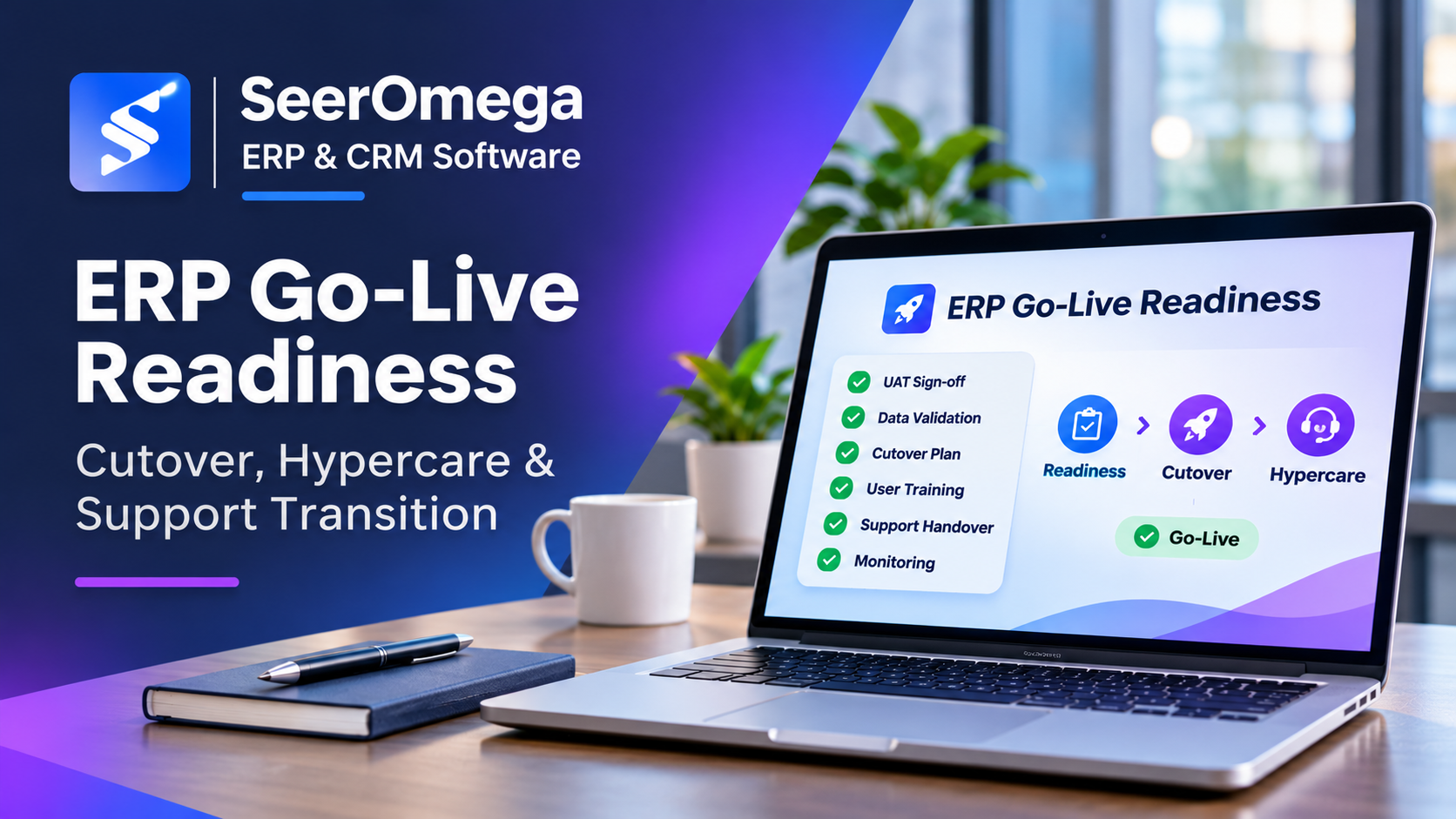
ERP go-live is not simply the date a new system becomes available. It is a controlled transition from project delivery to live business operations. A technically deployable system may still be unready if data is unreconciled, users are untrained, integrations have unresolved failures or support teams do not know how to respond.
A go-live decision should therefore be based on evidence and agreed risk thresholds. This guide covers readiness gates, cutover planning, hypercare and the transition to ongoing support.
1. Define readiness gates before the final week
Agree the go/no-go criteria early in the project and review them throughout delivery. The criteria should cover business process completion, testing, data, integrations, security, infrastructure, user adoption, operational support and external dependencies.
Assign an owner and evidence requirement to each gate. A status marked “green” should mean that the agreed evidence exists and has been reviewed—not that a task is expected to finish before launch. Critical unresolved issues should have an explicit risk owner, mitigation and decision authority.
2. Confirm solution scope and business acceptance
Review the exact scope being deployed. Confirm that the processes, entities, locations, integrations, reports, roles and customisations in the release match the approved solution. Identify deferred requirements and ensure business owners understand their impact.
Obtain formal acceptance from process owners for the scenarios they are responsible for. Acceptance should include normal transactions and important exceptions: rejected orders, partial receipts, returns, credit notes, failed approvals, period-end activities and other scenarios relevant to the business.
3. Complete testing with clear exit criteria
System integration testing should confirm that the ERP works with connected applications and that failures are handled as expected. User acceptance testing should validate business processes with representative users and realistic migrated data. Performance testing should use expected peak volumes and critical processing windows.
Before go-live, review:
- Test coverage against approved requirements and business-critical scenarios.
- Open defects by severity, business impact, workaround and owner.
- Evidence of regression testing after fixes and configuration changes.
- Integration failure handling, retry behaviour and reconciliation.
- Role and permission testing, including segregation of duties.
- Performance under expected and peak transaction loads.
- Business sign-off and documented acceptance of any residual risks.
Do not treat a high test pass percentage as sufficient if a small number of failed scenarios affect order processing, financial posting, payroll or regulatory obligations.
4. Validate migrated data and balances
Data readiness requires more than confirming that a load completed. Run migration rehearsals, investigate errors, validate mappings and reconcile the results with source records. Confirm that master data, open transactions, balances, inventory, suppliers, customers and other in-scope entities are complete and usable.
Agree reconciliation rules with business owners. Examples include record counts, control totals, open-item balances, inventory quantities and financial trial-balance comparisons. Document accepted differences, their business impact and how they will be resolved. Confirm that final extracts, transformation scripts, load sequence and validation reports are version-controlled and approved.
5. Prepare the cutover plan
The cutover plan is a sequenced runbook for moving from the old operating model to the new one. It should include every critical task, owner, planned start and finish, dependency, communication, verification step and contingency. Include business activities as well as technical deployment.
| Cutover area | Tasks to define |
|---|---|
| Governance | Go/no-go meeting, decision authority, escalation and communication cadence |
| Legacy systems | Transaction freeze, final extracts, access restrictions and read-only arrangements |
| Data | Final load sequence, validation, reconciliation and sign-off |
| Technology | Production deployment, configuration, identity, integrations and monitoring |
| Business validation | Smoke tests, priority transactions, approvals and end-to-end verification |
| Contingency | Rollback triggers, decision owner, recovery steps and business communications |
| Operations | Support roster, escalation contacts, issue logging and handover |
Rehearse the cutover with realistic timing. Measure how long data loads, reconciliations, integrations and business checks take. If the sequence cannot fit the agreed outage window, change the plan before launch. Define the point after which rollback is no longer safe or practical and agree the alternative recovery approach.
6. Confirm user and operational readiness
Users need role-specific training, process instructions and a clear route to help. Identify super-users in each business area and ensure they can support colleagues during the first operating cycles. Communicate what changes on day one, what workarounds are permitted and where known limitations are documented.
Support teams need system knowledge, access, monitoring dashboards, runbooks, integration contacts, backup and recovery procedures, and a process for escalating issues to the implementation partner or software publisher. Confirm who owns the incident when it crosses application boundaries.
7. Run a controlled go/no-go review
Bring together the executive sponsor, project manager, business process owners, IT, security, data, operations and implementation partner. Review readiness evidence, unresolved defects, cutover rehearsal results, staffing, support coverage, external dependencies and business impact.
Record the decision, rationale, attendees, accepted risks, conditions and accountable owners. If a critical gate is not met, the decision may be to delay, reduce scope or proceed only with a formally approved mitigation. Avoid allowing schedule pressure to substitute for evidence.
8. Structure hypercare around business stability
Hypercare is an elevated support period immediately after launch. It should have a defined duration or exit criteria, dedicated triage, frequent issue reviews and clear escalation to functional, technical and vendor specialists.
Prioritise issues by business impact, not by who raises them first. A blocked financial posting or inability to fulfil orders may need immediate attention; a cosmetic report issue may be lower priority. Track incident volume, severity, age, recurring causes, failed integrations, data corrections and user support demand.
Daily reviews during the initial stabilisation period can cover:
- Critical incidents and business workarounds.
- Transaction volumes and process completion.
- Integration queues, rejected messages and reconciliation.
- Data corrections and master-data exceptions.
- Performance, availability and batch processing.
- Training gaps, user feedback and support ticket trends.
9. Define exit criteria and support handover
Hypercare should not end only because a calendar date has arrived. Define exit conditions in advance. These may include no unresolved critical incidents, stable transaction processing, acceptable support volumes, completed knowledge transfer, assigned ownership for remaining defects and a signed-off steady-state support model.
Handover should include system architecture, configuration records, integration maps, monitoring instructions, known issues, release and change procedures, backup and recovery, access lists, vendor contacts and operational runbooks. Confirm that the receiving team can perform its duties without depending on undocumented knowledge held by the project team.
10. ERP go-live readiness checklist
- Deployed scope and deferred items are approved by business owners.
- System integration, UAT, regression and performance testing meet exit criteria.
- Critical defects are resolved or formally risk-accepted.
- Migration rehearsals, data validation and reconciliations are signed off.
- Cutover runbook is sequenced, timed, owned and rehearsed.
- Rollback or recovery decisions and triggers are documented.
- Security roles, licences, monitoring and production access are verified.
- Users are trained and support channels are communicated.
- Hypercare staffing, severity definitions and escalation paths are ready.
- Support handover and hypercare exit criteria are agreed.
Common go-live mistakes
- Leaving cutover planning until the final weeks.
- Accepting test results without business-owner sign-off.
- Assuming migrated data is correct because the import completed.
- Launching with unclear support ownership across partner and customer teams.
- Using hypercare as an unstructured extension of the project.
- Ending elevated support without checking operational stability.
For further context, read our guide to ERP implementation challenges and risk controls.
Bottom line
A controlled ERP go-live depends on readiness evidence, realistic cutover rehearsal, reconciled data, trained users and an operational support model. Hypercare then provides focused stabilisation, but it must have clear ownership and exit criteria. Treat launch as a transition to business operations—not the finish line for the implementation project.
Microsoft’s Dynamics 365 go-live checklist covers scope review, testing, migration, cutover, change management and operational support readiness. Its go-live preparation guidance also emphasises support transition and escalation planning.
