
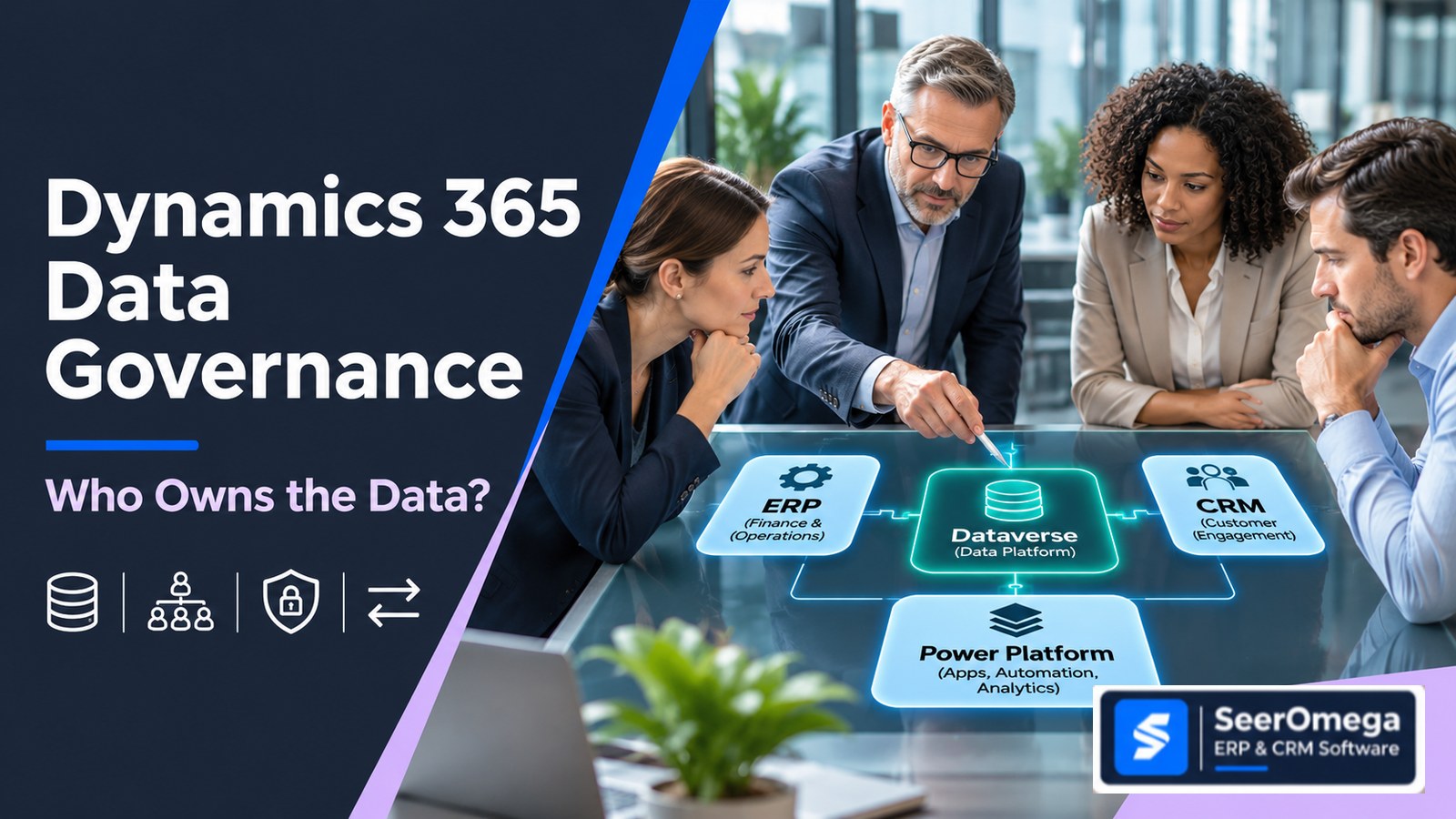
When a sales representative updates a customer address, a product manager changes an item description, or finance revises a payment term, which system is allowed to make that change authoritative? In a Dynamics 365 landscape, the answer is not always “the ERP” or “Dataverse.” It depends on the business entity, the process that uses it, and the controls around synchronization.
Many organizations connect Dynamics 365 Sales, Business Central or Finance, Dataverse, eCommerce, warehouse platforms and reporting tools. The integration may work technically while the business still has conflicting customer records, duplicated products, overwritten fields or unclear ownership when something goes wrong.
The fix is to define data ownership before choosing synchronization technology. This guide provides a practical way to assign a system of record for customers, products, prices and financial records across Dynamics 365 and connected applications.
What does data ownership mean in a Dynamics 365 environment?
Data ownership is the combination of business accountability and technical authority for a data entity or attribute. It answers four questions:
- Who is accountable? Which business role approves the definition, quality rules and permitted use?
- Where is the authoritative record? Which application is the source of truth for a particular field or process?
- Who may change it? Which roles and systems can create, update, approve or deactivate the record?
- How do other systems receive it? Is data copied, exposed virtually, published as an event or retrieved through an API?
These questions should be answered separately. A finance team may own customer credit policy while Sales owns relationship details. The ERP may hold the authoritative customer account number and payment terms, while CRM holds sales preferences and interaction history. Ownership does not require every related attribute to live in one application.
Why “one system of record for everything” is usually the wrong rule
A single enterprise application rarely owns every business fact equally well. Customer engagement applications are designed around accounts, contacts, opportunities and service interactions. ERP applications manage operational and financial records such as orders, invoices, inventory and ledger postings. Dataverse can provide a shared data platform for applications built on it, but it is not automatically the master for every entity in every Dynamics 365 implementation.
Microsoft’s reference architecture explicitly describes a scenario where Dataverse acts as the master data system for selected entities such as products, accounts, contacts and addresses, then publishes updates for other applications. It is a pattern for applicable architectures—not a universal instruction to make Dataverse the master of all enterprise data. Microsoft’s Dataverse master data reference architecture also identifies the Azure integration components used to distribute a canonical representation.
A more useful principle is: assign authority at the entity and attribute level, based on the business process that creates and governs the data.
A practical ownership model for four critical data domains
| Data domain | Typical authoritative system | Other systems may own | Control to define |
|---|---|---|---|
| Customer / account | CRM or ERP, depending on whether prospect qualification or financial customer creation is the controlling process | Sales owns relationship activity; ERP owns account posting, credit and payment controls | Account creation, duplicate matching, legal identity, credit approval and customer status |
| Product / item | ERP or a governed product master | Commerce owns channel presentation; CRM may consume sellable product information | SKU, unit of measure, lifecycle, variants, tax classification and publication status |
| Price / discount | The pricing engine or application responsible for the relevant commercial transaction | CRM may capture a proposed quote; commerce may calculate channel-specific offers | Price lists, currencies, discount authority, effective dates and final order validation |
| Financial records | Finance/ERP application responsible for posting and statutory books | CRM and analytics consume approved balances or status summaries | Posting permissions, period close, audit trail, reconciliation and correction process |
This is a starting model, not a prescribed Microsoft configuration. A business with centralized product lifecycle management may place product authority outside the ERP. A business with a CRM-led subscription model may calculate certain commercial prices outside the ERP. Record the actual process and legal entity requirements before assigning the owner.
1. Customer and account data: separate relationship ownership from financial authority
Customer data often becomes inconsistent because “customer” means different things to different teams. Sales may need a prospect or account before the organization is approved for trading. Finance may require legal identity, tax details, credit checks and payment terms before an order can be processed. Customer service may need delivery addresses, contacts and service preferences.
Do not force these stages into a single create-and-sync rule. Define the lifecycle:
- Prospect: CRM can own qualification, relationship details and sales activity.
- Approved customer: a controlled process validates legal identity, duplicate risk and required finance fields before creating or activating the ERP customer record.
- Operational customer: ERP becomes authoritative for account identifiers, posting groups, credit controls and finance-sensitive fields where it governs order-to-cash.
- Relationship updates: CRM remains authoritative for sales-owned contacts, preferences and engagement history, with only approved attributes shared elsewhere.
Decide whether the CRM account and ERP customer are one-to-one, one-to-many or linked through a governed cross-reference. A group customer may have multiple legal entities, bill-to accounts or ship-to addresses. Matching only on company name is not a reliable identity strategy.
2. Product data: distinguish the product definition from the selling channel
Product conflicts commonly begin when multiple teams can edit the same description, unit of measure, status or identifier. An ERP item may control inventory and purchasing, while a commerce platform needs channel descriptions, images, search attributes and merchandising categories. A CRM product catalogue may need only the attributes required for opportunity and quote work.
Define product attributes in groups:
- Core identity: item number, product family, variant, base unit and lifecycle status.
- Operational: inventory policy, replenishment, costing, dimensions and warehouse handling.
- Commercial: sellable status, price eligibility, discount rules and customer-specific agreements.
- Channel presentation: descriptions, images, web categories, localized copy and display order.
Choose an authoritative owner for each group. If ERP controls item identity but commerce controls web copy, the integration must not allow a later ERP synchronization to overwrite channel-specific presentation fields. Field-level ownership and mapping rules are essential.
3. Pricing data: avoid treating every displayed price as the final price
Price is not a single static attribute. It can depend on customer, currency, unit, quantity, date, contract, region, promotion, tax treatment and discount authority. A quote shown in CRM may be provisional; the order accepted by ERP may need to revalidate commercial conditions.
For each pricing scenario, document:
- Which system calculates the proposed price?
- Which system validates customer-specific agreements and discount limits?
- At what point does a price become contractually committed?
- How are effective dates, currencies, rounding and tax handled?
- What happens when a price changes between quote creation and order submission?
Do not synchronize a calculated total as though it were a reusable master price. Preserve the distinction between price rules, a quote snapshot and the final transaction value.
4. Financial records: keep posting authority explicit
General ledger entries, posted invoices, receipts, payment applications and financial dimensions require strict controls. Other applications may need a customer balance, invoice status or credit exposure for operational decisions, but that does not make them authoritative accounting systems.
Set a clear boundary: which application creates and posts the financial transaction, which systems can read the resulting status, and how corrections are made. Avoid building a shadow ledger in CRM, Dataverse or a reporting database. If a downstream system stores a copy for analytics or workflow, label it as replicated or derived data and define its refresh and reconciliation process.
Choose the right Dynamics 365 integration pattern after ownership is clear
Ownership rules should drive the integration design—not the other way around. Microsoft documents several complementary interaction patterns between Business Central and Dataverse:
- Data synchronization: replicates mapped data between Business Central and Dataverse, uni-directionally or bi-directionally depending on configuration.
- Data virtualization: exposes Business Central data through virtual tables in Dataverse without copying the data into Dataverse.
- Data change events: notifies connected systems about create, update or delete changes through webhooks.
- Business events: communicates that a business process event has occurred.
See Microsoft’s Business Central and Dataverse integration overview for the documented pattern distinctions. The available pattern and behavior depend on the products, versions and configuration involved.
For Finance and Operations apps integrated with Dataverse, Microsoft describes dual-write as tightly coupled, bidirectional integration with near-real-time data flow. That can support scenarios such as integrated customer and product masters, but it does not remove the need to define ownership, mappings, dependencies, error handling and operational responsibility.
Do not assume Business Central’s Dataverse synchronization and Finance and Operations dual-write are interchangeable. They are product-specific capabilities with different configuration and constraints. Select the pattern for the actual application pair and use case.
The SeerOmega five-layer data ownership framework
Use this framework in architecture workshops. It is an editorial decision tool, not a Microsoft product feature or a published industry standard.
- Entity: name the business object precisely—account, contact, item, price list, invoice or payment.
- Attribute: split the entity into fields or attribute groups where different teams legitimately own different facts.
- Authority: name the system that can create or approve the authoritative value, plus the accountable business role.
- Movement: define which systems receive the data, the integration pattern, direction, frequency and transformation.
- Control: define validation, access, conflict resolution, monitoring, reconciliation and change approval.
For each entity, maintain a record such as:
| Ownership field | Example: customer payment terms |
|---|---|
| Business owner | Finance / credit management |
| Authoritative application | ERP finance application |
| Permitted editor | Authorized finance role |
| Consumers | CRM, order management and reporting |
| Movement rule | Publish approved value to consumers; do not accept downstream edits |
| Control | Approval, audit history, failed-sync alert and periodic reconciliation |
Common ownership failures—and the controls that prevent them
| Failure mode | Why it happens | Preventive control |
|---|---|---|
| Two-way overwrite loop | Both systems can update the same field without precedence rules | Assign field authority, define conflict behavior and test simultaneous updates |
| Duplicate customers | Systems use different identifiers or weak matching rules | Define enterprise keys, matching thresholds, merge authority and exception queues |
| Stale downstream data | Failures are not monitored or consumers assume synchronization is immediate | Set freshness expectations, monitor failures and expose last-success timestamps |
| Unauthorized master changes | Integration accounts have excessive permissions or business roles are unclear | Use least privilege, role separation, audit controls and periodic access reviews |
| Unreconciled financial copies | Replicated balances are treated as accounting truth | Keep posting authority in the finance system and reconcile consumer views to source records |
For Finance and Operations dual-write, Microsoft documents specific setup requirements and limitations. For example, its current system requirements describe constraints involving legal entities, tenant and datacenter alignment, and distributed transactions. Review the official dual-write system requirements before designing around it; do not assume every topology or transaction boundary is supported.
A workshop checklist for Dynamics 365 buyers and implementation teams
Before building or changing integrations, ask the project team to answer these questions for every critical entity:
- What business process creates this record, and at what lifecycle stage?
- Which application is authoritative for each important attribute—not just the whole record?
- Who approves changes, merges, deactivations and corrections?
- What identifier links the same entity across applications?
- Is data copied, virtually accessed or communicated through events/APIs?
- What is the expected latency, and what happens when synchronization fails?
- How are conflicts, duplicate records and out-of-order updates handled?
- Which application is allowed to post or commit a financial transaction?
- How will the team reconcile records and prove that the control works?
- Who owns monitoring and support after the implementation partner exits?
What buyers should require from a Dynamics 365 implementation partner
Ask prospective partners to demonstrate a real entity-level ownership design, not just an integration diagram. A credible proposal should include an entity and attribute catalogue, source-of-truth decisions, mapping specifications, security roles, error-handling procedures, reconciliation rules, test scenarios and operational ownership.
During a solution workshop, test at least three failure scenarios: two users update the same field in different systems; a synchronization fails after a source record is committed; and a downstream application attempts to change a field it should only consume. The partner should explain what the platform does, what custom logic is required and which team resolves the exception.
Also confirm the scope of the Dynamics 365 products involved. Business Central, Dynamics 365 Sales and Finance and Operations have different data models and integration capabilities. Review implementation cost and ongoing support alongside integration design; SeerOmega’s guides to Dynamics 365 implementation cost and ERP and CRM integration architecture provide related buyer context.
Conclusion: define authority before you synchronize
Data ownership across Dynamics 365 is not solved by declaring one application the master of everything or by enabling bidirectional synchronization. It requires business accountability, attribute-level authority, deliberate integration patterns and controls that make failures visible and recoverable.
Start with customers, products, prices and financial records. Map the lifecycle and ownership of each attribute, then select the integration method supported by the exact Dynamics 365 applications in scope. This sequence reduces avoidable conflicts and gives IT, finance, sales and operations a shared basis for managing enterprise data.
Planning a Dynamics 365 architecture? Use SeerOmega to explore ERP and CRM software and implementation partner options, then evaluate each provider against your data governance, integration and operational requirements.
